 AIGCLIST
AI Halloween Generator
Upload one photo and AI puts you into a cinematic Halloween scene: moonlit graveyard, glowing pumpkins or a fog-bound porch. You stay recognizable; the spooky part is the set.
Updated Oct 18, 2026
Sign in to upload your photos
Free and takes seconds. Your photos are only used to make your image.
1Add one clear photo
A sharp, well-lit photo with your face clearly visible works best. One person only.
2Pick the Halloween look
3Pick quality
4Add a detail (optional)
OptionalOne short detail works best: a prop or an outfit.
By generating, you confirm you have the right to use this photo.
- Failed renders are freeIf a render fails or is blocked, the credits go straight back.
- No subscriptionBuy credits once. They never expire.
- Still looks like youThe model works from your photo, so the result keeps your face, hair and skin tone.
- Secure checkoutPayments by Stripe. We never see your card.
Examples
Example scenes
Sample looks for each scene. Your own result will be built around your photo.
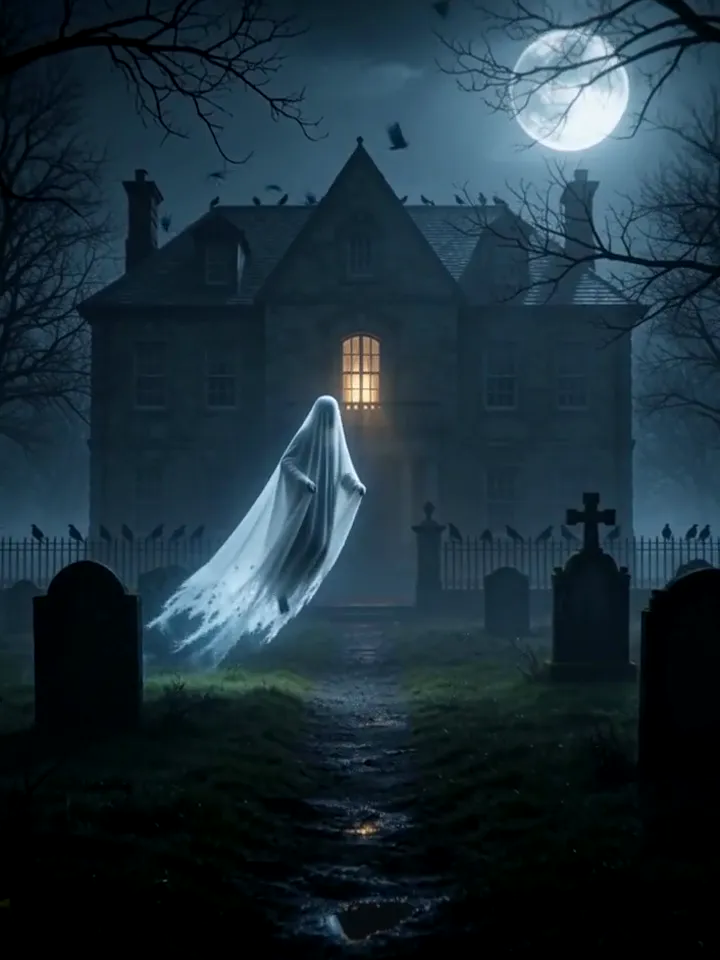
Graveyard ghost
Graveyard ghost
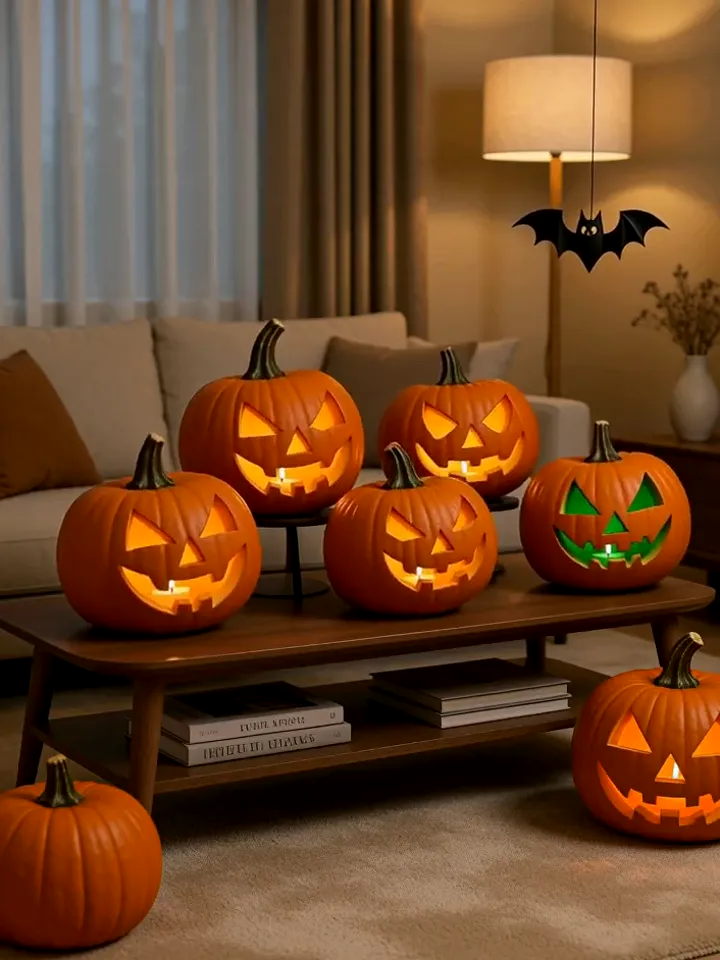
Pumpkin party
Pumpkin party
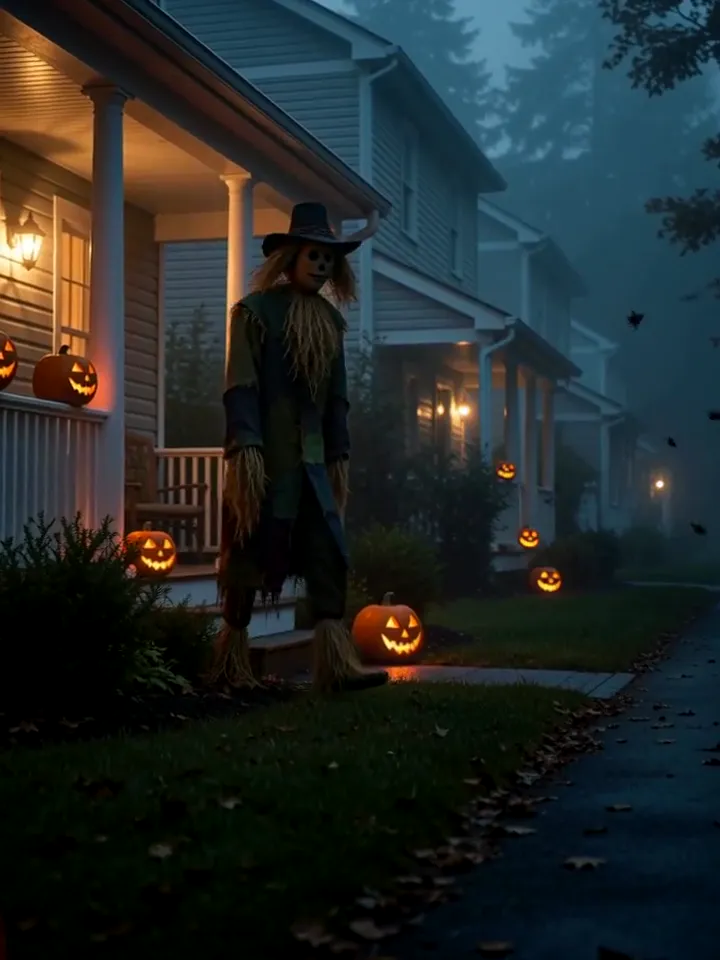
Scarecrow porch
Scarecrow porch
The trend
What is the AI Halloween trend?
Every October people post themselves inside a Halloween scene they never visited: a moonlit graveyard, a living room full of carved pumpkins, a porch with a scarecrow. A year ago that took a costume, a set and a photographer.
This generator needs one photo. The image model keeps your face, hair and skin tone, then builds the scene around you. Pick a look, add one detail if you like, and download a vertical image ready for Reels, TikTok and Stories.
Halloween content has a short season and a long tail. Every October people look for a costume idea, a profile picture or a post that does not look like everyone else’s, and most of them do not own a costume or a photographer. A generated scene solves both: you supply a face, the model supplies the set.
The three scenes here are built around different moods. The graveyard is cold and cinematic, the pumpkin party is warm and playful, and the scarecrow porch sits in between with a quiet, slightly uneasy feel. Choosing the mood first, before the details, gives a more coherent picture than piling props onto one prompt.
Because the result is a still image, it works anywhere a picture works: a story, a group chat, an invitation, a printed card or the cover of a video. If you want motion, the video trends on this site take a similar photo and animate it.
Three steps
How it works
- 01
Upload a photo
One clear photo of you, face visible, good light.
- 02
Pick the look
Graveyard ghost, pumpkin party or scarecrow porch. Add a prop or outfit if you want.
- 03
Download
Your image appears below in about a minute. Save it and post.
Styles
Three Halloween looks
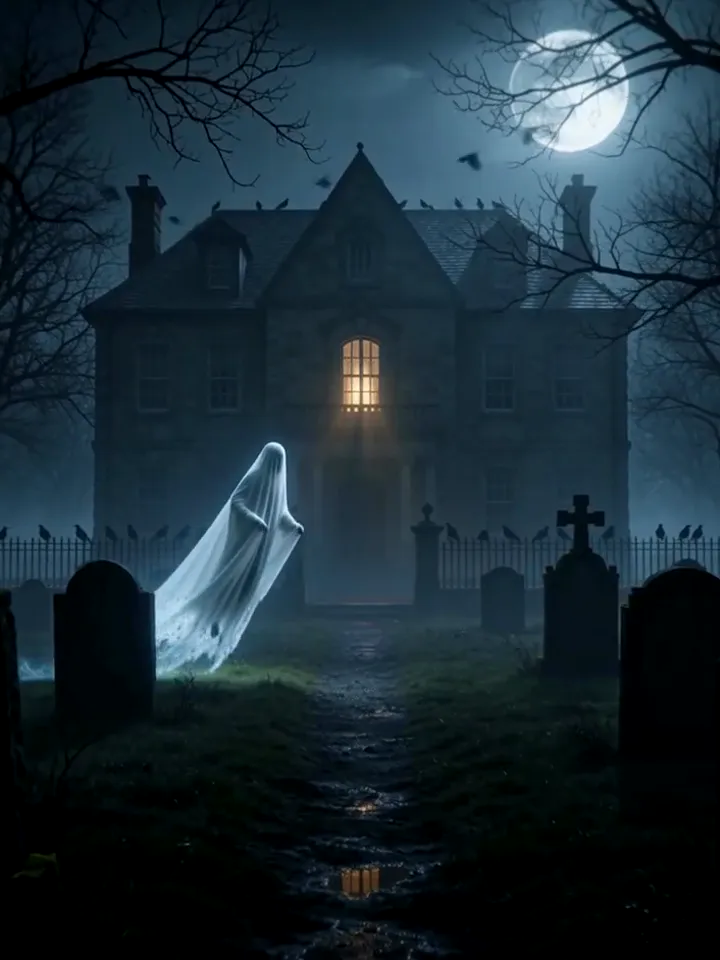
Graveyard ghost
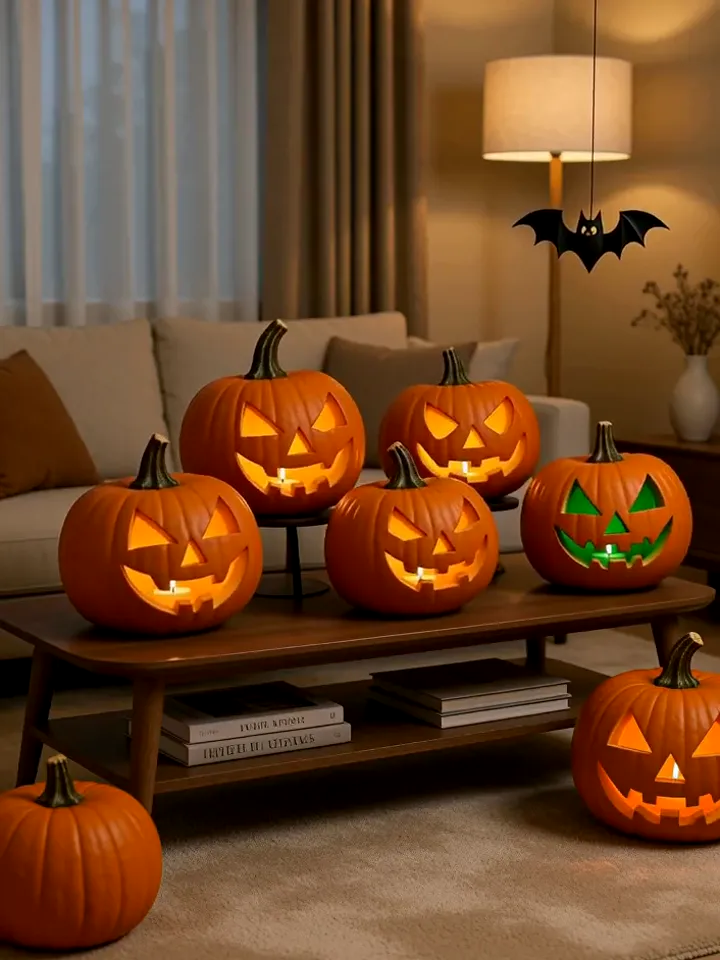
Pumpkin party
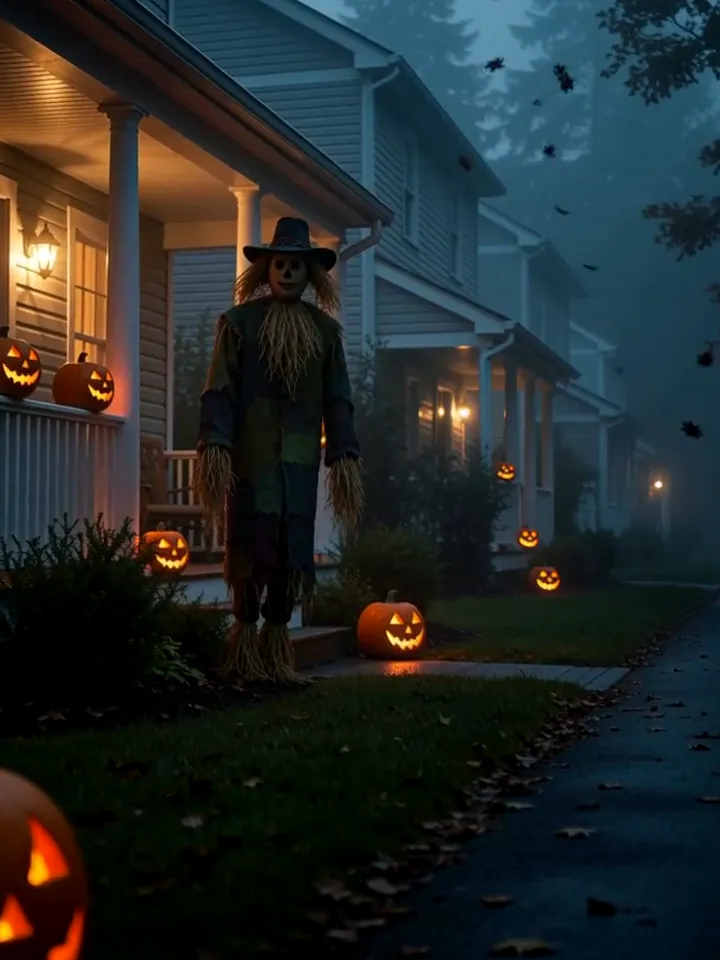
Scarecrow porch
Ideas
Ways to use it
Profile picture
A spooky but friendly profile photo for the whole of October.
Group-chat joke
Drop the ghost shot in the chat and let everyone guess who it is.
Invitation image
Use the pumpkin-party look as the cover for your Halloween party invite.
Costume preview
Add a cloak or hat in the detail field to preview a costume before buying it.
Party invitation
Use the pumpkin-party image as the header of a digital invite for your own gathering.
Family card
Make one image per family member and line them up as a seasonal greeting card.
Team channel avatar
Swap your work-chat avatar for a spooky version for the last week of October.
Instagram grid
Run all three scenes on one photo to get a three-post set with a shared theme.
Photo tips
Photos that work best
- Use a photo where your face is sharp and fills a good part of the frame.
- Even, natural light beats harsh flash or strong shadows.
- One person per photo. Group shots confuse the model.
- Half-body photos carry your outfit into the scene better than tight face crops.
- Face the camera or turn only slightly; strong side profiles lose likeness.
- Remove sunglasses and hats if you want the model to keep your eyes and hairline.
- Plain backgrounds help; the model replaces them anyway, but clutter can leak into the edges.
- If the first result is too dark, regenerate with a brighter source photo rather than a longer note.
Pricing
Buy credits once
No subscription. Pack credits never expire, and a failed render never costs you anything.
Starter Pack
$9.90
- 700 credits
- ≈ 17 images
- ≈ $0.58 per image
Popular Pack
$29
- 2,500 credits
- ≈ 62 images
- ≈ $0.47 per image
Crew Pack
$99
- 10,000 credits
- ≈ 250 images
- ≈ $0.40 per image
Secure checkout by Stripe · One-time payment · Credits never expire
| Quality | Credits per image |
|---|---|
| Standard · 2K | 40 |
| Ultra · 4K | 60 |
Alternatives
Not happy with the result? Try these
Other ways to make it, and tools to finish it. Same-effect tools are tested by AIGCLIST first; sponsored picks are labelled.

AI Picture Editor
Freemium
A web-based AI photo editor that processes images from text prompts — no signup, no download required. Supports background removal, photo restoration, product image creation, and headshot polishing with privacy-focused in-memory processing.

A browser-based AI upscaling tool offering 10× magnification and 12K output for photos, PDFs, and screenshots — with a free tier and credit-based premium access.

HitPaw Watermark Remover
Freemium
HitPaw watermark remover for photos and videos, online and on desktop
Is this scary or graphic?
No. The looks are moody and playful: fog, candles, pumpkins and a friendly ghost. There is no blood or violence.
Can I use more than one photo?
One photo per image. For two people, make one image each, or try the zombie couple video.
How much does one Halloween image cost?
Standard 2K images cost 40 credits and Ultra 4K images 60 credits. Credit packs are one-time payments, and a failed image refunds its credits automatically.
Will it still look like me?
The model works from your photo and is told to keep your face, hair and skin tone. A clear, well-lit photo gives the closest likeness.
What happens to my photo?
It is used only to make your image. Your results are listed only in your own account.
Why did my image fail?
Usually the photo was too dark, blurry or had several people. Your credits are refunded automatically; try again with a clearer single-person photo.
Can I use the images commercially?
The images are yours to use in your own posts and projects. Do not upload photos of people who have not agreed to it, and do not present a generated image as a real photograph where that would mislead.
Can I add a costume?
Yes. Use the detail field for one costume or prop, such as a witch hat or a cape. One clear detail works better than a list.
Does it work for pets or kids?
It works best with adults. Pets may come out as a stylised version of the animal. For photos of children, make sure you are the parent or guardian.
What size is the image?
Standard is 2K and Ultra is 4K, both in a 3:4 portrait ratio that suits stories and phone screens.
Can I get a different scene?
Pick another of the three scenes and regenerate. Each run is a separate image charged separately.
Why is the face slightly different?
Image models reinterpret the face to fit the lighting. A sharper, front-facing photo reduces the drift.
Is there a free try?
New accounts do not get free generations on this page; credits are bought as a one-time pack, and failed runs are refunded.
How long are results kept?
Results stay in your account history, so you can download them again later.