 AIGCLIST
AI Flying Broom Generator
Upload one photo and AI has you floating on a straw broom a metre off the ground, in your everyday clothes, as if nothing unusual were happening.
Updated Oct 18, 2026
Sign in to upload your photos
Free and takes seconds. Your photos are only used to make your image.
1Add one clear photo
A sharp, well-lit photo with your face clearly visible works best. One person only.
2Pick the scene
3Pick quality
4Add a detail (optional)
OptionalOne short detail works best.
By generating, you confirm you have the right to use this photo.
- Failed renders are freeIf a render fails or is blocked, the credits go straight back.
- No subscriptionBuy credits once. They never expire.
- Still looks like youThe model works from your photo, so the result keeps your face, hair and skin tone.
- Secure checkoutPayments by Stripe. We never see your card.
Examples
Example scenes
Sample looks for each scene. Your own result will be built around your photo.
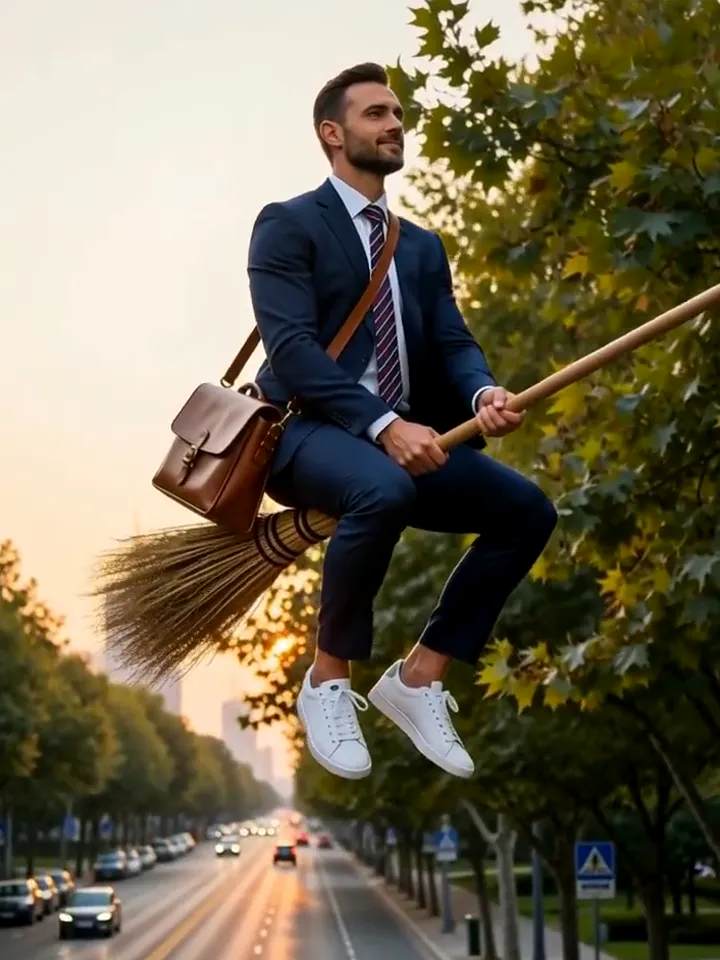
Morning commute
Morning commute
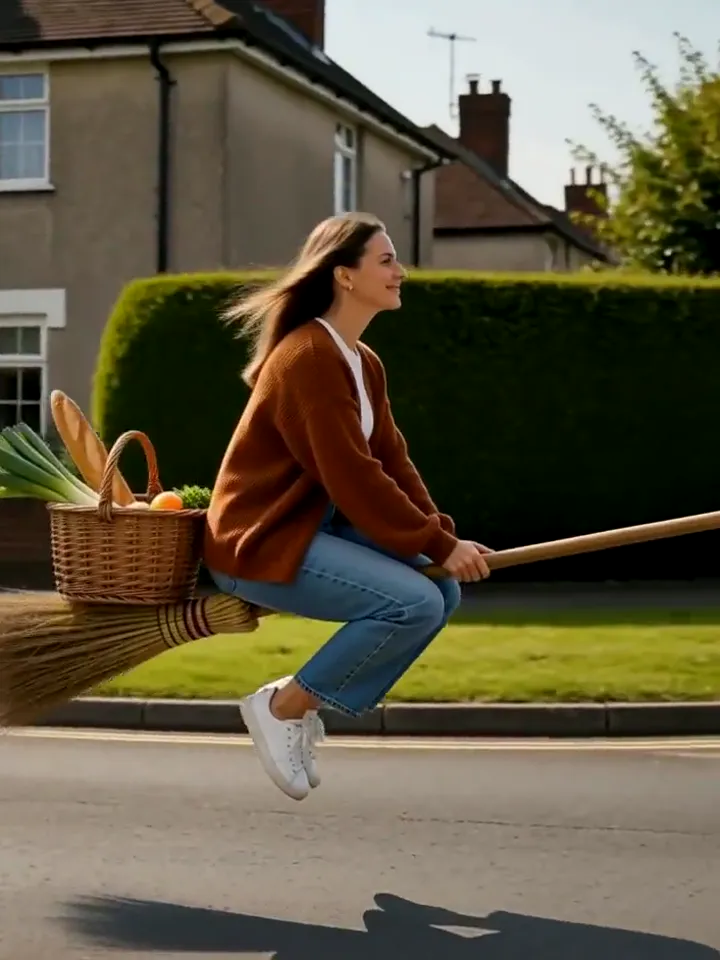
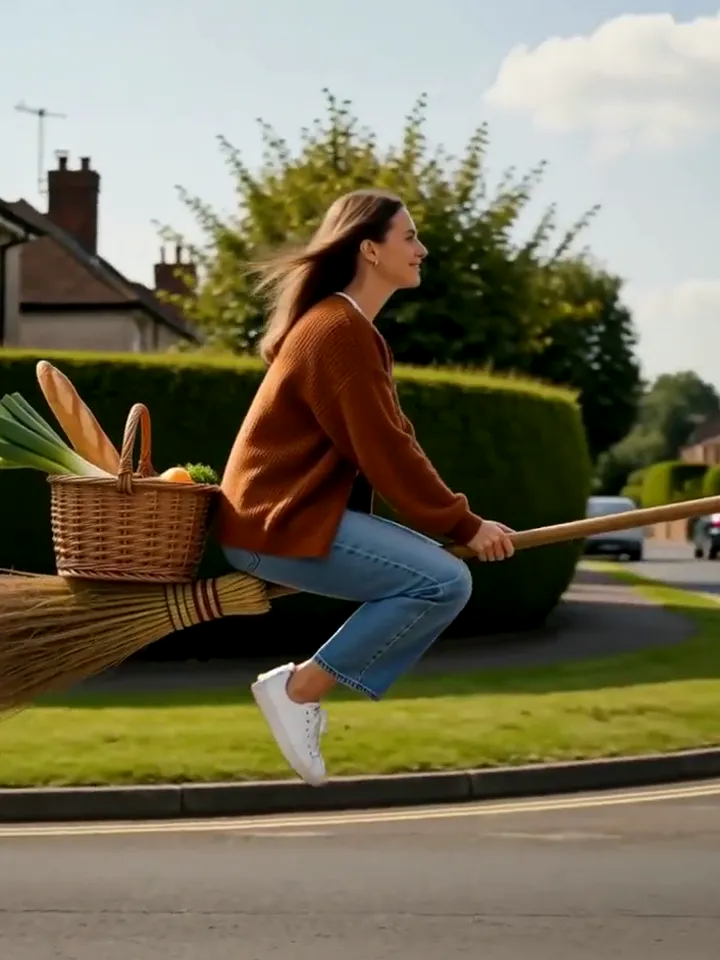
Errand run
Errand run
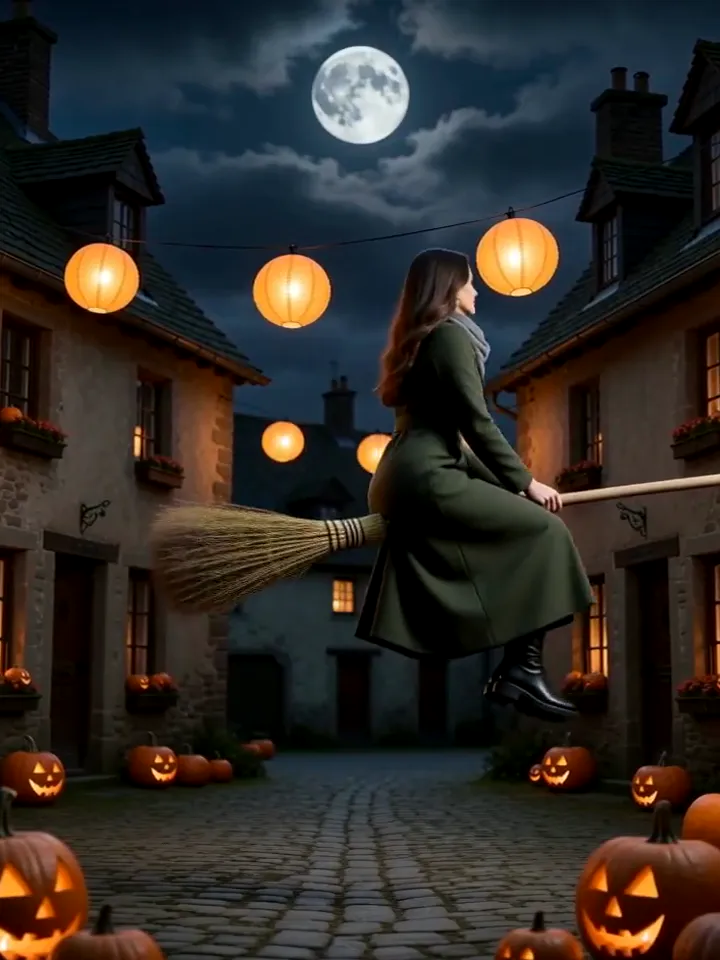
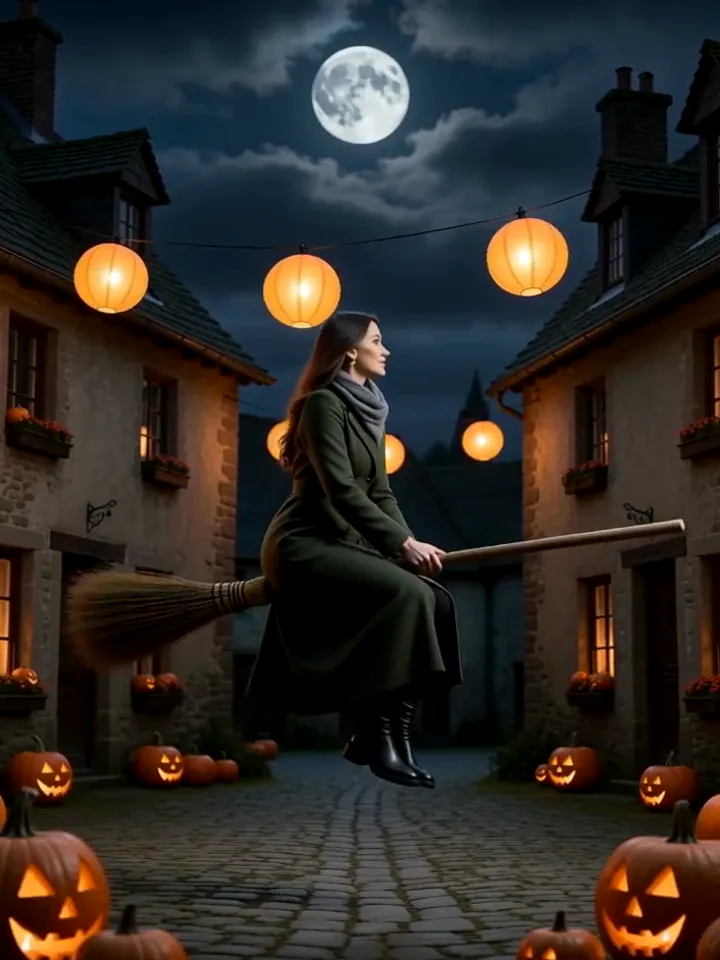
Lantern night
Lantern night
The trend
What is the AI flying broom trend?
The flying broom meme is the deadpan kind: someone floats on a straw broom through a perfectly normal day, in office clothes, with groceries, past real traffic, and nobody reacts. The ordinary setting is what makes it funny.
This generator turns one photo of you into that picture. Pick a scene, add one detail, and the model keeps your face and outfit while it lifts you off the ground. Use the image as a post, a profile photo or the thumbnail for your own video.
The broom is an old image, but the commute version is new. A witch on a broom is fantasy; an accountant on a broom, holding a coffee and waiting at a red light, is a joke that anyone can read in half a second. That speed is why it spreads.
A good result keeps two things separate. The person and their clothes should look like your photo, and the broom should look like a plain household broom, not a prop with sparkles. Everything else, the street, the light, the other people, supports the straight-faced tone.
The scenes are deliberately ordinary. Morning commute and errand run lean on daily life, while lantern night borrows a seasonal look. If you only need one picture, start with the commute; it reads best at thumbnail size.
Three steps
How it works
- 01
Upload a photo
A clear photo of you, ideally half-body so your outfit shows.
- 02
Pick the scene
Morning commute, errand run or lantern night. Add one detail if you like.
- 03
Download
Your image appears below in about a minute.
Styles
Three broom scenes
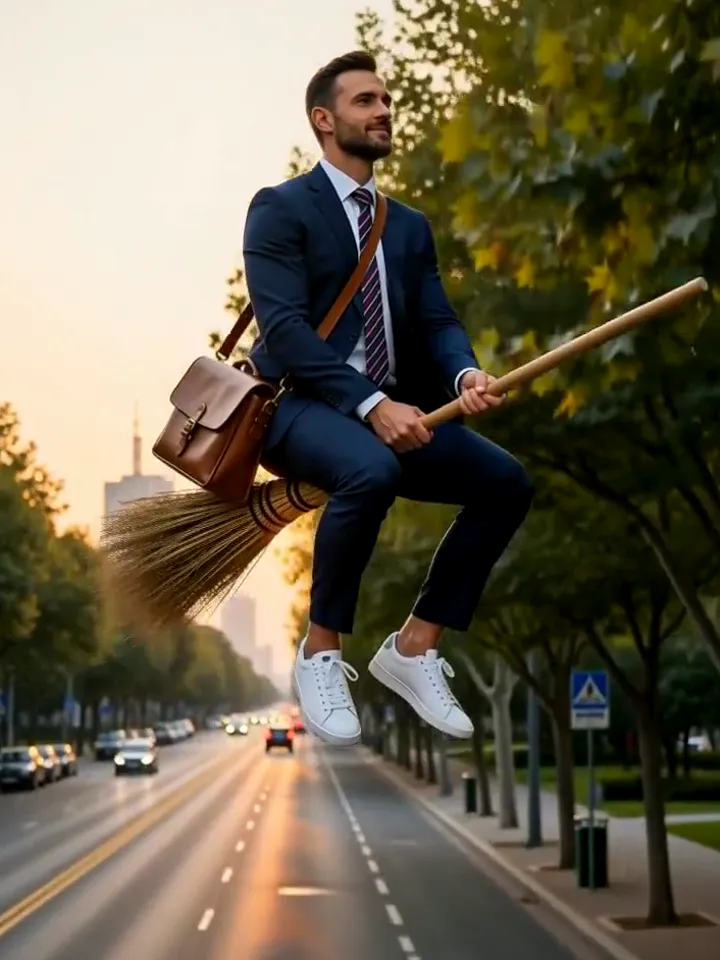
Morning commute
Errand run
Lantern night
Ideas
Ways to use it
Commute meme
Caption it "Day 1 of skipping the bus" and post it.
Weekend errands
Add your usual shopping to the detail field for an extra-normal look.
Halloween profile
The lantern-night scene doubles as a seasonal profile picture.
Video thumbnail
Use the image as the cover for a broom-themed video you film yourself.
Out-of-office post
Use the morning scene as the picture for a "see you next week" announcement.
Moving-day joke
Add a box to the detail field and announce the new address with a broom ride.
Birthday banner
A floating-on-a-broom portrait makes an easy header for a birthday thread.
Classroom slide
Teachers can use it to open a slide with a friendly, silly image.
Photo tips
Photos that work best
- Use a photo where your face is sharp and fills a good part of the frame.
- Even, natural light beats harsh flash or strong shadows.
- One person per photo. Group shots confuse the model.
- Half-body photos carry your outfit into the scene better than tight face crops.
- Wear something with a clear shape; plain jackets and shirts carry into the scene cleanly.
- Avoid photos where your legs are cropped if you want a full-body pose on the broom.
- Keep the detail short, such as "with an umbrella". Long notes dilute the scene.
- Regenerate once if the broom looks odd; small anatomy slips vary from run to run.
Pricing
Buy credits once
No subscription. Pack credits never expire, and a failed render never costs you anything.
Starter Pack
$9.90
- 700 credits
- ≈ 17 images
- ≈ $0.58 per image
Popular Pack
$29
- 2,500 credits
- ≈ 62 images
- ≈ $0.47 per image
Crew Pack
$99
- 10,000 credits
- ≈ 250 images
- ≈ $0.40 per image
Secure checkout by Stripe · One-time payment · Credits never expire
| Quality | Credits per image |
|---|---|
| Standard · 2K | 40 |
| Ultra · 4K | 60 |
Alternatives
Not happy with the result? Try these
Other ways to make it, and tools to finish it. Same-effect tools are tested by AIGCLIST first; sponsored picks are labelled.

AI Picture Editor
Freemium
A web-based AI photo editor that processes images from text prompts — no signup, no download required. Supports background removal, photo restoration, product image creation, and headshot polishing with privacy-focused in-memory processing.

A browser-based AI upscaling tool offering 10× magnification and 12K output for photos, PDFs, and screenshots — with a free tier and credit-based premium access.

HitPaw Watermark Remover
Freemium
HitPaw watermark remover for photos and videos, online and on desktop
Does it make a video?
This page makes a still image. Video versions of some trends are on the trend pages marked "Runs here".
Do I need a broom in my photo?
No. The model adds the broom. Just upload a clear photo of yourself.
How much does one flying broom image cost?
Standard 2K images cost 40 credits and Ultra 4K images 60 credits. Credit packs are one-time payments, and a failed image refunds its credits automatically.
Will it still look like me?
The model works from your photo and is told to keep your face, hair and skin tone. A clear, well-lit photo gives the closest likeness.
What happens to my photo?
It is used only to make your image. Your results are listed only in your own account.
Why did my image fail?
Usually the photo was too dark, blurry or had several people. Your credits are refunded automatically; try again with a clearer single-person photo.
Is this the same as the viral flying broom videos?
It is the same joke in a still image. This page does not make video, but you can use the picture as a cover or a frame in your own edit.
Can I put two people on the broom?
The tool is built for one person per photo. Two riders tend to merge faces, so generate separately and combine in an editor if you need both.
Can I change the clothes?
The model keeps your outfit by default. If you want something different, mention it in the detail field, for example "in a raincoat".
Does the broom always look the same?
It is a straw broom in each scene, but the length and angle vary between runs.
Can I use it as a profile picture?
Yes. The 3:4 ratio crops well to a square if you keep your face near the top third.
What if the result looks like someone else?
Use a sharper, front-facing photo with even light and try again. Your failed runs do not cost credits.
Is there a limit on how many I can make?
No fixed limit; each image uses the credits shown on the button.
Can I download without a watermark?
Results are delivered without a watermark in the quality you chose.