 AIGCLIST
Decision summary
Overview
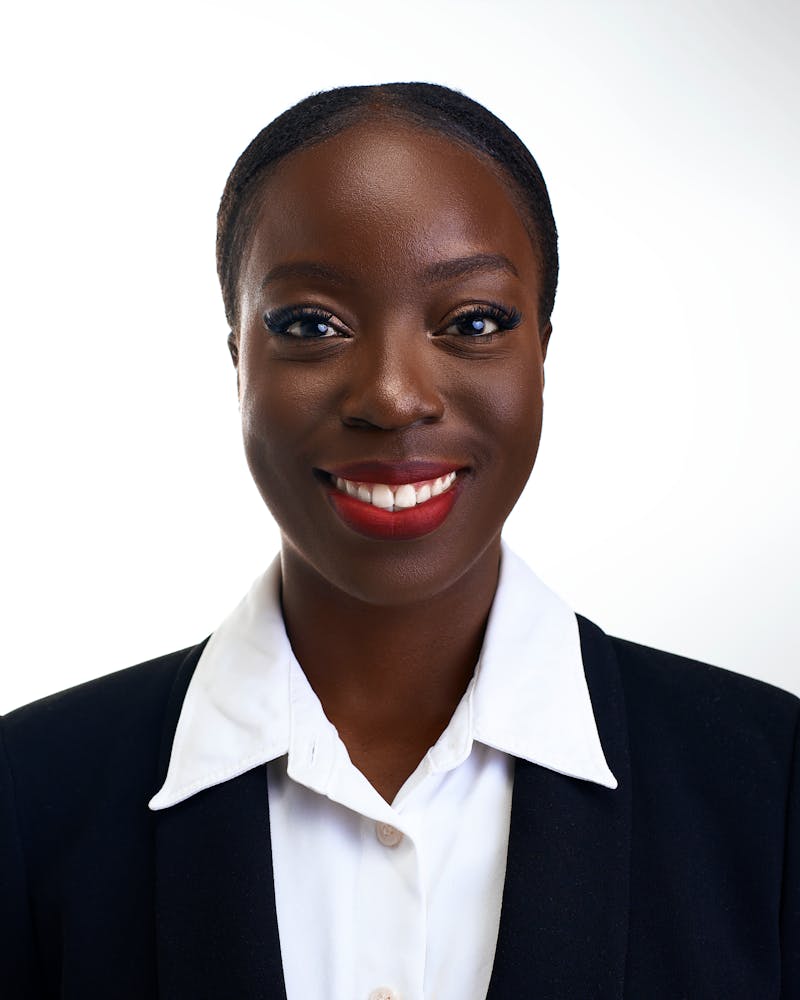
I uploaded the same three selfies to 14 free AI headshot generators on a Tuesday afternoon. By 5 p.m., I had 47 portraits of myself. Some showed me in business attire I've never owned. One put me in what looked like a 1980s power suit. Exactly six were good enough for LinkedIn.
Six out of 47. That ratio captures the state of free AI headshot generation in mid-2026. The technology has improved dramatically since 2024, when early free AI headshot generators produced plastic-skinned avatars that triggered immediate uncanny-valley rejection. But "free" still carries a specific set of tradeoffs that most landing pages don't disclose upfront.
Independent testing across multiple reviews confirms a wide gap between the best free AI headshot generators and the rest. Nitin Sharma tested 35+ tools and published his findings on Medium in April 2026. SoftPicker ran side-by-side comparisons of seven tools in July 2026. NovaHeadshot reviewed 13 free options in February 2026. All three reached the same conclusion: some free tools produce genuinely usable headshots, but most don't.
How Free AI Headshot Generators Work
Most free AI headshot generators share a common pipeline. You upload 1 to 15 selfies showing your face in good lighting with varied angles. The system detects your facial features, then a fine-tuned diffusion model, typically based on Stable Diffusion or a proprietary variant, generates new images with your face mapped onto different outfits, backgrounds, and lighting setups.
The key technical constraint for free tiers is compute. Each high-quality headshot generation run consumes GPU time that costs the provider money. This single factor explains nearly every limitation you will encounter with a free AI headshot generator. Resolution caps exist because lower resolution means faster generation and lower cost. Daily limits ration GPU access across users. Watermarks serve as the provider's brand insurance that free users might eventually convert to paid. Style restrictions exist because curated templates are cheaper to maintain than open-ended generation.
On-device processing is an emerging alternative. AiProPortrait's free tool, for instance, runs background removal and replacement entirely in the browser. No server-side GPU cost. No login required. But this approach only works for editing existing photos, not generating new headshots from scratch.
What $0 Actually Gets You
Cross-referencing test results from SoftPicker, NovaHeadshot, and direct testing by HeadshotPhoto.io, a clear pattern emerges for what free tiers deliver:
Resolution. Most free AI headshot generators cap output between 400 by 400 and 1024 by 1024 pixels. PFPMaker delivers 400 by 400, which is fine for a Slack avatar but inadequate for a company team page. Fotor and Vidnoz both offer 1024 by 1024 on their free tiers, and that works for LinkedIn. Paid plans unlock 2K to 4K output. HeadshotPro's paid tier reaches 4K, as claimed on its site as of July 2026.
Volume. The typical free allowance is one to two headshots. Artguru gives two free generations per day. Fotor and Vidnoz offer one. PFPMaker is a rare exception: fully free with no stated cap. Most tools labeled "free" are, in practice, trial funnels for paid plans.
Watermarks. HotPot.ai's free tier watermarks every output. This is common in the mid-range. The tool works. The quality is decent. But you cannot use the result professionally without paying.
Style diversity. Free tiers typically offer 3 to 8 preset styles. Paid tiers unlock 40 to 100 or more. The difference matters because a single "corporate" style might work for one industry but look out of place in another.
Privacy. This is where the divide between free and paid sharpens. Free AI headshot generators that process images server-side may retain your photos for model training or internal use. Check the terms before uploading. On-device processing eliminates this risk entirely.
Pricing for full AI headshot galleries clusters in a narrow band. AiProPortrait lists its paid plan at $19 for 40-plus headshots. HeadshotPro starts at $29 for 30. Aragon AI begins at $35 for 40. All figures are as claimed on vendor sites, checked July 2026. The $19 to $35 range is the market baseline for a complete gallery.
The Free AI Headshot Generators Worth Trying
Based on independent test results from SoftPicker and NovaHeadshot, three free options stand out for different use cases:
For a quick LinkedIn photo: Fotor's single free headshot produces clean, professional results at 1024 by 1024 pixels. That resolution is adequate for most profile displays. The limitation is that one is all you get.
For casual use with no limits: PFPMaker offers fully free generation with no caps, though output is limited to 400 by 400. This is acceptable for internal team directories, Slack, or Discord avatars.
For testing the concept: Artguru's two-free-per-day model lets you experiment with different styles before committing to a paid plan.
Paid tools like HeadshotPhoto.io illustrate what you trade away with free AI headshot generators. The site claims over 1.4 million AI headshots generated and more than 100 styles. Smart Shot AI Headshot Generator and Supawork AI's free headshot tool offer no-sign-up access but impose their own sets of constraints on resolution and style count.
When a Free AI Headshot Generator Is Enough
A free AI headshot generator is sufficient when your use case is low-stakes and low-resolution. Think Slack profile photo, internal company directory, Discord avatar, or a quick placeholder while you wait for a professional shoot. LinkedIn profile photos sit at the boundary. The platform's minimum display is 400 by 400, but recruiters and clients view profiles on high-DPI screens where low resolution is immediately noticeable.
When You Should Pay Instead
Pay when the photo will appear on a public-facing company page. Pay when you are actively job hunting and your LinkedIn profile is a primary channel. Pay when you need multiple styles for different contexts, such as conference speaker, team page, and byline photo. Pay when you are in an industry where visual presentation directly affects credibility: consulting, law, real estate, and executive roles.
According to SoftPicker's estimate, the $19 to $35 range for a full AI headshot gallery is roughly 10 to 15 percent of a single session with a professional photographer, which runs $200 to $500. The price gap is narrower than most people assume.
How to Get the Best Results From Any Free AI Headshot Generator
The quality of output depends almost as much on input quality as on the tool itself. Across every test reviewed, the same guidance appears:
- Use 8 to 15 varied selfies, not just one. Different angles, lighting conditions, and expressions help the model understand your face.
- Avoid group photos. The model needs to isolate your face. Cropping someone else out produces artifacts.
- Skip heavy makeup and accessories in source photos. The model can add them but struggles to remove them.
- Use natural, diffused lighting. Harsh shadows confuse facial feature detection.
- Keep expressions neutral to slightly smiling. Exaggerated expressions produce distorted outputs.
These practices apply whether you use a free AI headshot generator or a paid one. The tool matters, but the input matters just as much.
Reviews (0)
No reviews yet. Be the first to rate this product!
Decision desk
The questions most worth resolving before you rely on the product or visit its official site.
Continue exploring
More in AI Photo & Image Generator
Published tools that share this product's primary category. They are discovery links, not editorial comparisons.


Flux Image is an AI-powered image generation platform from bfl.ai that provides multiple access modes: a hosted API for programmatic integration, downloadable models for self-hosting and customization, and an interactive playground for rapid prototyping. The platform emphasizes character and style consistency across large asset batches and introduces precision controls in its FLUX.2 release. Pricing follows a credit-based model with up-front purchase, and the API enforces rate limits to maintain service quality. The API license is limited and revocable, and disputes are subject to binding arbitration.