 AIGCLIST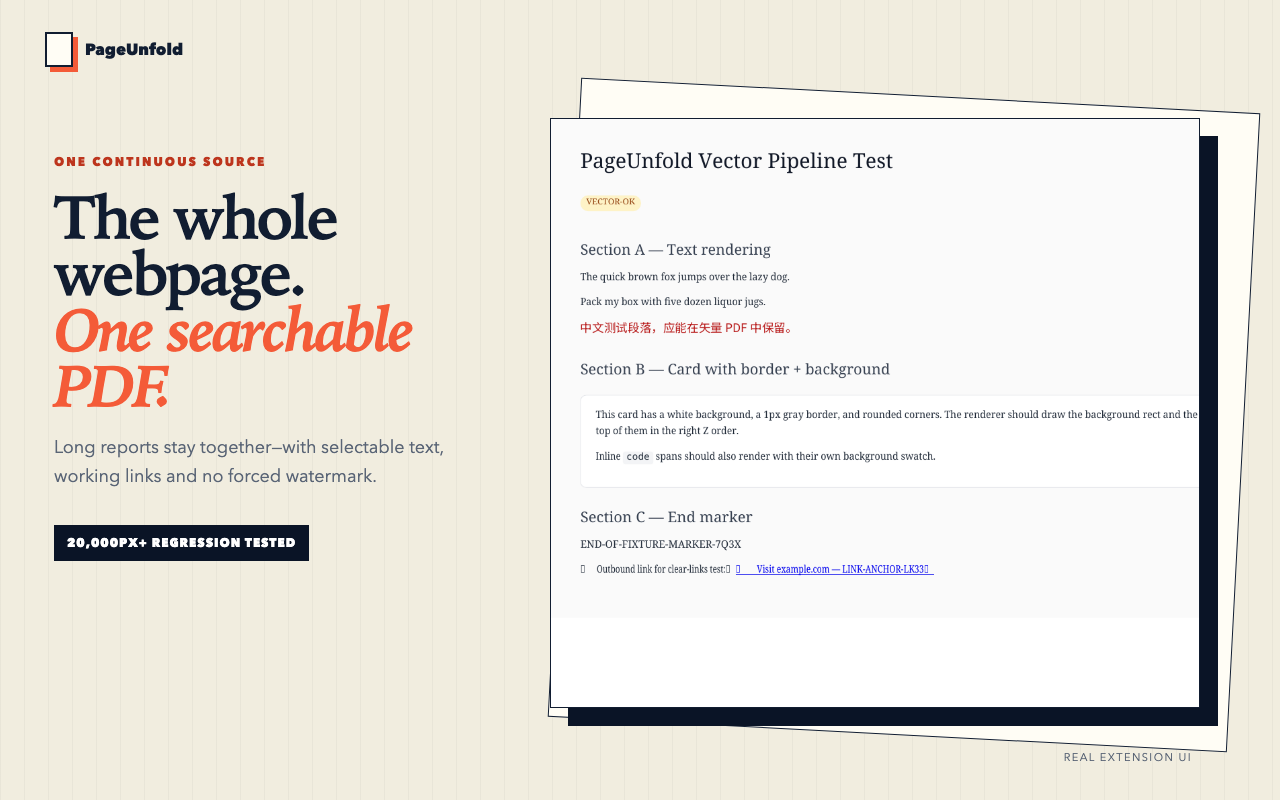
PageUnfold
PageUnfold is a Chrome web-to-PDF extension that captures a long webpage as one searchable PDF, with local conversion by default and no forced watermark.
Benchmarks
How PageUnfold scores on agent readiness and AI visibility AI Readiness and GEO Score are platform assessments generated by AIGCLIST after submission.
Decision summary
Overview
What is PageUnfold?
PageUnfold is a Chrome extension for turning a live webpage into a single, searchable PDF. Its stated positioning is a web-to-PDF extension for one searchable page, rather than a browser print workflow that assumes sheets of paper. The product is aimed at long reports, research threads and signed-in references that users want to keep, file and search later without page seams, repeated headers or a forced watermark.
The page contrasts PageUnfold with Chrome print on the same long webpage of 20,000px or more. In that comparison, Chrome print is shown as producing eight pages, a repeated header and clipped cards, while PageUnfold is shown as page 1 of 1, searchable, linked and continuous. The page also states that four long-page fixtures passed a one-page output test. PageUnfold captures the page already open in Chrome and keeps core conversion on the device.
How PageUnfold works
The workflow described on the page has three steps. First, the user opens the real page in Chrome and signs in if needed, then reveals the content they intend to keep. Second, the user chooses one page, either at window width or as an A4-width continuous page. Multi-page modes are described as explicit alternatives rather than the default. Third, the user previews or downloads the searchable PDF and files it into a research system.
For lazy content, PageUnfold prepares the live page so that on-demand images and sections can appear before capture; the page describes this as scroll, settle, preserve. For signed-in pages, the extension uses the session already present in Chrome and captures the live tab after sign-in. The page states that PageUnfold never asks for the website password.
On privacy, the page says core conversion runs inside Chrome and does not upload selected page content to a conversion server. Account and diagnostic requests are documented separately in the privacy policy. The output is not a screenshot: the rendering pipeline preserves searchable vector text and ordinary PDF links. The page cautions that complex websites can still vary, which is why long-table, lazy-load, multi-section and dark authenticated fixtures are part of the release gate.
Main features
- One continuous page: the default promise is a single searchable page, with multi-page output available as an explicit alternative.
- Searchable vector text: the PDF supports text search, represented on the page as ⌘F searchable vector text.
- Working links: the page states that ordinary PDF links are preserved.
- No forced watermark: the page lists zero marks and no forced watermark.
- Local by default: core conversion stays on-device and does not upload selected page content to a conversion server.
- Signed-in capture: uses the content already visible in the current Chrome session, without asking for the website password.
- Lazy content handling: prepares the live page so on-demand images and sections can appear before capture.
- Reader View and Cleanly Print: local options to remove distractions.
- PDF preview and download: users can preview, search and download an ordinary PDF.
- Knowledge-work filing: the page mentions Obsidian, Notion and Evernote, plus local libraries for private dashboards.
- Chrome Web Store listing: version 0.1.0 was approved and is publicly listed.
Pricing
The page presents a free offer: Add to Chrome — Free. It states that all features are on the free plan. It also states that Google sign-in is required and that a PDF download limit applies. No other pricing tiers, paid plans or prices are mentioned on the supplied page. The pricing summary is therefore free with Google sign-in required and a PDF download limit.
Common use cases
PageUnfold is presented for knowledge work rather than disposable printing. Long pages, reports, tables and conversations stay together instead of being cut at paper boundaries. Signed-in references can be captured from the live Chrome session. Lazy-loaded pages can be prepared so on-demand images and sections appear before capture.
For filing, the page describes archiving the source beside a note in Obsidian and keeping one stable PDF with selectable quotes and original links. For Notion and Evernote, it describes attaching the whole reference once rather than a folder of numbered page fragments. For local libraries, it describes preserving private dashboards locally without handing the underlying page to a conversion service. The same repeatable capture workflow is said to produce the Chrome Web Store assets.
Limitations
The page lists several constraints. Google sign-in is required. A PDF download limit applies. Restricted browser pages such as chrome:// and the Chrome Web Store cannot be captured. Signed-in pages can be saved only when already open and visible in the current Chrome session; the extension does not ask for website passwords. Complex websites can vary; the release gate includes long-table, lazy-load, multi-section and dark authenticated fixtures. The tool is described as a Chrome extension, so the workflow depends on Chrome. Core conversion is local by default, but account and diagnostic requests are documented separately, so local conversion does not mean no network activity. The supplied page lists version 0.1.0, which is an early version.
Summary
PageUnfold is a Chrome web-to-PDF extension focused on one searchable page. It captures the live page already open in Chrome, keeps core conversion on-device, and aims to avoid page seams, repeated headers and forced watermarks. The free plan requires Google sign-in and applies a PDF download limit. It is presented for knowledge workers filing long reports, research threads, signed-in references and private dashboards into Obsidian, Notion, Evernote or local libraries. Users should weigh the one-page default against the stated limitations: restricted pages cannot be captured, complex sites can vary, Google sign-in is required and a PDF download limit applies.
Reviews (0)
No reviews yet. Be the first to rate this product!
Score anatomy
The dimensions behind the editorial score, each with its judgment note. AI Readiness and GEO Score are platform assessments generated by AIGCLIST after submission.
Agent Readiness
How well an agent can understand this product and reconstruct a documented workflow from its official information.
Evidence check
Public claims about this tool, each tagged with a verification status and its cited source.
Decision desk
The questions most worth resolving before you rely on the product or visit its official site.
Continue exploring
More in AI PDF Assistant
Published tools that share this product's primary category. They are discovery links, not editorial comparisons.

Mathe AI is an AI-powered mathematics solver that provides step-by-step solutions via a question-based input interface. The platform offers an advanced AI mode for complex problems and an unlimited subscription tier. The interface is primarily German-language, targeting students in German-speaking regions.

