 AIGCLIST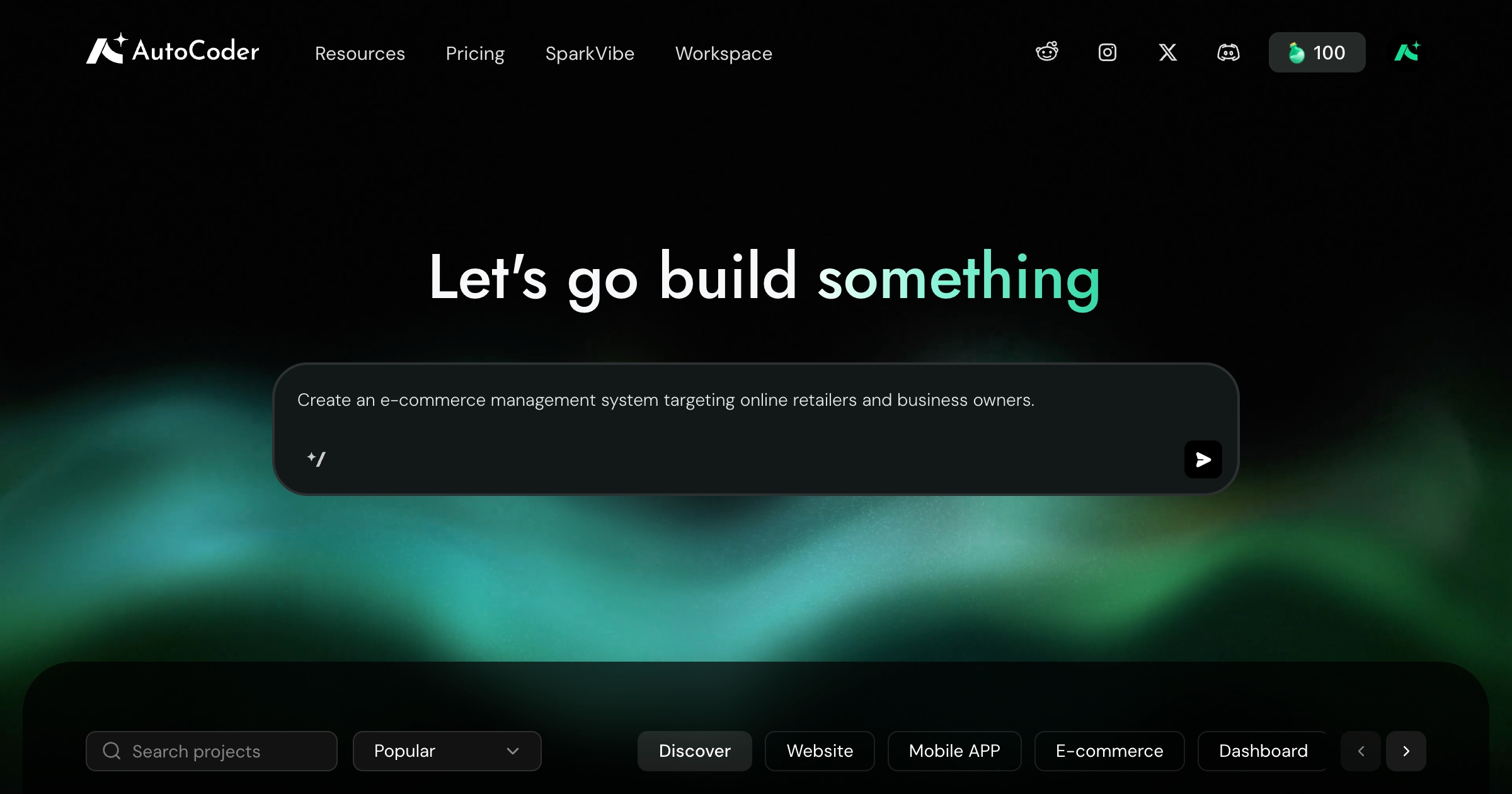
AutoCoder
AutoCoder is a cloud-based AI app builder for generating websites, web apps, and CRMs from natural-language prompts, files, or Google Maps links.
Decision summary
Overview
What is AutoCoder?
AutoCoder is a cloud-based AI app builder positioned for websites, web apps, and CRM products. Its homepage describes it as an 'AI App Builder for Websites & Web Apps' and groups solutions around building a website, a web app, and a CRM. It is designed for users without programming or technical expertise: users describe requirements in natural language, and the platform generates complete full-stack applications including the user interface, backend logic, and databases. It runs as a cloud-based web tool with no local installation. The documentation recommends a desktop browser on Windows, macOS, or Linux for the best building experience, while tablets and smartphones can be used for lightweight editing. Multilingual input is supported, so users can chat with the AI in a preferred language.
How AutoCoder works
The homepage frames the product around a path from opportunity to usable product: Plan, Build, Launch, and Monetize. Plan turns a business idea into the product, flows, and data model. Build generates the customer experience, admin workspace, backend, and database together. Launch covers going live with a domain, payments, and source-code ownership. Monetize turns customer activity into revenue through payments, bookings, memberships, and sales.
Users can start from natural-language descriptions, images, or uploaded files such as a brief, menu, or catalog through 'Build from Anything.' The Google Maps Generator accepts a Google Maps business link and creates an editable website based on existing business details. After generation, users can refine results by chatting with the AI or using the Visual Editor. Version History records saves for rollback. Publishing is available to all users, including Free plan users, who receive an *.autocoder.cc subdomain. Custom domain binding requires upgrading to Standard or Pro. Documentation topics also include Progressive Build stages, Google Sign-In, payments, analytics, image and file input, voice input, and pausing tasks.
Main features
- Visual Editor: click any section to update copy, layout, spacing, images, or components.
- Google Maps to Website: paste a Google Maps business link to generate an editable website based on business details already there.
- Payments: add payments to purchases, bookings, and other flows.
- Operations Dashboard: update pages, products, services, orders, and customer data without editing the website or touching code.
- Build from Anything: describe an idea, add images, or upload a brief, menu, catalog, or other file.
- Code Export: download project code for local development, customization, or deployment on your own infrastructure.
- Roles & Permissions: create views and permissions for owners, staff, partners, or customers.
- Templates: start faster with ready-to-use apps and websites.
- Version History and editing controls: chat modification, visual editing, rollback, image-based updates, file-based updates, voice input, and pausing tasks are documented.
- Multilingual input: describe project needs or chat with the AI in a preferred language.
Pricing
AutoCoder has a Free plan, plus Standard and Pro paid plans. The site shows 'Start Building Free,' and all users, including Free plan users, automatically receive an *.autocoder.cc subdomain when publishing a project. Binding a project to a custom domain is available after upgrading to Standard or Pro. The supplied pricing page only presents the heading 'Choose the Right AutoCoder Plan for You' and does not list specific prices, credit amounts, or a full feature comparison. The FAQ documentation includes Plans & Credits and Billing, credits and refunds sections, but the supplied pages do not provide the figures. Specific pricing and quota details remain unavailable from the provided material.
Common use cases
Templates and solution pages point to several starting points: an e-learning coaching platform, professional tools, a fashion storefront and operations overview for e-commerce, a restaurant site, a creative portfolio and operations site, and a consulting or agency landing page. The footer also lists categories such as AI app builder, AI web builder, AI no-code website builder, AI landing page builder, no-code CRM builder, full-stack website generator, AI website generator, no-code mobile app builder, no-code CMS platform, and AI CMS builder. These use cases share a need for a customer-facing experience plus operational tools such as products, services, orders, customer data, payments, or role-based access.
Limitations
Code export is one-way: users can download cloud-generated code locally, but manually modified local code cannot currently be imported back into AutoCoder. Custom domains require upgrading to Standard or Pro; Free plan publishing uses an *.autocoder.cc subdomain. Generation may get stuck or take too long due to network instability or high AI computing load; the FAQ suggests refreshing the page, regenerating the project, or contacting support with the registered email and an error screenshot. The platform is cloud-based and requires no local installation, but a desktop browser is recommended for the optimal building experience; tablets and smartphones are for lightweight editing. The supplied pages do not provide detailed plan pricing, credit limits, or a complete plan comparison.
Summary
AutoCoder is a cloud-based AI app builder for generating websites, web apps, and CRM products from natural-language prompts, uploaded files, images, or Google Maps links. It combines full-stack generation with visual editing, payments, operations dashboards, roles and permissions, templates, and code export. A Free plan is available, while custom domains require Standard or Pro. Users should note one-way code export, the cloud-based desktop recommendation, and the absence of published plan prices in the supplied pages.
Reviews (0)
No reviews yet. Be the first to rate this product!
Score anatomy
The dimensions behind the editorial score, each with its judgment note. AI Readiness and GEO Score are platform assessments generated by AIGCLIST after submission.
Evidence check
Public claims about this tool, each tagged with a verification status and its cited source.
Decision desk
The questions most worth resolving before you rely on the product or visit its official site.
Continue exploring
More in AI App Builder
Published tools that share this product's primary category. They are discovery links, not editorial comparisons.


MonkeyCode AI is a cloud-based development platform that brings together a browser-accessible coding environment and broad AI model support. The product targets developers, researchers, and content creators who want AI-assisted workflows for building projects, writing documentation, analyzing data, and handling general tasks without installing local tooling. A free tier lowers the barrier to entry, while paid plans are available for expanded usage. The platform employs a structured plan-based approach — users describe goals in numbered steps and let the AI generate corresponding code and output. Evidence of capabilities remains limited to homepage claims and a single terrain-generation example, leaving feature depth, model inventory, and pricing specifics largely unverified at the time of editorial review.

lowcodeplatforms.org