
Benchmarks
How Grok Automation scores on agent readiness and AI visibility AI Readiness and GEO Score are platform assessments generated by AIGCLIST after submission.
Decision summary
Overview
What is Grok Automation?
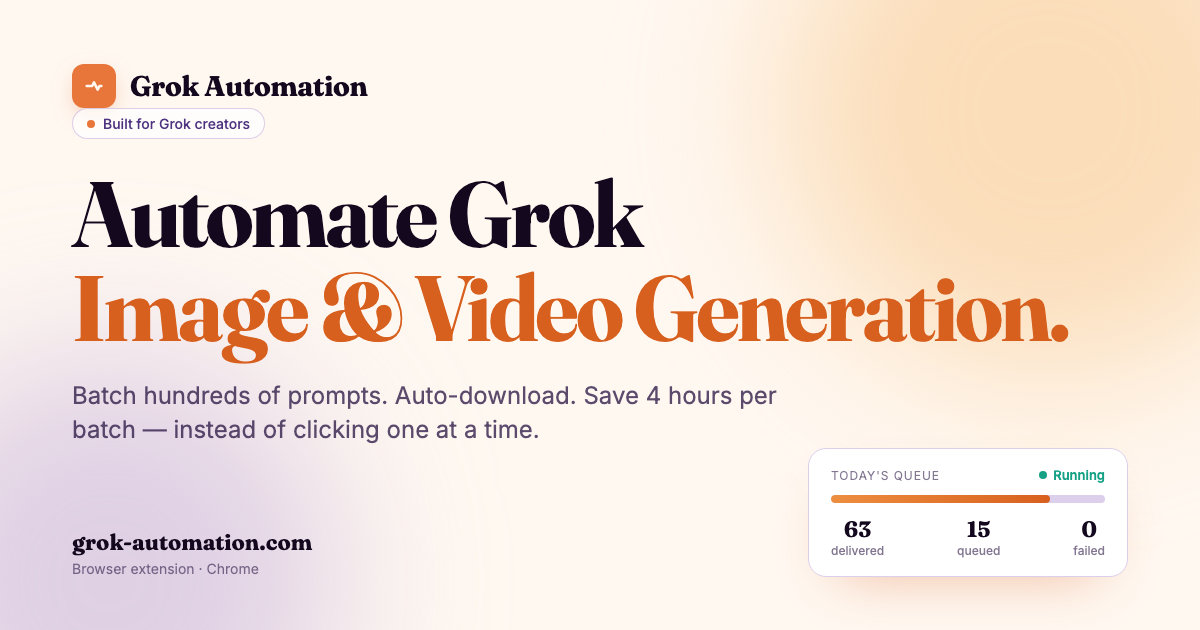
Grok Automation is a Chrome extension for users of grok.com. According to its page, it batches image and video generation by automatically submitting prompts, downloading results, and organizing outputs. It is described as an independent browser extension, not affiliated with, endorsed by, or sponsored by xAI Corp. Grok is identified as a trademark of xAI Corp. The extension is positioned for batch image and video creation on grok.com, with five generation modes and support for hundreds of prompts per run. The page states that prompts and outputs never leave the user's machine, with no server, upload, or telemetry on creative work. It is built for Grok creators and ships updates every few weeks.
How Grok Automation works
The workflow is described in three steps. First, users open grok.com and paste a list of prompts, one per line, selecting one of five generation modes and an aspect ratio. Second, Grok Automation submits prompts continuously without manual clicking, pacing submission to the account's limits. Third, it handles retries, downloads, and folder organization, so users can walk away. The page says a full batch run can submit, retry, download, and sort an entire batch in about two minutes, depending on the batch. A video demo is available on the page; clicking play loads it from YouTube. The extension supports up to six concurrent prompts, with a Smart Delay System that auto-pauses, persists, and resumes when quota returns. A real-time queue monitor shows progress, status, ETA, and run history.
Main features
Features listed on the page include:
- Auto Grok prompts: continuous prompt submission on grok.com without manual clicking.
- Batch 100+ prompts per run: queue dozens or hundreds of prompts in one run, paced to account limits.
- All five Grok generation modes: Text-to-Image, Text-to-Video, Frame-to-Video, Ingredients-to-Video, and Image-to-Image in one queue.
- Image-to-Image transforms: restyle reference images at batch scale across folders.
- Text-to-Image with five aspect ratios: 16:9, 9:16, 1:1, 2:3, and 3:2.
- Text-to-Video with Concat mode: chain clips into longer sequences in the same queue.
- Auto-upscale and auto-download: results are upscaled and downloaded automatically.
- Project folders and Character auto-match: outputs are sorted by media type and ratio, with filenames auto-matched to Character references.
- 1–6 concurrent prompts: throughput can be tuned for Free, Super Grok, or Grok Heavy, with pacing handled by the extension.
- Smart delays for long queues: auto-pauses, persists, and resumes when quota returns.
- Real-time queue monitor: live progress bar with status, ETA, and run history.
- Six-language UI: English, Vietnamese, Chinese, Korean, Japanese, and Spanish.
Pricing
The supplied page includes a Pricing link in its navigation, but it does not provide pricing details, plan names, or costs. No pricing information can be confirmed from the available content. Users should check the Pricing section on its website for current pricing.
Common use cases
Grok Automation is presented for batch image and video generation on grok.com. Likely use cases based on its features include:
- Running large batches of Text-to-Image prompts for concept exploration or asset generation.
- Restyling folders of reference images with Image-to-Image transforms.
- Creating multiple aspect ratios for platforms that need 16:9, 9:16, 1:1, 2:3, or 3:2 outputs.
- Generating Text-to-Video clips and chaining them with Concat mode for longer sequences.
- Organizing outputs into project folders by media type and ratio.
- Maintaining character consistency in batches through Character auto-match filenames.
- Automating downloads and upscaling so files are not left in tabs.
- Running up to six prompts concurrently for higher throughput on supported Grok tiers.
Limitations
The page describes Grok Automation as an independent third-party extension, not affiliated with, endorsed by, or sponsored by xAI Corp. It requires Chrome, as indicated by the 'Add to Chrome' call to action and the description as a Chrome extension. It operates on grok.com and depends on that service, so availability and rate limits may be affected by Grok account tier and platform changes. The page states that it paces submission to account limits and uses smart delays, but it does not guarantee uninterrupted runs. Pricing is not disclosed on the supplied page. The claim of saving about four hours per batch is a page statement and may vary by workflow. Feature availability, language support, and update frequency are based on the page and may change. The page does not provide system requirements, privacy policy details, or refund information.
Summary
Grok Automation is a Chrome extension for batching image and video generation on grok.com. It automates prompt submission, downloads, upscaling, and folder organization, and supports five generation modes, up to six concurrent prompts, and a six-language UI. The page positions it as an independent, local tool with no server upload or telemetry on creative work. Pricing is not specified in the supplied content.
Reviews (0)
No reviews yet. Be the first to rate this product!
Score anatomy
The dimensions behind the editorial score, each with its judgment note. AI Readiness and GEO Score are platform assessments generated by AIGCLIST after submission.
Agent Readiness
How well an agent can understand this product and reconstruct a documented workflow from its official information.
Evidence check
Public claims about this tool, each tagged with a verification status and its cited source.
Decision desk
The questions most worth resolving before you rely on the product or visit its official site.
Continue exploring
More in AI Productivity Tools
Published tools that share this product's primary category. They are discovery links, not editorial comparisons.
