 AIGCLIST
10 Best Lyric Video Generators in 2026 (Free & Paid)
We compared 10 lyric video generators for 2026 — pure AI, template editors, and code — with free tiers, pricing, sync tech, and honest pros and cons.
A lyric video generator turns a song plus its words into a finished video — and in 2026 the tools that do it have split into three very different schools. Paste your lyrics into a template editor and you'll get something clean in an hour. Feed your track to a pure-AI generator and you'll get scenes no template ever imagined. Or hand the whole job to a coding model and get a video assembled line by line, in code.
The short answer: the best lyric video generator in 2026 is Canva for free template videos, Videobolt for auto-synced music templates, and Dimly AI for AI-generated scenes with editable word-by-word sync. Which one fits depends on your song, budget, and how hands-on you want to be.
We compared the lyric video tools musicians actually search for — live pricing pages, sync features, watermark policies — and sorted the ten strongest into those three schools. Some classifications surprised us: one of the boldest "AI"-branded lyric tools is, at its core, a precision typography engine, and the newest member of the traditional school isn't a startup at all — it's GPT-6 Astra and Claude Opus 5.5 writing render code from a prompt.
How We Compared These Tools
We evaluated each tool against one rubric in October 2026. To be explicit about method: this is a structured desk comparison — live pricing pages, official documentation, and aggregated user reviews, plus first-hand checks of each site's sign-up flow and service reliability. We did not render finished videos on every tool — output specs come from official documentation and vendor-published samples, and we flag any number that is the vendor's own claim:
- Sync technology. Does it transcribe lyrics automatically (word-level or line-level), accept LRC files, or make you tap the timeline by hand?
- Where the visuals come from. AI-generated frames, template animations over stock loops, or code — this is the school divider, and we checked the evidence, not the marketing.
- Real cost. Subscription plus credit math for a typical 3-minute video.
- Output truth. Resolution, frame rate, length caps, watermarks, and commercial rights on the plan you'd actually buy.
One disclosure before we start: Dimly AI is part of the AIGCLIST network. We've scored it on the same rubric as every other tool — ownership didn't touch the placement, and its weaknesses are listed in full below. All prices were checked on live pricing pages in October 2026 and will drift; treat them as current, not eternal.
The Three Schools of Lyric Video Generation
Almost every tool on this list belongs to one of three technical families. Knowing the school tells you what the output will look like before you sign up. This taxonomy is our editorial framework for this comparison, not an industry standard — where a tool straddles schools, we say so and show the evidence.
School 1: Pure AI Generation
Video and image models (Seedance, MiniMax H3, Kling, Veo, and their cousins) generate every frame, and the lyrics are synced on top or generated into the imagery itself. Lyric timing comes from AI transcription of the vocals or from Suno's own metadata. This school produces the most distinctive results — scenes that react to the song's mood instead of looping behind it — and it currently has the highest visual ceiling, at the cost of credit-based pricing and text precision that varies by pipeline. Neural Frames, LyricEdits, SunoMV, and Dimly AI live here.
School 2: Template Styles + Render Engines
Pick a style, paste your lyrics, and a rendering engine (in practice, an ffmpeg-class pipeline, often server-side) animates typography over template motion graphics or stock loops. This is the traditional school and still owns the search results: Canva, VEED, Adobe Express, Kapwing, Videobolt, and Specterr all belong here. The strength is predictability — flat pricing, fast renders, no surprise credit burn. The weakness is the ceiling: your video can only look as good as its template, and genuinely cinematic or surreal visuals are out of reach.
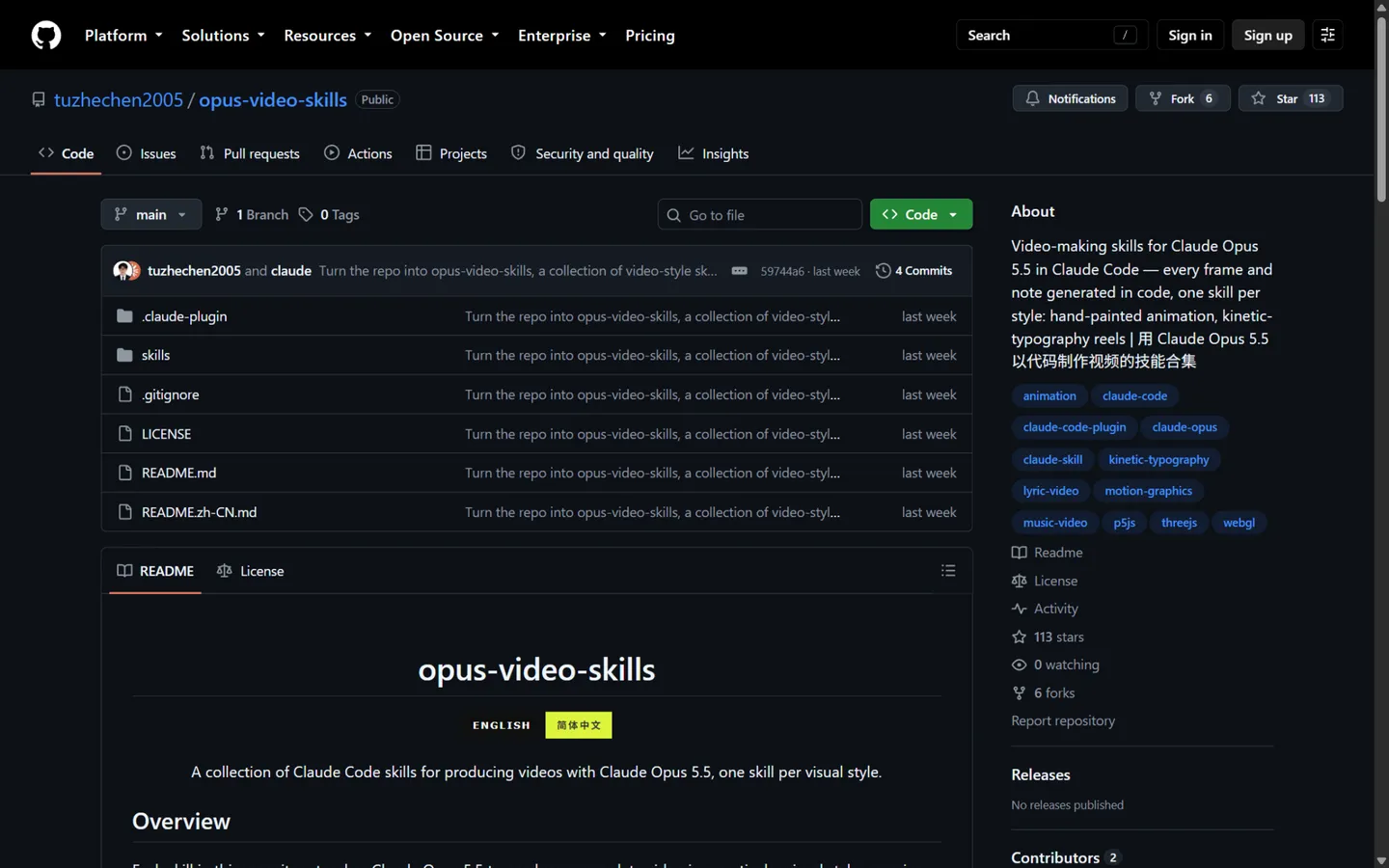
Its newest member is not a company but a workflow: frontier coding models writing your lyric video as code. GPT-6 Astra — OpenAI's flagship, which orchestrates tools rather than generating pixels directly — and Claude Opus 5.5 can take a song and emit a Remotion or Canvas program that renders every word as a timed function, then encode it with ffmpeg. The open-source opus-video-skills project (below) packages exactly this. It belongs to this school because the model is doing the same job a template designer does — defining styles that a render engine executes — just with infinite variation. Text is pixel-perfect and sync is frame-exact, but the aesthetic is programmatic: kinetic typography, not cinematography.
School 3: Self-Hosted Pipelines
The most traditional approach: run the pipeline yourself. Whisper transcribes your vocals to a timestamped file, FFmpeg burns styled subtitles over footage, and a script stitches the result — projects like LyricalVideo and LyricsAnimator on GitHub, or a hand-built After Effects composition. Total control, zero subscriptions, and output limited only by your patience. The cost is the point: After Effects lyric videos run one to three hours with a template and several hours to days fully manual, and the open-source lyric-video projects are small, mostly dormant, and developer-oriented. This school increasingly overlaps with School 2's code branch — many "agent-coded" videos are, underneath, self-hosted Remotion and ffmpeg pipelines with an LLM as the operator. The lowest-friction entry: start from Remotion's official templates, hand your coding model the song and the lyric text, and you'll have a working pipeline in an evening.
The 10 Best Lyric Video Generators at a Glance
| Tool | Type | Best for | Paid from | Free tier | Lyric sync |
|---|---|---|---|---|---|
| Canva | Template editor | Fastest free start | $15/mo | Yes, no watermark | Manual |
| VEED | Template editor | Auto transcription | ~$12/mo | Yes (720p, watermark) | Auto (line) |
| Videobolt | Template editor | Music template variety | $9.99/mo (annual) | Preview (watermark) | Auto (line) |
| Dimly AI | Pure AI | AI scenes, editable sync | $5.99/wk | Watermarked pilot | Auto + LRC, editable |
| TwoShot | Typography engine | Word-perfect karaoke text | ~$9.50/mo* | Yes (credits) | Auto (word, phoneme) |
| Specterr | Template editor | Visualizer + lyric combos | $16.50/mo | Yes (720p, watermark) | Manual (line) |
| LyricEdits | Pure AI | Semantic AI artwork | $39/mo | Yes (watermark) | Auto |
| Adobe Express | Template editor | Free + no watermark | $9.99/mo | Yes, no watermark | Manual |
| SunoMV | Pure AI | Suno catalog videos | $39.90/mo | Preview only | Auto (word) |
| Neural Frames | Pure AI | Lyrics inside AI scenes | $26/mo | Trial | Auto (proofread) |
*TwoShot's pricing page loads dynamically; ~$9.50/month is the figure quoted by third-party reviews and could not be verified on the vendor's own site at publication.
Why no Musixmatch Pro, Kapwing, or freebeat? They just missed the cut:
- Musixmatch Pro is the deepest Spotify-ecosystem play in this niche, and its higher tiers add Runway-powered AI backgrounds
- Kapwing pairs 1,000+ templates with word-by-word karaoke captions
- CapCut's auto-captions double as mobile karaoke lyric animations
- freebeat generates a matching AI scene per lyric line
All are detailed in our AI music video generator comparison and our AI music generator category. For general-purpose AI video tools beyond music, browse our AI video generator category.
1. Canva — Best Free Lyric Video Maker
Visit: canva.com
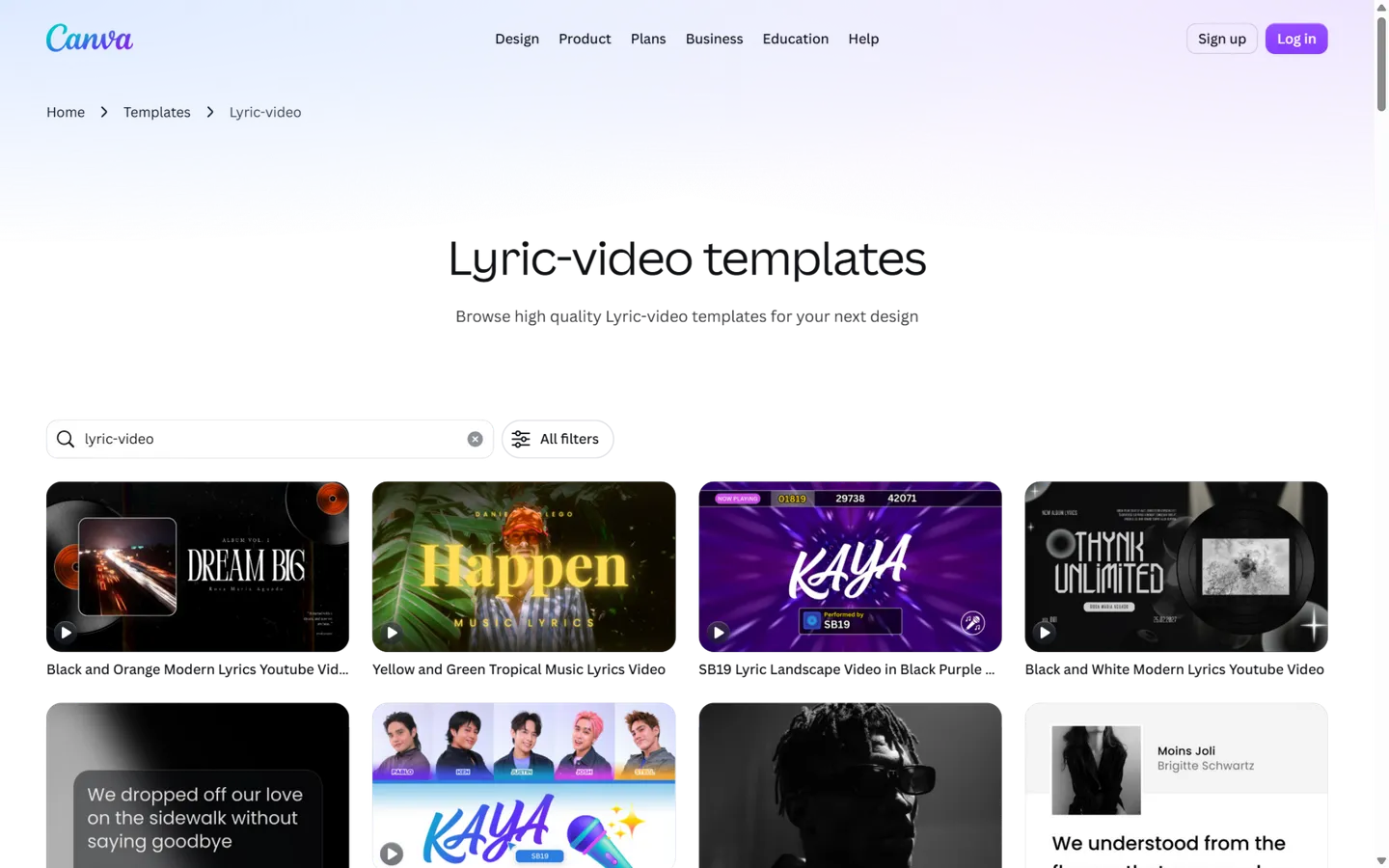
Canva owns the first search result for this keyword, and the reason is friction removal: open a lyric video template, drag your lyrics onto the timeline, pick a text animation, and export. Its template library for this niche is enormous (the lyric-video category alone surfaces tens of thousands of designs), the stock library behind it is bigger still, and the editor is the gentlest learning curve in this comparison.
The catch is sync. Canva does not transcribe your song or time your lyrics — every line is placed by hand, and there's no word-by-word karaoke animation (creators fake it with color-block layers, which is its own TikTok tutorial genre). Pro's Beat Sync aligns scene cuts to the beat, but it never touches the words. For what a template editor is, that's fair — just know the manual labor is the price of free.
Pricing: Free tier is genuinely usable — 1080p exports, no watermark on your own content. Pro is $15/month ($120/year) for 4K, Brand Kits, and premium templates.
Pros
- Most generous free tier of the ten (1080p, no watermark)
- Near-zero learning curve; fastest template-to-export loop
- Huge template and stock ecosystem for backgrounds and fonts
- Any aspect ratio, any size, real-time collaboration
Cons
- Lyric sync is 100% manual — no transcription, no LRC import
- No word-by-word karaoke animation
- No audio-reactive or AI-generated visuals; the ceiling is "nice template"
- Text animation options are lightweight compared to dedicated typography tools
Best for: anyone who needs a clean, simple lyric video today, for free, and doesn't mind placing every line themselves.
2. VEED — Best Auto-Sync Lyric Video Editor
Visit: veed.io
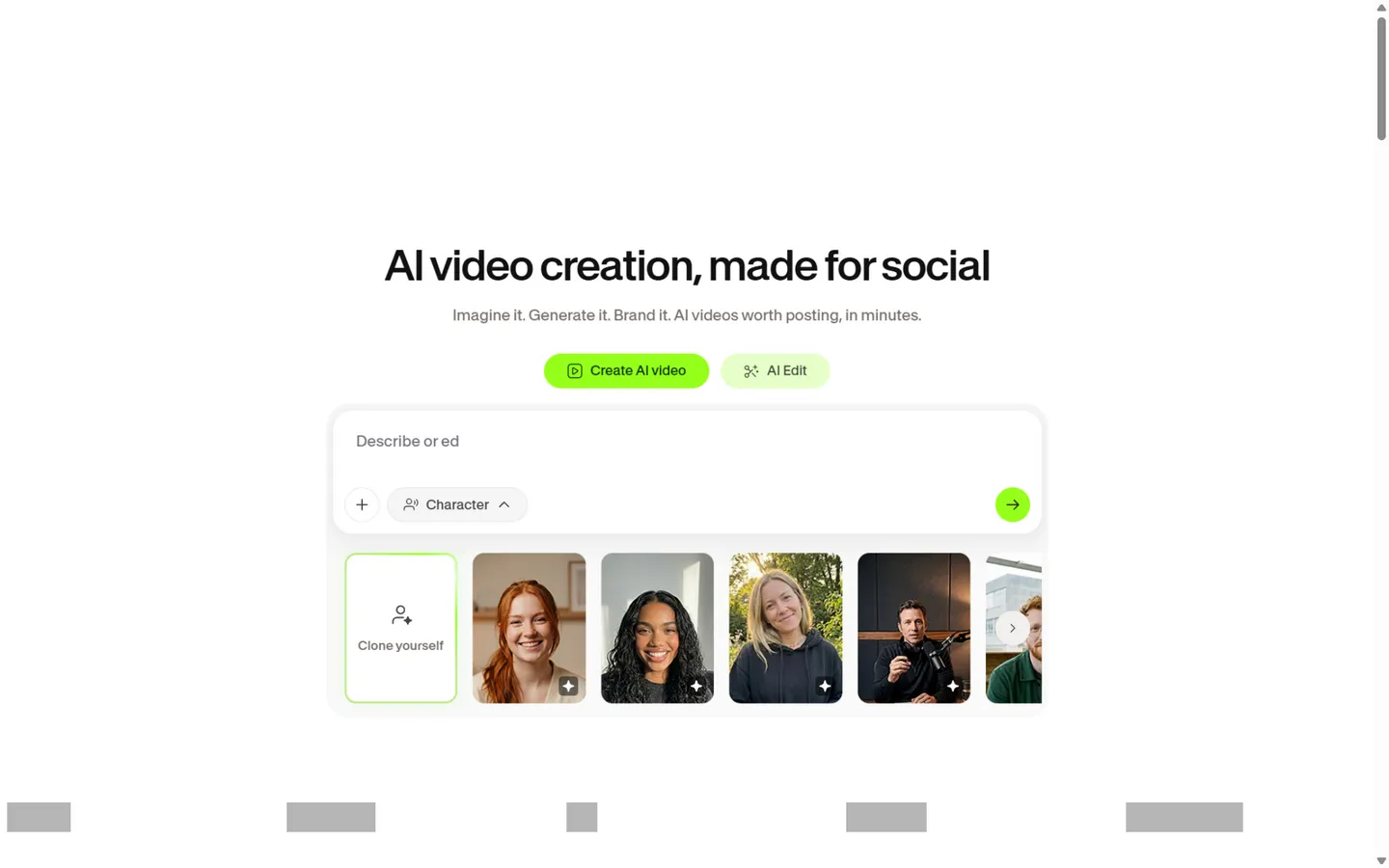
VEED's lyric video workflow removes School 2's most tedious step: its AI transcriber listens to your track, writes out the lyrics, and times them automatically (the company credits Dolby technology for the audio pipeline; 125+ languages are supported). You can paste lyrics manually instead, but the transcription is the reason template-school refugees put up with everything else.
Around that core you get animated lyric styles, a music visualizer component, your own images or footage as backgrounds, and solid collaboration features. Two caveats from our check: the free plan stamps a watermark at 720p, and VEED's subscription tiers have been renamed and repriced more than once in 2026 — verify the current page before you commit. Note also that VEED the platform now sells AI video generation (Sora 2, Veo 3.1, Kling integrations) as a separate product line; the lyric video tool itself remains firmly in the template school.
Pricing: Free (720p, watermark, limited transcription credits); Lite from ~$12/month billed annually ($19 monthly) removes the watermark at 1080p; Pro (~$24/month annual) unlocks 4K.
Pros
- Automatic lyric transcription — no manual timeline work
- Flexible combination of animated lyrics, visualizers, and your own footage
- Clean browser-based workflow with team features
- Highest output quality (4K) among template editors that auto-sync
Cons
- Free tier watermarks at 720p with tight credit limits
- Lyric-specific templates are few; you're assembling, not starting from a lyric design
- Visuals are still footage collages — no AI-generated scenes
- Pricing structure changes frequently; the AI-credits system is confusing
Best for: singers who don't want to touch a timeline and already have footage or artwork to build around.
3. Videobolt — Biggest Music-Native Template Library
Visit: videobolt.net
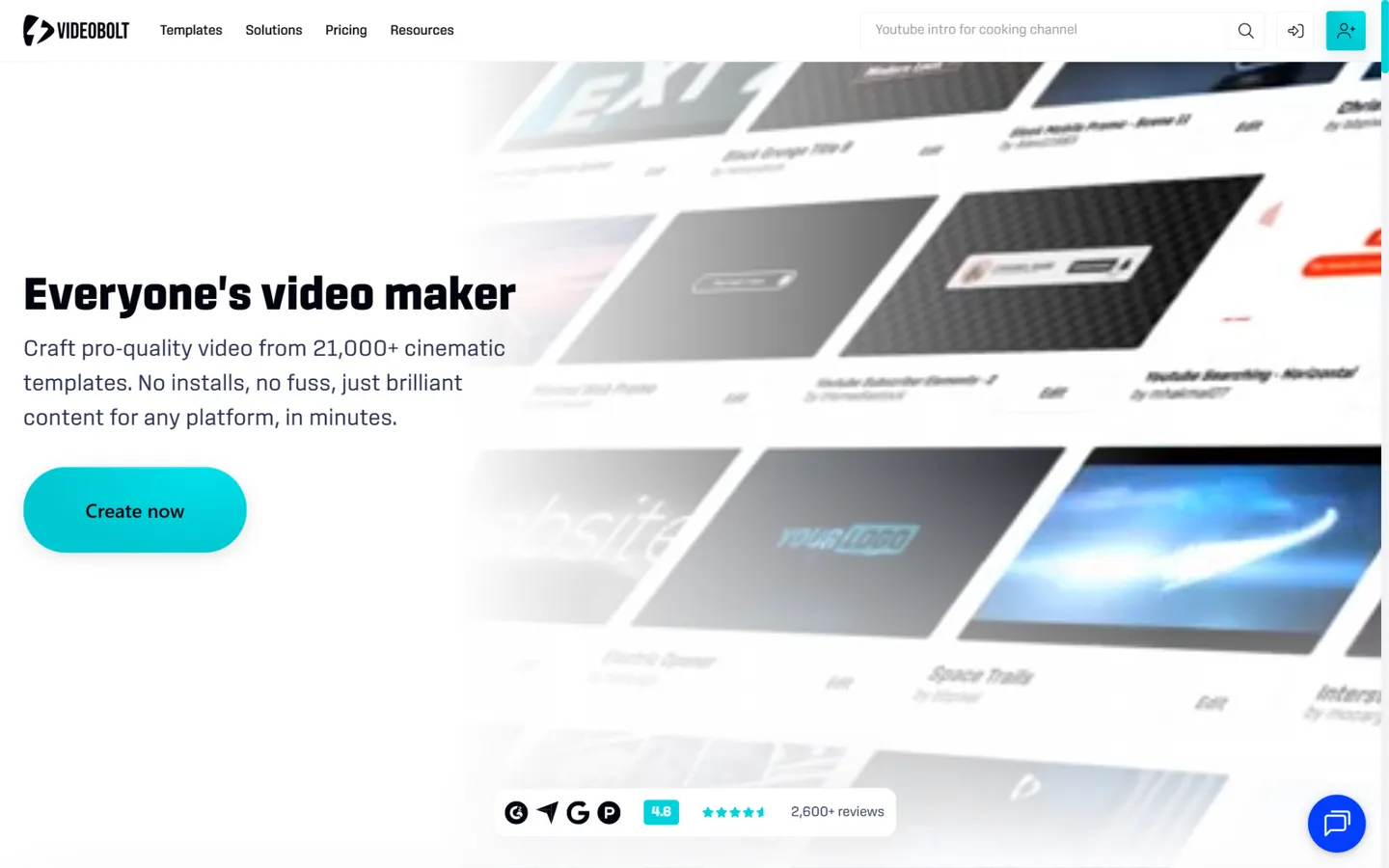
Videobolt is what happens when the template school specializes in music: 21,000+ motion graphics templates built around 3D stages, glowing spectrums, kinetic typography, and beat-driven shockwaves. Its lyric flow is the smoothest in School 2 — pick a template, upload your track (SoundCloud links work), paste your lyrics, and its AI "automatically synchronizes them to your vocals." Rendering happens on Videobolt's servers, so a 4K export doesn't warm up your laptop.
The trade-off is creative confinement. You customize text, colors, and media inside a template; there is no free-form timeline, and the visuals are always recognizably "a Videobolt template." Pricing is unusually transparent, though (the site shows both annual and monthly rates, and third-party listings such as G2 quote the same monthly numbers): Lite $9.99/month billed annually covers up to 4K at 24fps for videos up to 10 minutes; Pro $24.99/month annual extends to 60 minutes; Business $39.99/month annual adds 120-minute videos and a resale license. All paid tiers are watermark-free.
Pros
- Largest music-specific template catalog of any tool here
- AI lyric sync means zero manual timing
- True cloud rendering — 4K on a potato
- Clear per-tier licensing, including resale rights at Business
Cons
- No timeline editing: swap text, colors, and media, nothing more
- Output always looks like a template; no AI-generated scenes
- Lite tier caps frame rate at 24fps
- Free previews are watermarked
Best for: musicians who want a polished, beat-reactive video from a template — with the lyrics synced automatically — at the lowest flat annual price of the music-native tools here.
4. Dimly AI — Best AI-Directed Lyric Videos You Can Actually Edit
Visit: dimly.ai/lyric-video-generator
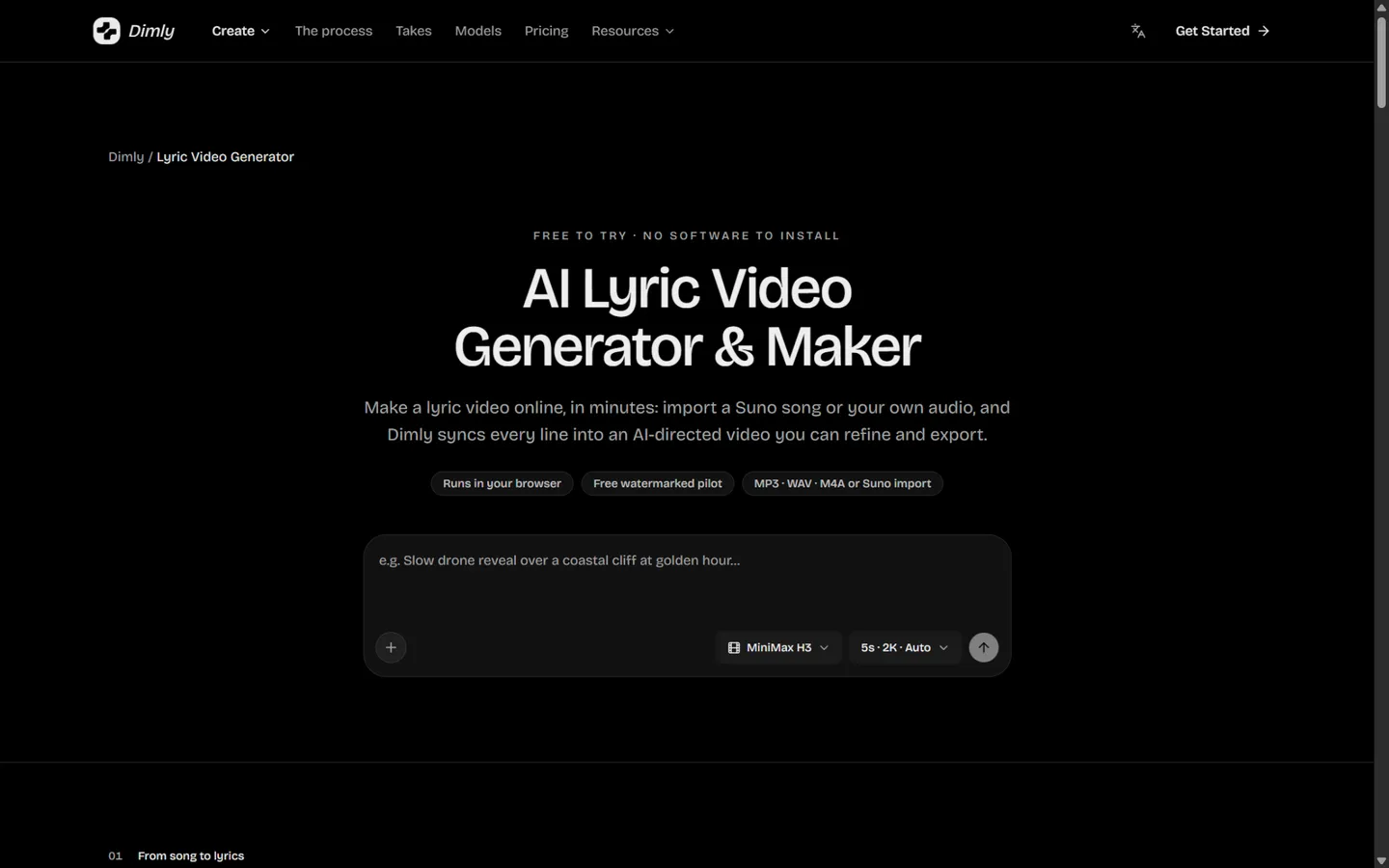
Dimly's lyric video generator is School 1 with a producer's workflow. You import a Suno link or your own audio (MP3, WAV, M4A — or an LRC file if you already have timings), and Dimly recognizes the lyrics, builds a line-by-line timeline, and directs an AI visual sequence where the animated lyrics are the subject of each shot, set against MiniMax H3-generated scenes at up to 2K. The original audio is preserved as the soundtrack, which matters when your master is the thing you're promoting.
Two details set it apart from other AI tools. First, the lyric timeline is editable: when the AI mishears a word or a line lands late, you fix that line in the workspace instead of regenerating the video — the failure mode of most AI generators is "reroll and pray." Second, pricing is quote-before-charge: planning a video and proofing a watermarked low-cost pilot render are free, and every full-resolution render shows its credit cost and asks for confirmation before it runs. No surprise meter running in the background.
Pricing: planning plus one watermarked pilot render are free; full-resolution exports run on credits. Weekly Pass $5.99 (1,000 credits), Starter $26.99/month (4,300), Pro $39.99/month (6,400), Creator $199/month (32,000). Subscriptions auto-renew and can be cancelled anytime.
Pros
- Full-song AI-directed visuals with every line synced — not a template loop
- Editable line-by-line lyric timeline with LRC import for exact control
- Free planning + watermarked pilot means you see the video before paying
- Quote-before-charge credits; up to 2K via MiniMax H3
- Suno link, MP3, WAV, and M4A import; 16:9, 9:16, and 1:1 exports
Cons
- The free tier's only render is watermarked and low-cost-model — clean exports cost credits
- Output caps at 10 minutes and 2K (no 4K)
- Fewer preset visual styles than the template giants; the AI directs, you don't pick from a catalog
- Young brand with a small community and few third-party reviews yet
Best for: artists who want every line of the song inside AI-generated scenes — and want to correct the AI's timing and text like an editor, not reroll a slot machine.
Read more: our full Dimly AI listing on AIGCLIST, and our AI music video generator comparison for the full-MV workflow.
5. TwoShot — Most Precise Word-Level Sync (Just Know What It Is)
Visit: twoshot.app
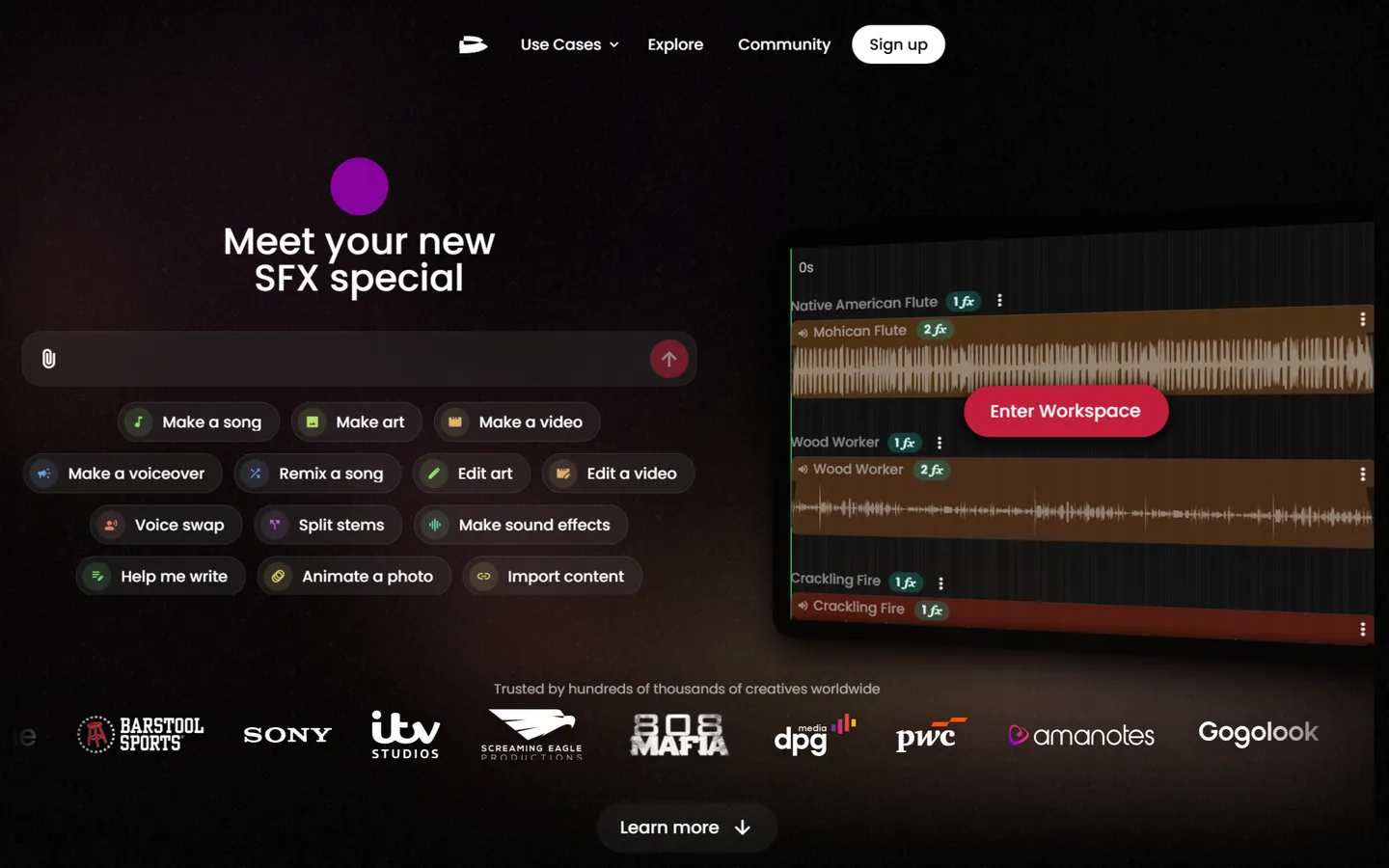
TwoShot markets itself inside an AI creative suite, and its lyric video maker has the most impressive sync spec on this list: phoneme-level transcription of your vocals, per-word timestamps you can nudge individually, automatic verse/chorus/bridge detection, and text-animation presets that include karaoke highlighting, beat-synced bounces, typewriter reveals, and slide-stack builds — plus AI-generated custom animations described in plain English. It's also the only tool here that exports a transparent alpha channel, which editors love for layering lyrics over their own footage in Premiere or Resolve.
Here's the honest classification, though — and it's why TwoShot sits in School 2 despite the AI branding: the words are rendered by a typography/compositing engine, not generated frame-by-frame by a video model. The alpha export is strong evidence (current generative video models don't output transparency; compositing engines do). AI enters as a background option — its site lists Grok Imagine, Seedance 2, Kling 3.0, and Veo 3 for generated backdrops — but the lyrics themselves are precision typesetting. That's not a knock: for karaoke-style and lyric-typography videos it's arguably the best tool here. Just don't expect cinematic AI scenes.
Pricing: a free credit tier exists (no card required); third-party reviews quote paid plans from about $9.50/month, but TwoShot's own pricing page loads dynamically and we could not verify tier names, resolutions, or watermark policy on the vendor's site — treat the specifics as unconfirmed and test on the free credits first.
Pros
- Phoneme-level word sync — the most precise timing on this list
- Richest text-animation control, including AI-described custom animations
- Unique transparent-background export for compositing workflows
- Part of a broader suite (song tools, samples, API) if you create beyond lyrics
Cons
- Pricing, resolution caps, and watermark policy are not publicly documented — a real transparency gap
- Visuals are typography over chosen backgrounds, not AI-generated scenes
- Lyric page doesn't disclose which models, if any, generate its backgrounds
- Young product; thin third-party documentation
Best for: typography-driven and karaoke-style lyric videos where every word must land exactly on the vocal — especially if you'll composite the result in a real editor.
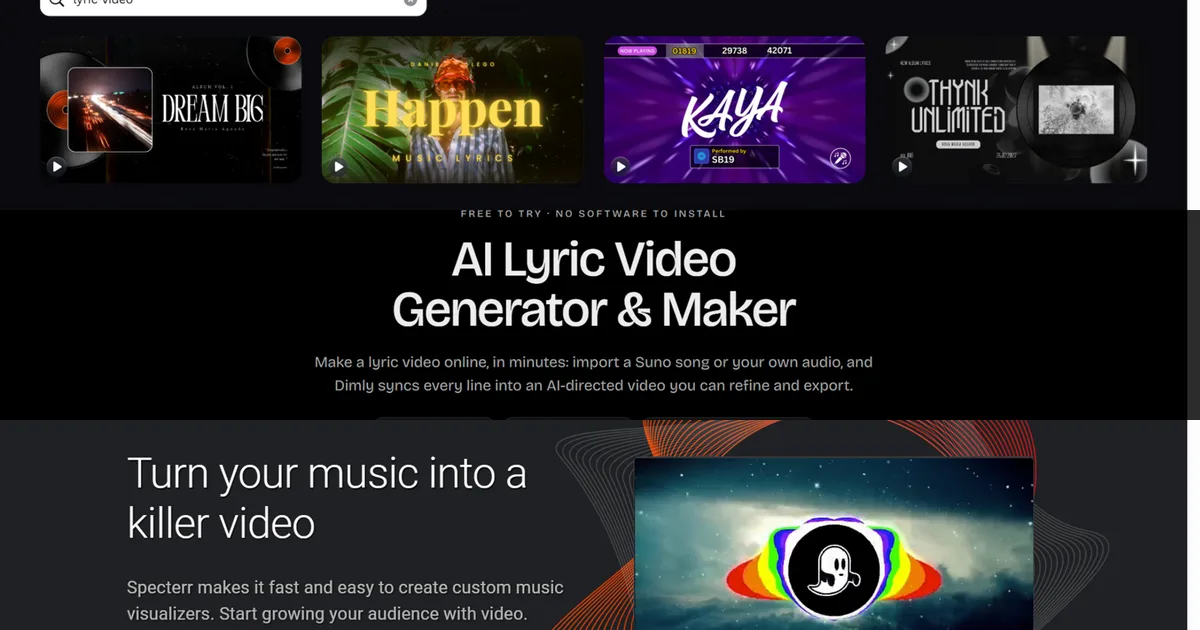
6. Specterr — The Server-Rendered Visualizer Specialist
Visit: specterr.com
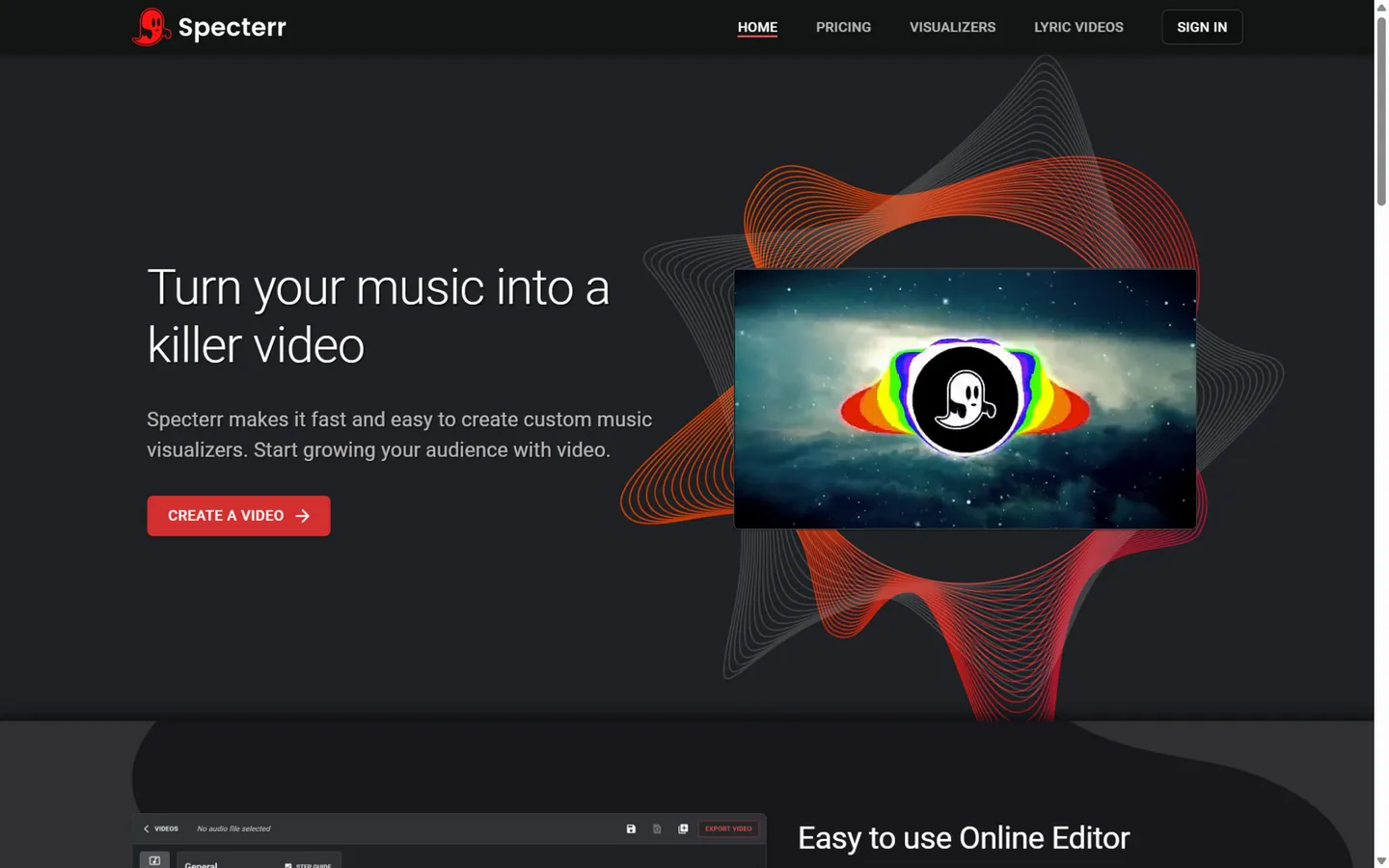
Specterr has been the quiet workhorse of the lyric video niche for years, and it is School 2 in its purest form: choose an audio-reactive background from its library (or upload your own), paste your lyrics, align them line by line, and Specterr's "hardware-accelerated machines" render everything in the cloud — the site is explicit that your computer does none of the heavy lifting. There's no AI transcription and no word-by-word karaoke; the editor is deliberately simple.
What it gets right is the economics of volume. The Pro plan ($16.50/month billed annually, $29 monthly) includes four render credits — each covering a video up to 10 minutes at 1080p/60fps, watermark-free, with 4K available per-video — plus unlimited test exports, so iterating on timing doesn't consume your quota. Unlimited ($49/month annual) removes quotas entirely and extends to 120-minute videos at 4K/60fps, aimed at DJs and labels. The background library is smaller than Videobolt's and the customization is shallower, but for visualizer-plus-lyrics at a predictable price, it's a dependable pick.
Pros
- Purpose-built for music visualizers and lyric videos — nothing extraneous
- True server-side rendering with unlimited free test exports
- Long-video support (up to 120 minutes at the top tier) for mixes and albums
- Free tier renders real 720p previews
Cons
- Line-level manual sync only — no transcription, no word karaoke
- Small background library; customization tops out at colors, text, and positioning
- Pure template loops: the visual ceiling is the lowest of the music-native tools
- Credit-based Pro plan gets awkward for high-volume creators
Best for: channels and labels shipping visualizer-style lyric videos at volume on a flat, predictable budget.
7. LyricEdits — Semantic AI Artwork for Every Line
Visit: lyricedits.ai
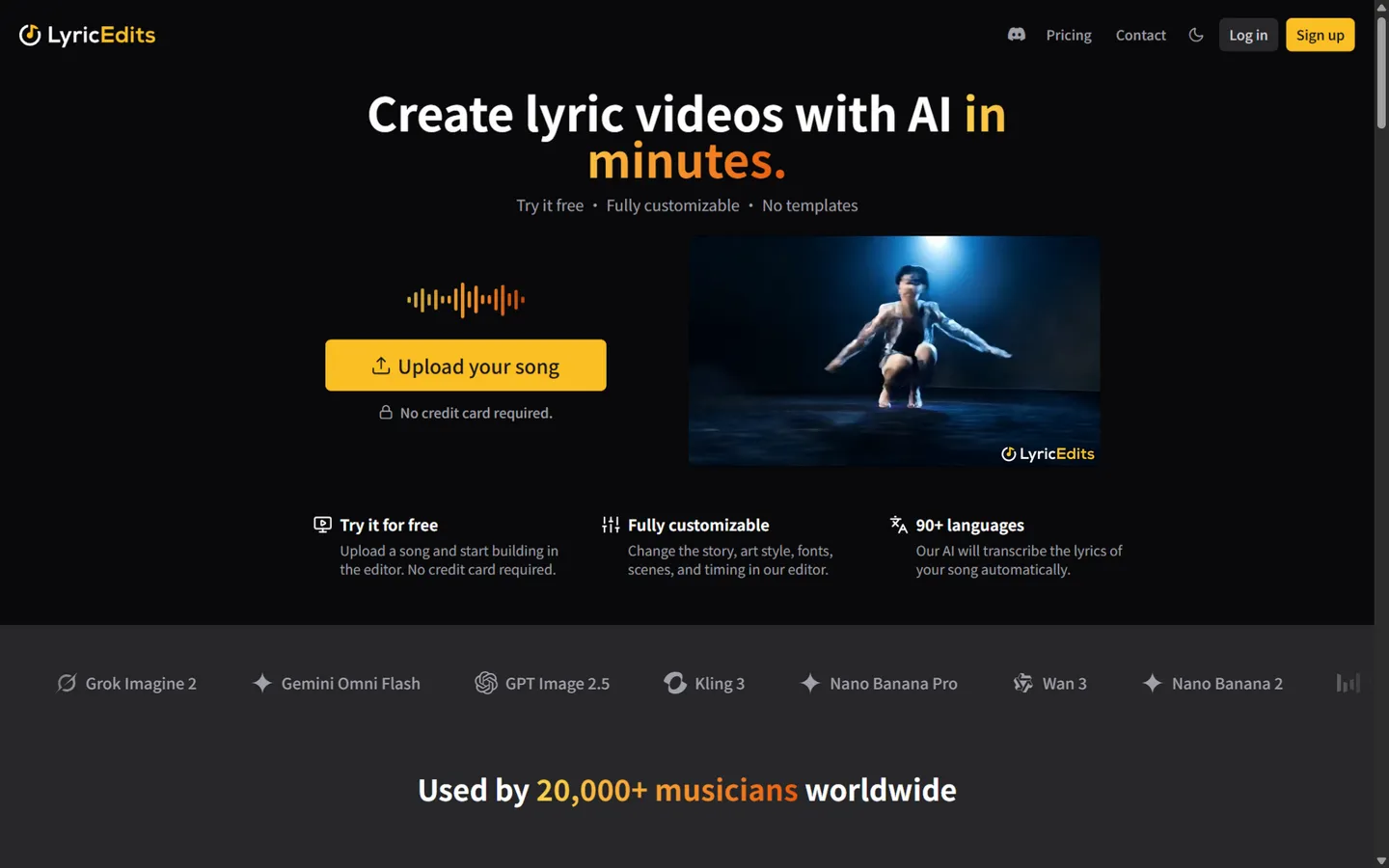
LyricEdits is the purest expression of "AI lyric video" as a product: upload a song, and the AI transcribes the lyrics (90+ languages by the marketing count), analyzes what each line means, and generates artwork to match — the company's pitch is images that "visually represent the meaning of the song's words," animated against the beat and mood. A real-time editor then lets you reshape the story, characters, art style, fonts, and timing without leaving the browser, and — unusually for this market — export projects to DaVinci Resolve, Premiere, or Final Cut for finishing. The site emphasizes "no templates," lists its current generation models by name (Seedance, Kling, Flux, and five more), and claims 20,000+ musicians served.
What's missing isn't the product, it's the paperwork: the site never states its sync granularity (word vs. line) or transcription accuracy anywhere we could find, and credit burn climbs fast once you switch from static to dynamic backgrounds or 4K. The free tier (150 credits, watermark, three exports per day) is enough to judge the artwork quality on your own song before paying.
Pricing: Free (150 one-time credits, watermark); Creator $39/month (2,000 credits, 1080p, no watermark, unlimited exports); Pro $99/month (6,000 credits, 4K); Ultra $149/month (10,000+ credits, 4K); enterprise plans add API access. A standard 3-minute video on a static background runs about 540 credits.
Pros
- Meaning-driven AI artwork — visuals follow what the lyrics say, not a preset loop
- Full editing across story, characters, style, and timing in real time
- NLE project export (Resolve/Premiere/FCP) is unique among AI tools here
- Users keep full commercial rights; watermark-free paid exports from Creator up
Cons
- Sync granularity and transcription accuracy are undocumented
- Free tier caps at three exports per day with a watermark
- Credit consumption rises quickly with dynamic backgrounds and 4K
- Annual pricing isn't clearly displayed (discount is described, not shown)
Best for: singer-songwriters who want the video to interpret the lyrics — and who might want to finish the edit in a real NLE.
8. Adobe Express — Free, Watermark-Free, Adobe Polish
Visit: adobe.com/express
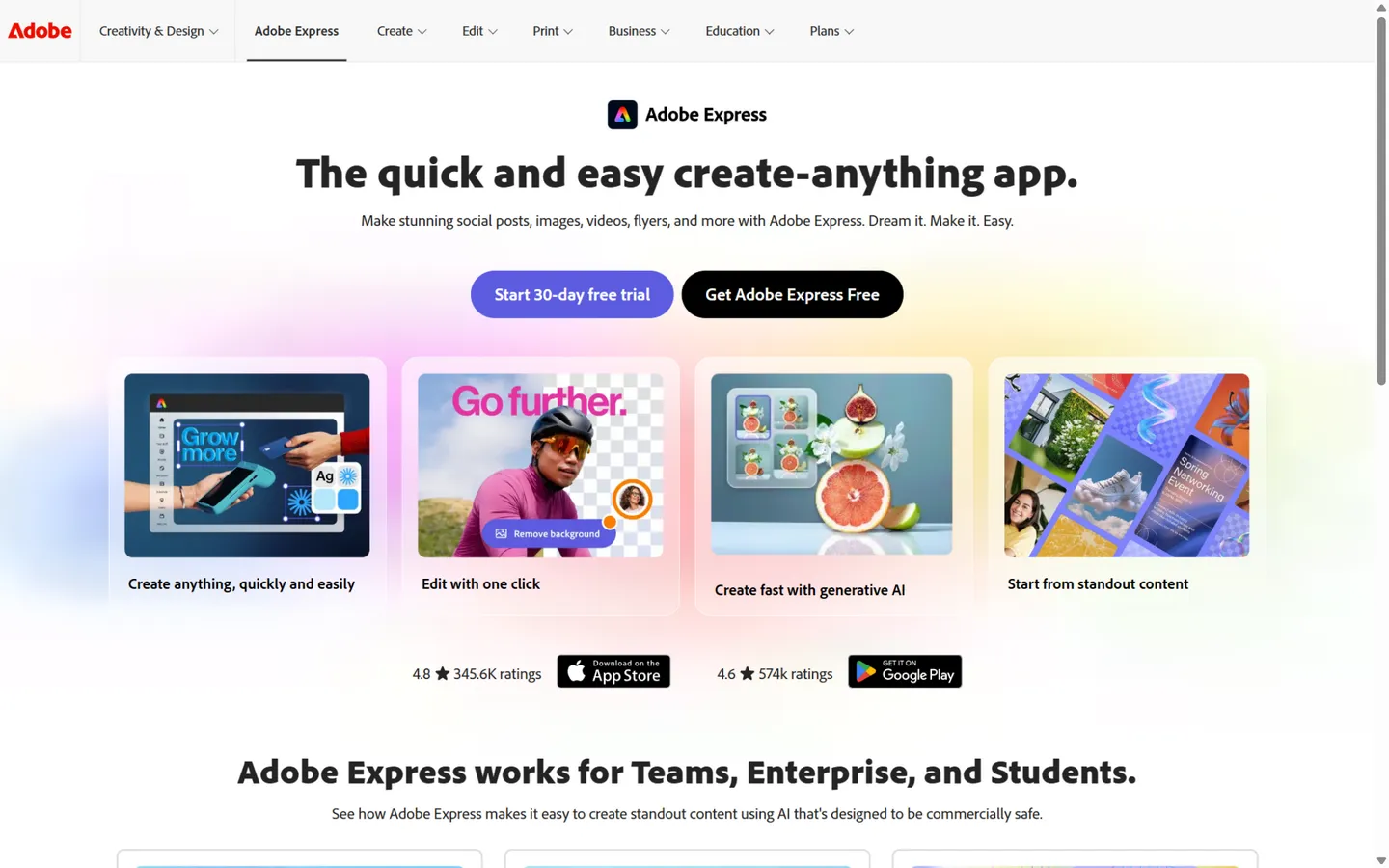
Adobe Express is Canva's direct rival with one decisive advantage for lyric videos: the free tier exports without a watermark. Its dedicated free online lyric video maker follows the School 2 script — upload your audio (or pick a royalty-free track from Adobe Stock), choose from thousands of templates (Adobe Stock lists 1,700+ lyric-video motion templates), swap in your lyrics, and apply one-click text animations. Syncing is manual by design; Adobe's own copy tells you to "speed clips up or slow them down" to match the music.
What you get for that labor is Adobe's design pedigree: better default typography than most competitors, Adobe Fonts on paid plans, seamless scaling between social sizes, and Stock footage that doesn't look like everyone else's. Firefly AI can generate images to drop into your design, but it is not part of the lyric pipeline — this is a template tool, full stop. Premium runs $9.99/month for the full Stock library, generative credits, and brand controls.
Pros
- Free exports with no watermark — the cleanest free path in School 2 alongside Canva
- Superior template typography and Adobe Stock's 1,700+ lyric-video assets
- One-click resize for every social format
- Polished, ad-free creative environment
Cons
- Manual clip-by-clip lyric sync; no transcription, no LRC, no karaoke animation
- No audio-reactive visuals; the ceiling is template motion + stock loops
- Video editing depth trails VEED and Kapwing
- Some specs (exact max resolution and duration) aren't officially published — third parties report ~1080p and ~10 minutes
Best for: creators who want Adobe-grade design in a lyric video, free and watermark-free, and can spare an hour to sync lines by hand.
9. SunoMV — Word-by-Word Karaoke for Your Suno Catalog
Visit: suno.bi
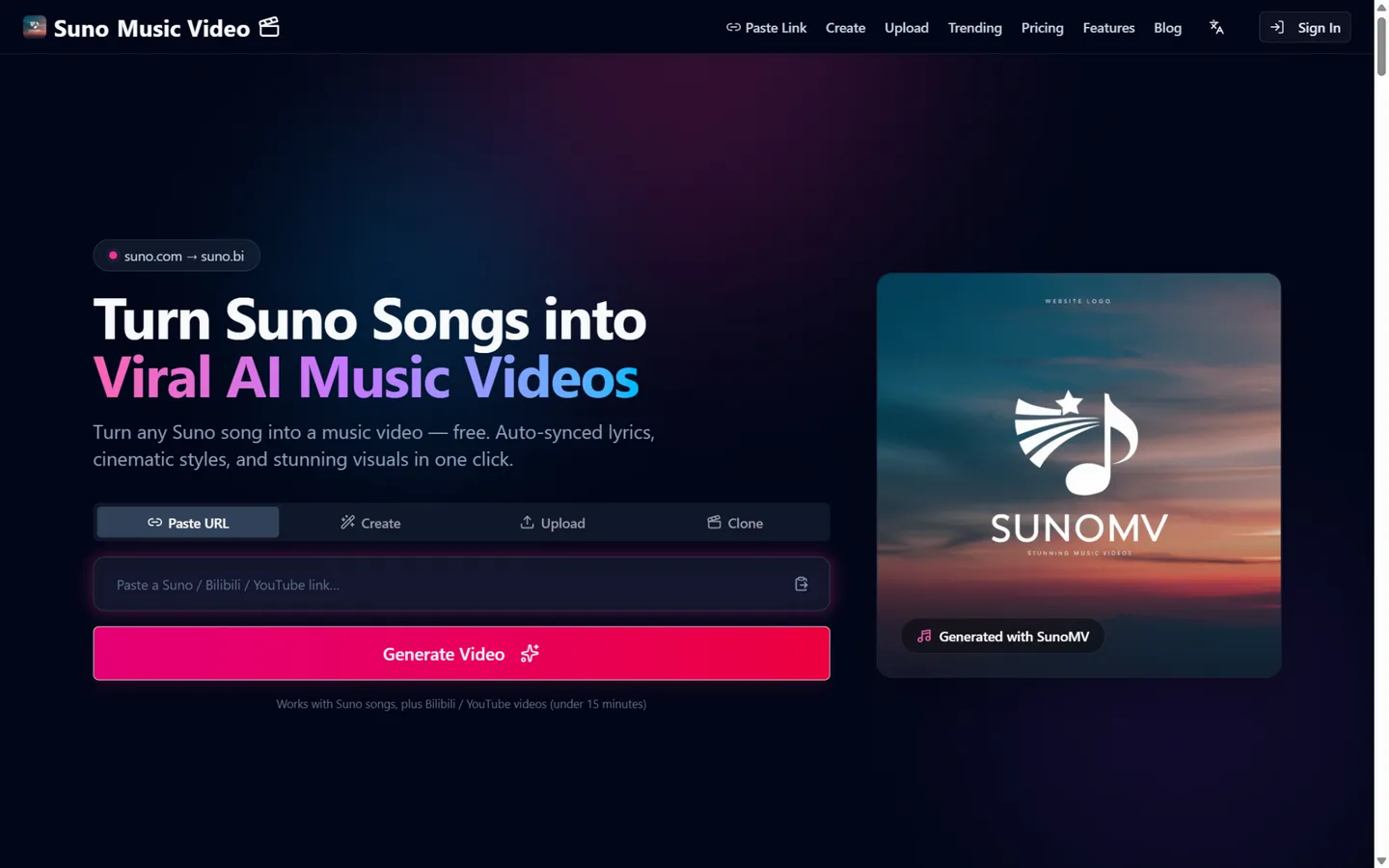
SunoMV (independent; not affiliated with Suno) remains the deepest Suno-native pipeline. Paste a song link and it generates an AI image for every lyric line in your chosen style, auto-aligned to the vocals — its guide documents genuine word-by-word karaoke highlighting, where each word lights up exactly when it's sung, with instrumental breaks left clean and long songs staying in sync. Seven subtitle styles (Classic, Neon Glow, Cinematic, Karaoke and more) sit on top, and LRC export means your timings can move to other tools.
Model transparency is its superpower: the pricing page lists every generation model with its per-credit cost — Seedance 2.5/2.0 (including a 4K variant), Veo 3.1, Kling, MiniMax H3, Wan, plus a full image-model menu — so you can preview cheap and render premium. The costs of that depth: the free plan previews sync but refuses exports (the real entry price is $39.90/month), marketing numbers drift (the site says "36 curated styles" in one place and "22+" in another), and the workflow favors Suno links over generic audio.
Pros
- Word-by-word karaoke sync tuned specifically for Suno songs
- Every generation model priced openly; preview cheap, finalize premium
- Instrumental sections handled automatically; LRC export
- 1080p watermark-free with commercial rights from the first paid tier
Cons
- Free tier cannot export at all
- Entry price ($39.90/month) is the highest on this list
- Style counts and feature claims are inconsistent across its own pages
- Generic audio workflow is secondary to the Suno-link path
Best for: Suno-first creators who want sing-along karaoke visuals with per-word accuracy across a whole catalog.
10. Neural Frames — Lyrics Generated Inside the AI Imagery
Visit: neuralframes.com
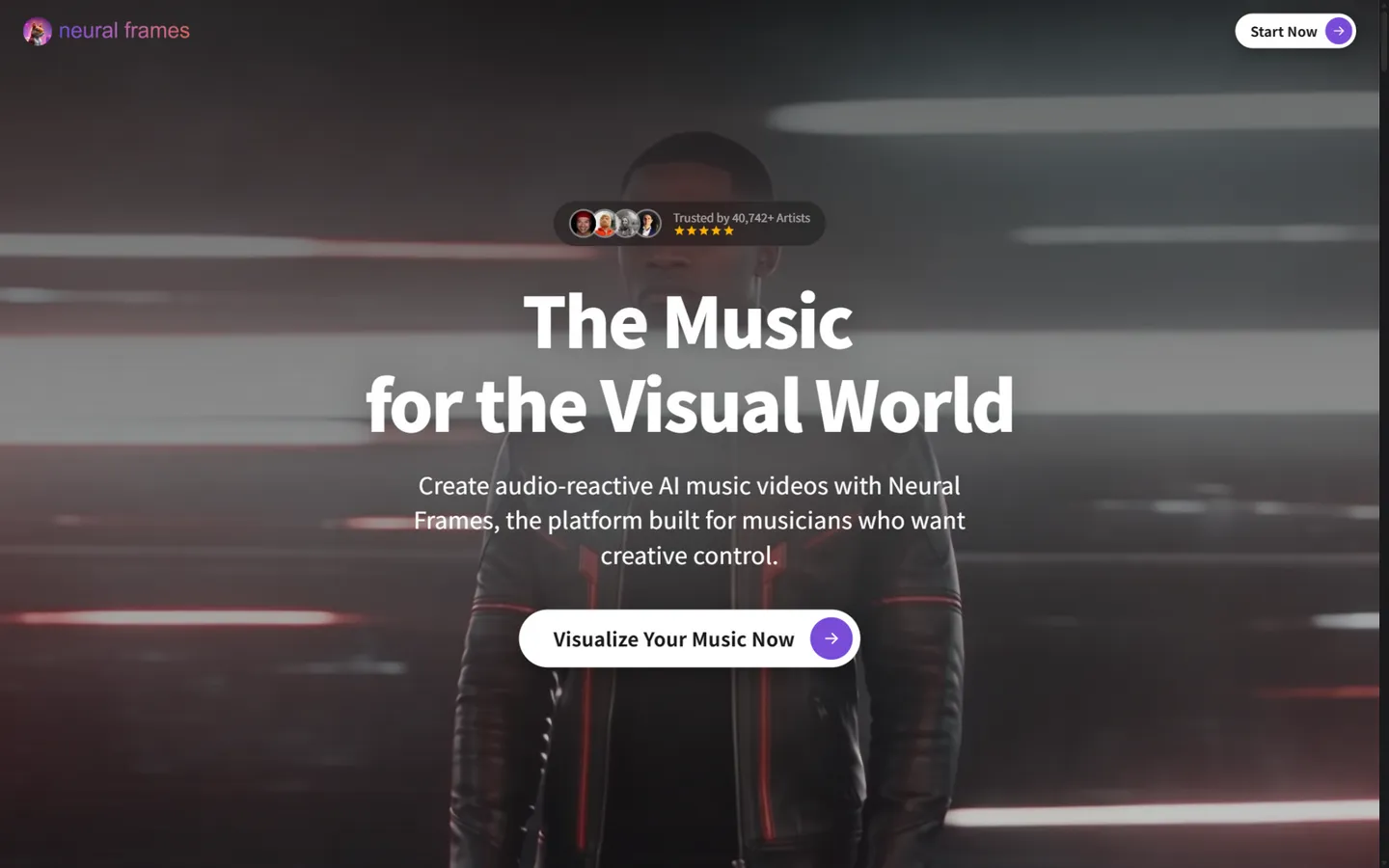
Neural Frames takes School 1 to its logical extreme: instead of overlaying subtitles on AI video, it generates your lyrics inside the imagery — words painted on walls, neon signs in the scene, typography woven into the frame itself ("put your lyrics inside the scenes" is its literal pitch). The pipeline transcribes your vocals automatically, lets you proofread word by word, then drives an audio-reactive visual engine with eight separated stems and a dozen modulation parameters, rendered with Kling 3, Seedance, Runway, or Stable Diffusion. The company claims over a billion frames generated.
This approach is the most visually ambitious and the least conventional. There is no font-perfect text control and no karaoke highlighting — the lyrics are part of the generated image, so a mangled word means regenerating that scene — and the synthesizer-style editor has the steepest learning curve of the ten. But nothing else makes a lyric video that looks like this: 4K upscaling and full-length songs are included from the mid tier, and credits roll over (up to 3× your monthly quota; failed generations aren't charged).
Pricing: no formal free plan (a trial lets you explore the editor); Neural Knight $26/month billed annually ($39 monthly, 2,400 credits); Neural Ninja $66/month annual ($99 monthly, 7,200 credits, 4K); Neural Nirvana $199/month annual ($299 monthly, 24,000 credits).
Pros
- The only tool whose lyrics live inside the generated art — unmatched visual ambition
- Deepest audio reactivity here: 8-stem separation plus per-parameter modulation
- 4K output and full-length songs without stitching
- Fair credit policies (rollover, no charge on failures)
Cons
- In-scene text can't be font-controlled; typos require scene regeneration
- No karaoke/sing-along mode — wrong tool for follow-the-words videos
- Steepest learning curve of the ten; no formal free plan
- Transcription struggles with layered vocals and fast delivery, per its own docs
Best for: experimental and electronic artists who want typography and cinematography fused into one AI-generated piece.
Which Lyric Video Generator Should You Pick?
Match your situation to a school first, a tool second:
- "I need it free and clean today." School 2, no contest: Canva or Adobe Express export at no cost with no watermark.
- "I refuse to sync lyrics by hand." Auto-transcription territory: VEED (line-level) in School 2, or TwoShot if you need word-level precision. AI-native tools (Dimly, LyricEdits, SunoMV) also transcribe automatically.
- "I want karaoke-style word highlighting." TwoShot (typography), SunoMV (AI imagery + word karaoke), or Kapwing's karaoke captions from the also-rans.
- "The video should look like nothing a template can make." School 1: Dimly AI for editable, release-ready output, LyricEdits for meaning-driven artwork, Neural Frames for lyrics-as-cinematography.
- "I ship volume for many artists." Specterr Unlimited or Videobolt Business — flat-priced, template-fast, no credit anxiety.
- "I'm a developer and want full control." School 3: a Whisper + FFmpeg pipeline, or hand Claude Opus 5.5 / GPT-6 Astra a Remotion project — you'll get pixel-perfect text and frame-exact sync, with programmatic aesthetics to match.
One practical note that matters more than the school: export the aspect ratio you actually need. Every tool handles native 9:16 better than a crop of a 16:9 master, and lyric legibility on vertical video is why most re-exports fail.
FAQ: Lyric Video Generators
What is a lyric video generator?
A lyric video generator syncs a song's lyrics to music and renders them into a video — from animated text over backgrounds to AI-generated scenes for every line. The three main types are pure AI generators, template editors with render engines, and self-hosted code pipelines. Seven of the ten tools we compared transcribe lyrics automatically; Canva, Adobe Express, and Specterr still time every line by hand.
Can I make a lyric video for free?
Yes — Canva and Adobe Express are free lyric video generators that export watermark-free video without paying (manual lyric syncing). VEED, Specterr, and Kapwing have free tiers with watermarks or resolution caps. AI tools give trial credits or watermarked pilots — Dimly AI plans and test-renders your full video free before any payment, and LyricEdits includes 150 credits. Only Neural Frames and SunoMV have effectively no usable free tier.
What's the difference between line-level and word-level sync?
Line-level sync reveals one lyric line at a time; word-level (karaoke) highlighting lights each word as it's sung. Word-level is what viewers associate with official lyric videos. On this list: TwoShot (phoneme-level transcription) and SunoMV do true word-by-word timing; Kapwing and Musixmatch Pro support karaoke captions; VEED and Videobolt sync lines automatically; Canva, Adobe Express, and Specterr are manual.
How do I sync lyrics to a song automatically?
Three ways, depending on the tool: audio transcription, where AI listens to the vocals and timestamps each word (VEED, TwoShot, LyricEdits, Neural Frames); platform metadata, where a Suno link already carries aligned lyrics (Dimly AI, SunoMV); or importing an existing timed file — Dimly AI accepts LRC files, so timings from any karaoke tool carry straight over.
Which lyric video generators work with Suno?
Dimly AI, SunoMV, and freebeat accept Suno links directly and use the song's embedded metadata for tighter sync. Every other tool in this comparison works with Suno songs the ordinary way: download the MP3 and upload it. SunoMV goes deepest on karaoke accuracy; Dimly AI produces the most complete full-song video with an editable timeline — see our AI music video generator comparison for the full Suno-pipeline rundown.
What's the best lyric video app for iPhone and Android?
For phones, CapCut is the fastest path — its auto-captions double as karaoke-style lyric animations, and it's free. That said, all ten tools in this comparison are web-first and work in a mobile browser; for release-quality exports with editable lyric timelines, a desktop-or-mobile-browser workflow with a dedicated generator still beats any native app.
Can GPT-6 Astra or Claude Opus 5.5 make a lyric video?
Yes — but as School 2, not as a video model. Neither generates video pixels directly; both write code. Give GPT-6 Astra or Claude a song plus a Remotion or Canvas project and it will emit a frame-by-frame render program with word-perfect timing, encoded by ffmpeg — the open-source opus-video-skills project does exactly this, including karaoke lyric videos. The text is pixel-perfect and re-renders are nearly free, but the aesthetic is programmatic kinetic typography; for filmed or painterly scenes, you still want the AI-generation school.
How much does a lyric video cost?
Flat-rate template tools run $10–25/month for unlimited-ish output (Videobolt Lite $9.99, Specterr Pro $16.50, Canva Pro $15). AI tools charge per render in credits: LyricEdits prices a standard 3-minute video around 540 credits, so its $39 Creator plan covers three-plus renders a month; Dimly AI quotes each render's credit cost before it runs, and its $5.99 weekly pass is sized for a full lyric video. One-off budgets of $6–40 cover a polished single, against $500+ for an After Effects freelancer.
Does lyric video resolution actually matter?
Less than sync accuracy. 1080p is standard for YouTube and more than enough for vertical feeds; 4K matters for projection, licensing, and re-framing. On this list, 4K export ships with Videobolt (from Lite), VEED Pro, Specterr's higher tiers, LyricEdits Pro and up, and Neural Frames Ninja and up. Dimly AI caps at 2K — sharp for every platform it targets, but check before committing if 4K is a hard requirement.
Final Verdict: The Best Lyric Video Generator in 2026
The three schools are converging on different answers to the same question, so pick by the job:
- Best AI-directed, editable output: Dimly AI — AI scenes for every line, with a timeline you can correct and a price quote before every render. Start with the free plan and watermarked pilot.
- Best template value: Videobolt — 21,000 music-native templates with AI lyric sync from $9.99/month.
- Best free: Canva or Adobe Express — watermark-free exports if you'll sync by hand.
- Most precise word timing: TwoShot — phoneme-level karaoke typography, with the transparency caveat documented above.
- Most ambitious AI visuals: Neural Frames — lyrics generated into the artwork itself, at 4K.
Whichever school you choose, test with your most difficult 30 seconds — the fastest rap verse or the longest instrumental break — before subscribing. Templates prove themselves on the demo reel; lyric sync proves itself on your chorus.
Prepared by the AIGCLIST Editorial Team, which maintains the AIGCLIST directory of AI music and video tools. Prices and features verified from official pricing pages in October 2026; we re-check this comparison quarterly — if a tool has changed its plans, leave a comment and we'll verify and update it.