 AIGCLIST
10 Best AI Music Video Generators in 2026 (Compared)
We compared 10 AI music video generators for 2026 — pricing, free tiers, AI models, pros and cons — plus which one fits your song, budget, and workflow.
Picking an AI music video generator in 2026 is harder than it should be. Every tool on the first page of Google claims to "turn your song into a stunning video," but they differ wildly in what actually happens after you upload your track: some analyze the waveform and cut every scene to the beat, some just staple stock clips to your audio, and some hand you a professional-grade editor that takes a weekend to learn.
We audited every tool's live pricing pages, combed through documentation, changelogs, and the user-review trail, and compared the ten strongest options side by side — pricing, supported AI models, output quality, watermarks, commercial rights, and the small print nobody mentions. Whether you released your last single through Suno and need a video this weekend, or you're a label shipping twelve lyric videos a month, one of these ten will fit.
The short answer: the best AI music video generator depends on how you work. Freebeat is the fastest one-click option, Neural Frames is the deepest audio-reactive editor, and Dimly AI* is the pick if you want the whole song directed like a real music video — cut section by section, not a reel of clips. Full breakdown below.
*Dimly AI is part of the AIGCLIST network — full disclosure in the methodology section below.
How We Tested These AI Music Video Generators
We evaluated each tool against the same rubric in October 2026. To be explicit about method: this is a structured desk comparison — live pricing pages, official documentation, vendor changelogs, and aggregated user reviews, plus hands-on checks of each site's sign-up flow, reliability, and published specs. Where a number is the vendor's own claim, we say so:
- Music-first workflow. Does the tool actually listen to your track (beat detection, structure, lyric timing), or does it ignore the audio and hope for the best?
- Output quality and specs. Native resolution, frame rate, clip length, aspect ratios, watermark policy.
- Pricing honesty. Real monthly cost, what the free tier actually includes, and whether credits roll over.
- Model transparency. Which video models (Seedance, Kling, Veo, MiniMax, and so on) power the output — serious creators want to choose.
- Commercial rights. Whether paid plans allow monetized YouTube uploads, Spotify Canvas, and client work.
One disclosure before we start: Dimly AI is part of the AIGCLIST network. We've ranked it on the same rubric as everything else, at position #4, and we call out its weaknesses — export tiers, credit burn, small community — as bluntly as every competitor's. All prices were checked on live pricing pages in October 2026 and will drift; treat them as current, not eternal.
The 10 Best AI Music Video Generators at a Glance
| Tool | Best for | Paid from | Free tier | Notable models |
|---|---|---|---|---|
| Freebeat.ai | One-click videos from any link | $4.99/wk | Yes (watermark) | Seedance 2.5, MiniMax H3, Suno V5.5 |
| Solmi.ai | Editable, word-level lip sync | $35/mo | Yes (480p) | Undisclosed |
| Neural Frames | Frame-level audio-reactive control | $26/mo (annual) | No | Kling 3, Seedance, Runway |
| Dimly AI | Directed full-song music videos | $5.99/wk | No (weekly-pass trial) | MiniMax H3, Seedance 2.5 |
| SunoMV | Suno songs → synced MV | $39.90/mo | Preview only | Seedance, Veo 3.1 Lite, Kling v2.5 |
| Plazmapunk | Spotify Canvas + scene editing | €9.99/mo | Yes (200 credits) | LTX 2.5, Veo 3.1 |
| BeatViz.ai | Chat-directed videos + AI music | $20.70/mo (annual) | Unclear | Veo 3.1, Sora, Kling |
| OpenArt | Multi-model power users | $14/mo | No (trial credits) | 100+ models incl. Sora 2, Kling 3.0 |
| InVideo | Prompt-to-video with stock library | $20/mo | Yes (720p + watermark) | Veo, Sora 2, Seedance 2.5 |
| MusVideo | Cheapest music-first pipeline | $14.99/mo | Yes (50 credits) | Undisclosed |
Why no Runway, Kaiber, or Rotor Videos? They're capable tools, but none treats a full song as the input — Kaiber and Runway work in short clips you time by hand, and Rotor dresses stock footage in templates. They live in our AI video generator category instead.
1. Freebeat.ai — Best for One-Click Music Videos from Any Link
Visit: freebeat.ai
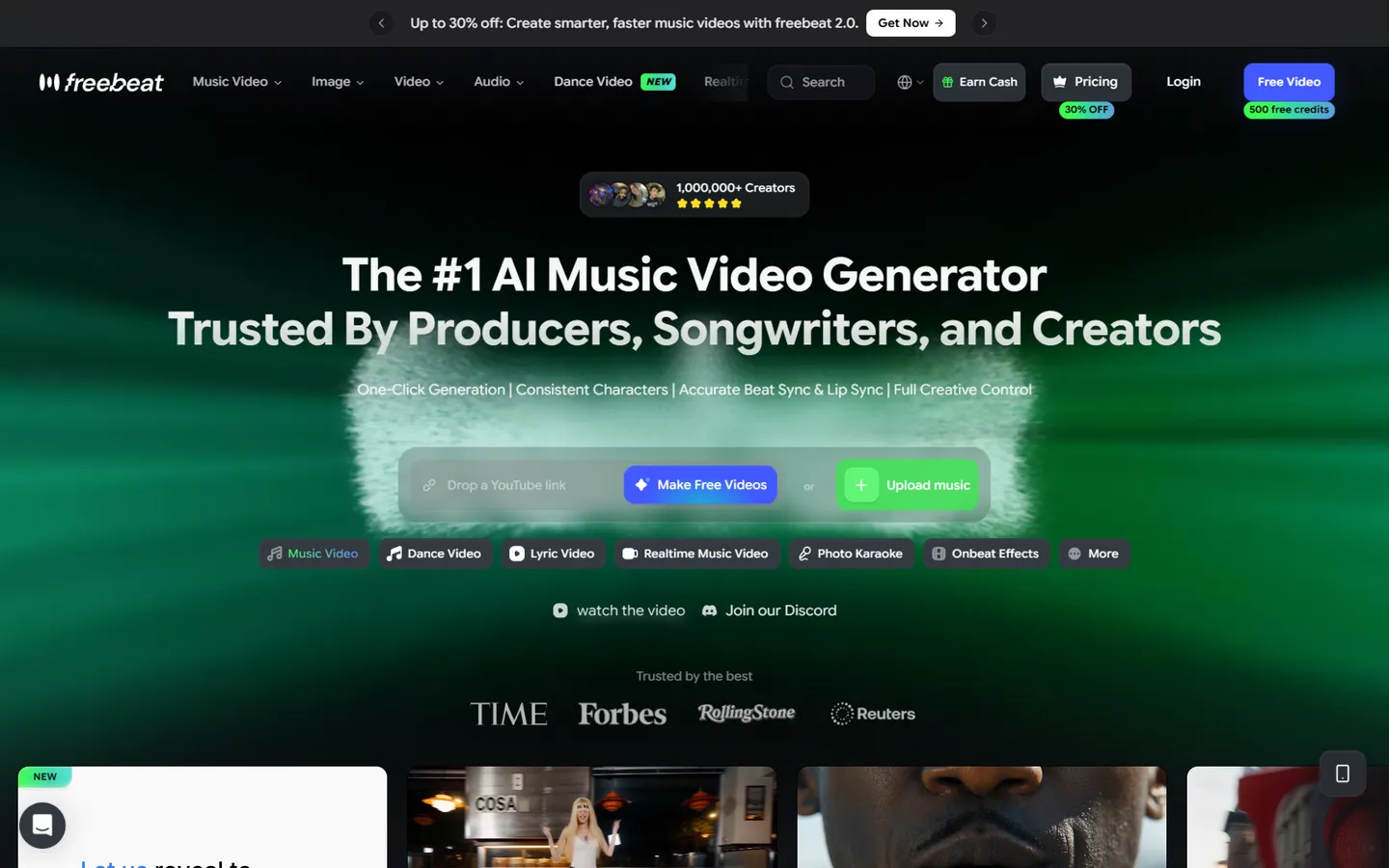
Freebeat earns the #1 spot on this list for a reason: it is the lowest-friction AI music video generator on this list. Paste a YouTube, Suno, Udio, or SoundCloud link (or upload an MP3), pick a style, and its "music video agent" plans shots, matches transitions to the beat, and renders a finished cut. The homepage advertises one-click generation, consistent characters, accurate beat sync and lip sync — and in practice the pipeline really does run end to end without a timeline in sight.
Beyond standard music videos, Freebeat leans hard into vertical-video formats: dance videos, lyric videos, photo karaoke, and "Realtime Music Video" mode for faster turnaround. If your goal is volume — a video for every track you release, plus shorts for every platform — the assembly-line feel is a feature, not a bug.
Supported AI models. Freebeat is one of the few tools that publishes its model menu. Video generation runs on Seedance 2.5 / 2.0 (including a 4K variant), MiniMax H3, with Veo 3.1 referenced in credit examples; music can be generated with Suno V5.5/V5, MiniMax Music 3.0, Mureka, or Sonauto; images use GPT Image 2.0 and Nano Banana Pro.
Pricing (checked October 2026; frequent 30%-off promotions):
- Basic — $4.99/week (billed weekly), ~1,990 credits/week, 720p
- Pro — $26.99/month, 10,000 credits/month, 720p
- Ultimate — $39.99/month, 19,000 credits/month, 1080p
- Creator — $199/month, 95,000 credits/month, 1080p
- Free plan — limited credits, watermark, 720p cap; credit packs from $7.99
Pros
- True one-click: link in, finished video out, in minutes
- Widest input support (YouTube, Suno, Udio, SoundCloud, file upload)
- Transparent, multi-brand model menu (Seedance, MiniMax, Veo, Suno)
- Lowest first payment on this list — $4.99 buys a full week (about $20/month if you keep it)
- Free plan lets you test the full pipeline before paying
Cons
- Trustpilot rating is a worrying 1.4/5 (~262 reviews, checked October 2026), dominated by billing and refund complaints
- 720p lock-in until you reach the $39.99/month tier
- Weekly-billed entry plan with auto-renewal is easy to forget and hard to cancel for some users
- Heavy discount marketing ("30% off," countdown banners) everywhere in the UI
A note on the ranking: we ordered this list by fit for the job, not by corporate trust profile. Freebeat tops it on capability per dollar; the Trustpilot record above is exactly why our final verdict goes elsewhere.
Best for: creators who want maximum output for minimum effort and don't mind a small weekly subscription — and who read the cancellation terms first.
2. Solmi.ai — Best for Word-Level Lip Sync and Editable Results
Visit: solmi.ai
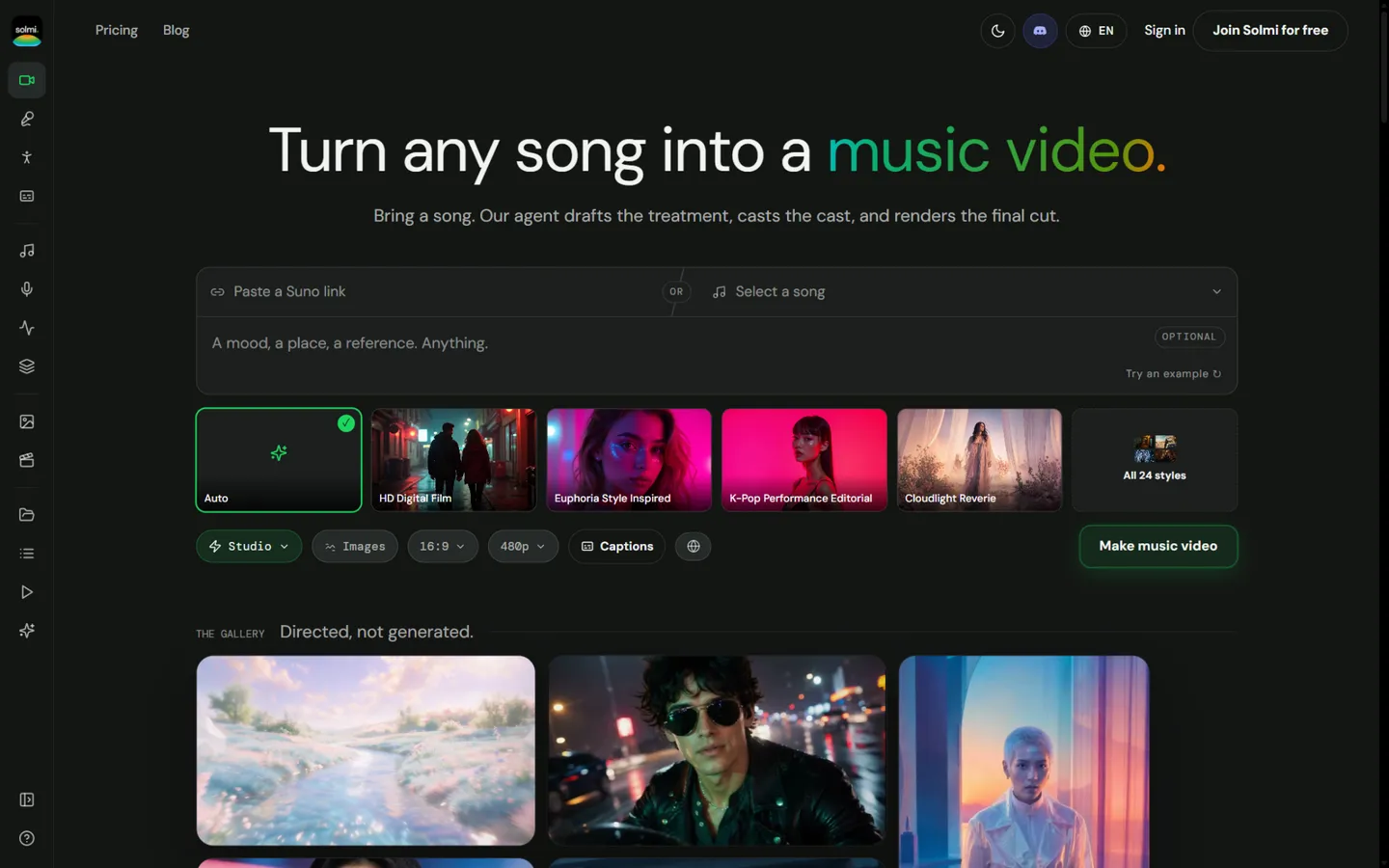
Solmi's tagline — "Directed, not generated" — tells you the pitch: an agent drafts the treatment, casts the visual cast, and renders the final cut, then hands you an editable timeline instead of a take-it-or-leave-it MP4. That single difference matters. Most AI music video generators lock you into the first render; Solmi lets you go back and re-cut a chorus without starting over.
Its standout technical trick is word-level lip sync: Solmi detects lyrics and aligns each word to mouth movement, then burns styled captions into the export. Around the core product sit useful side tools — a lyric video generator (~0.5 credits/second), a Spotify Canvas maker, AI dance choreography planned per song section, and image-to-video for turning cover art into motion. Renders complete in roughly 3–10 minutes for a typical track.
Supported AI models. Not publicly disclosed — a genuine gap for creators who care which engine renders their shots. Inputs are well covered, though: Suno, Udio, YouTube, and TikTok links, plus MP3/WAV/M4A uploads up to 200MB.
Pricing (checked October 2026; monthly billing only — no annual discount):
- Free — 100 video credits to start (song credits refill to 10/day), 480p, watermark, personal use only
- Plus — $35/month, 2,000 credits (~3–7 one-minute MVs), 720p/1080p, no watermark, commercial use
- Creator — $85/month, 5,500 credits (~9–15 MVs)
- Pro — $135/month, 9,000 credits (~15–25 MVs)
- One-off credit packs from $30 (12-month validity)
Pros
- Word-level lip sync is the most precise in this comparison
- Videos arrive as editable timelines — rare among AI generators
- Free tier needs no credit card; full pipeline is testable
- Fast end-to-end renders, plus an iOS app and a 14-language site
Cons
- Paid entry at $35/month is steep for hobbyists; free tier is capped at 480p with a watermark
- No annual plan or discount
- Model menu undisclosed
- Thin public track record — few reviews or user numbers to verify
Best for: vocal-first tracks where lip sync quality is non-negotiable, and artists who want to tweak the AI's edit rather than accept it.
3. Neural Frames — Best Audio-Reactive Editor for Perfectionists
Visit: neuralframes.com
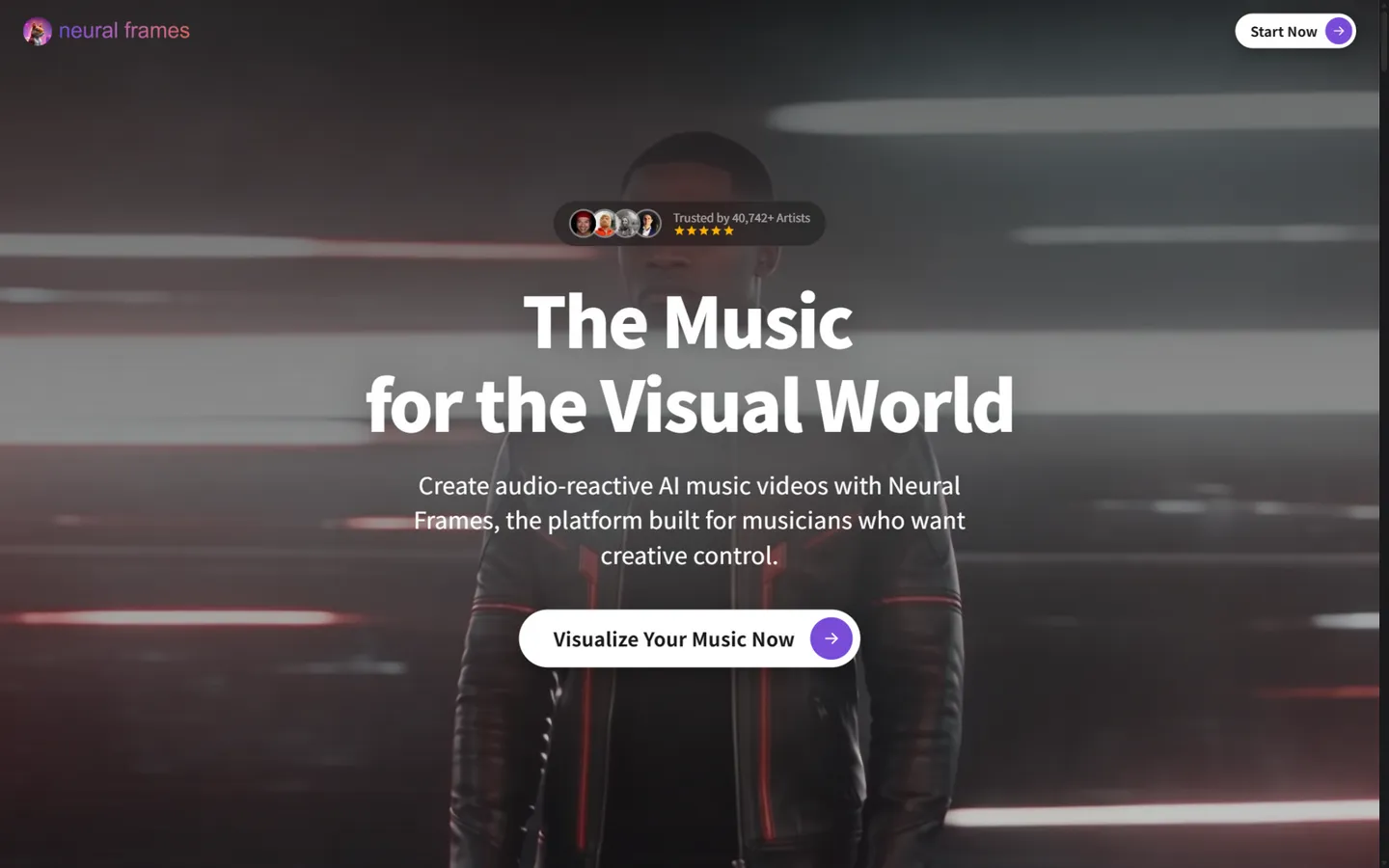
Neural Frames has been the connoisseur's choice since before the current wave of video models, and it shows in the architecture. Instead of prompting "make a music video," you work like a synthesizer sound designer: the platform splits your track into stems (drums, bass, vocals, melody), and visuals pulse, morph, and quantize against each layer through more than a dozen modulation parameters. Autopilot will assemble a full-length video — up to ten minutes — in two steps, but the real value is the frame-by-frame editor, chat-based scene refinement, and custom style training from 50–100 reference images.
Character consistency, Lipsync Pro, emotional singing visuals, and a built-in "Suno to Video" workflow round out a feature set aimed at musicians who want the video to be an instrument, not an accessory. The company is bootstrapped out of Berlin (no VC), has generated 2M+ videos according to its site, and has been covered by PCMag, TechRadar, and Newsweek.
Supported AI models. Kling (listed as Kling 3), Seedance, Runway, and Stable Diffusion, plus in-house modulation tech on top.
Pricing (checked October 2026; annual billing saves ~33%):
- Neural Knight — $26/month billed annually ($39 monthly), 2,400 credits/month, 7 models, 1080p
- Neural Ninja — $66/month billed annually ($99 monthly), 7,200 credits/month, 10 models, 4K upscale
- Neural Nirvana — $199/month billed annually ($299 monthly), 24,000 credits/month, priority 4K
- No formal free plan — you can start a project to see the editor, but exports require a subscription
Pros
- Deepest audio-reactive control of any tool here — per-stem, per-parameter, per-frame
- True 4K output included in mid and top tiers, full-length (10-minute) videos supported
- Credits roll over (up to 3× your monthly quota) and failed generations aren't charged
- Longest track record and the most credible press coverage in the niche
Cons
- No free plan, and the entry tier ($26/month annual) is a real commitment
- The synthesizer-style parameter system has the steepest learning curve on this list
- 25fps export is slightly off-standard for some platforms
- Marketing numbers are inconsistent (40,742+ artists on the homepage vs 10,000+ in its FAQ)
Best for: electronic and experimental artists who want the visuals as finely tuned as the mix — and who'll invest the time to learn the tool.
4. Dimly AI — Best AI Director for Complete, Release-Ready Music Videos
Visit: dimly.ai
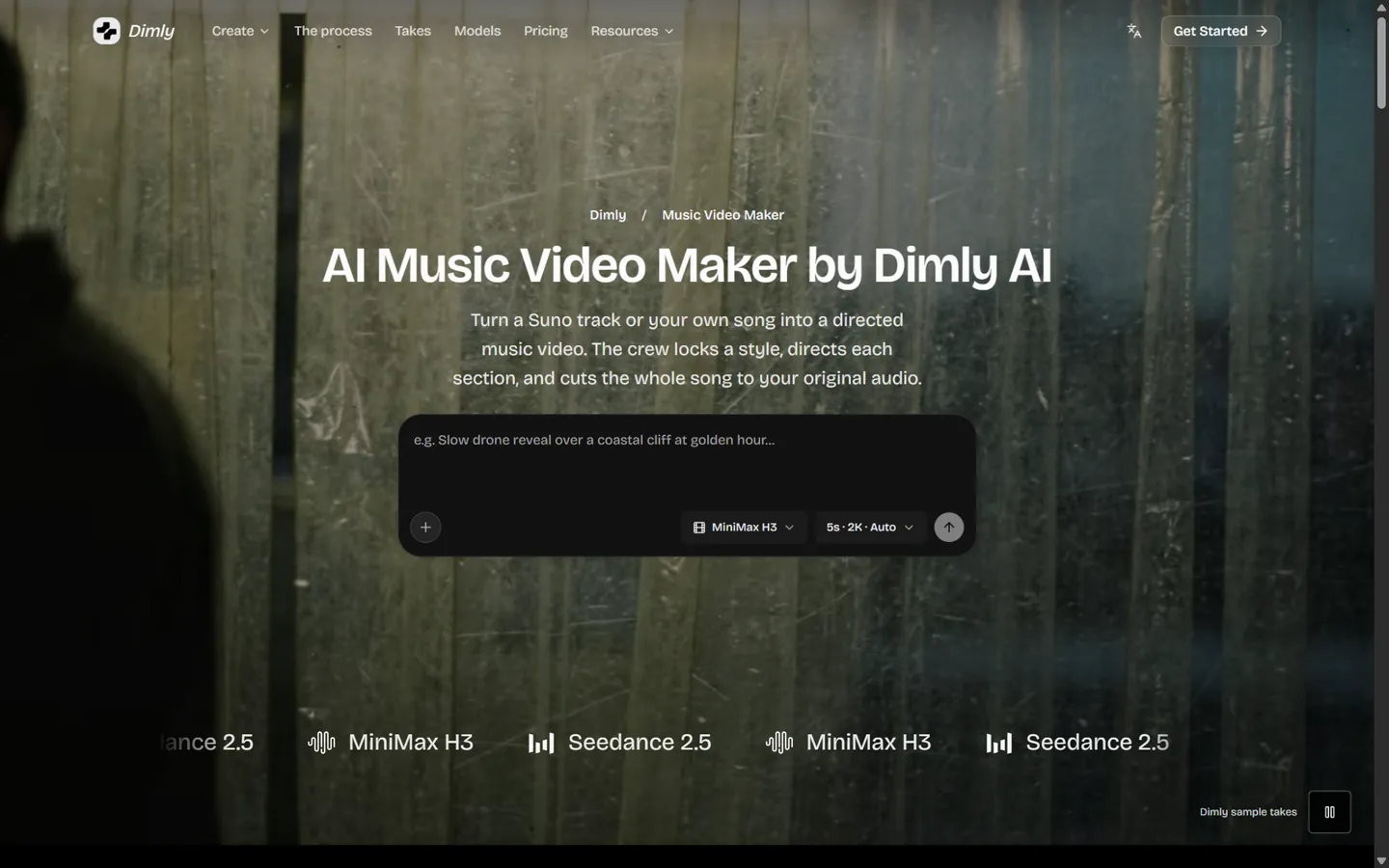
Most tools on this list generate clips; Dimly AI is built to deliver a music video — the whole song, cut to your original audio, with a visual language that holds from intro to outro. The workflow runs like an actual production: Dimly analyzes your track's waveform, energy curve, structure, and lyric timeline, then drafts a treatment (light, lens, camera movement, pacing) from your creative brief.
Each section — verse, chorus, bridge — is then directed individually so the chorus actually lands instead of repeating the verse with a different filter.
The guided flow asks for plain-English direction ("the chorus feels lonely — keep her still as the world moves around her"), not prompt-engineering incantations, which makes it unusually approachable for musicians who don't want to become AI hobbyists. Outputs cover the full release checklist: complete music video, lyric video, audio visualizer, and a 15-second "Chorus Cut" vertical for TikTok, Reels, and Shorts. You can import a song straight from a Suno link or upload your own audio (WAV up to 48kHz), and everything is cleared for commercial use as long as you own the music.
Supported AI models. MiniMax H3 and Seedance 2.5, selectable per project, with output up to 2K (2560×1440). Two models sounds limited next to OpenArt's buffet — but both are top-tier for character consistency, and the constraint keeps the director pipeline tuned rather than generic.
Pricing (checked October 2026):
- Weekly Pass — $5.99/week, 1,000 credits, 7-day validity — the cheapest way to test-drive a full video
- Starter — $26.99/month, 4,300 credits/month
- Pro — $39.99/month, 6,400 credits/month — full music video exports unlock here
- Creator — $199/month, 32,000 credits/month, for labels and heavy release schedules
- Add-on credit packs available; subscriptions auto-renew and can be cancelled anytime
Pros
- Full-song direction with per-section continuity — the output is an MV, not a clip reel
- Song analysis (structure + lyric timeline) drives edits, so cuts land on actual musical events
- Selectable frontier models (MiniMax H3 / Seedance 2.5) and up to 2K export
- Complete deliverable set: MV, lyric video, visualizer, and vertical Chorus Cut from one session
- Weekly $5.99 pass makes it the lowest-risk way to produce one release-ready video
Cons
- Full-length music video exports require the Pro tier ($39.99/month) — lower tiers cover lyric videos and shorts
- Credits need budgeting on long songs; a section-heavy director pipeline burns more than a one-clip generator
- Young brand with a small community — fewer tutorials and third-party reviews than Neural Frames or InVideo
- No traditional free tier (the weekly pass is the trial)
Best for: artists who'd rather give creative direction than learn a timeline.
Read more: our full Dimly AI listing on AIGCLIST — model options, pricing tiers, and community notes.
5. SunoMV — Best Dedicated Suno-to-Video Pipeline
Visit: suno.bi
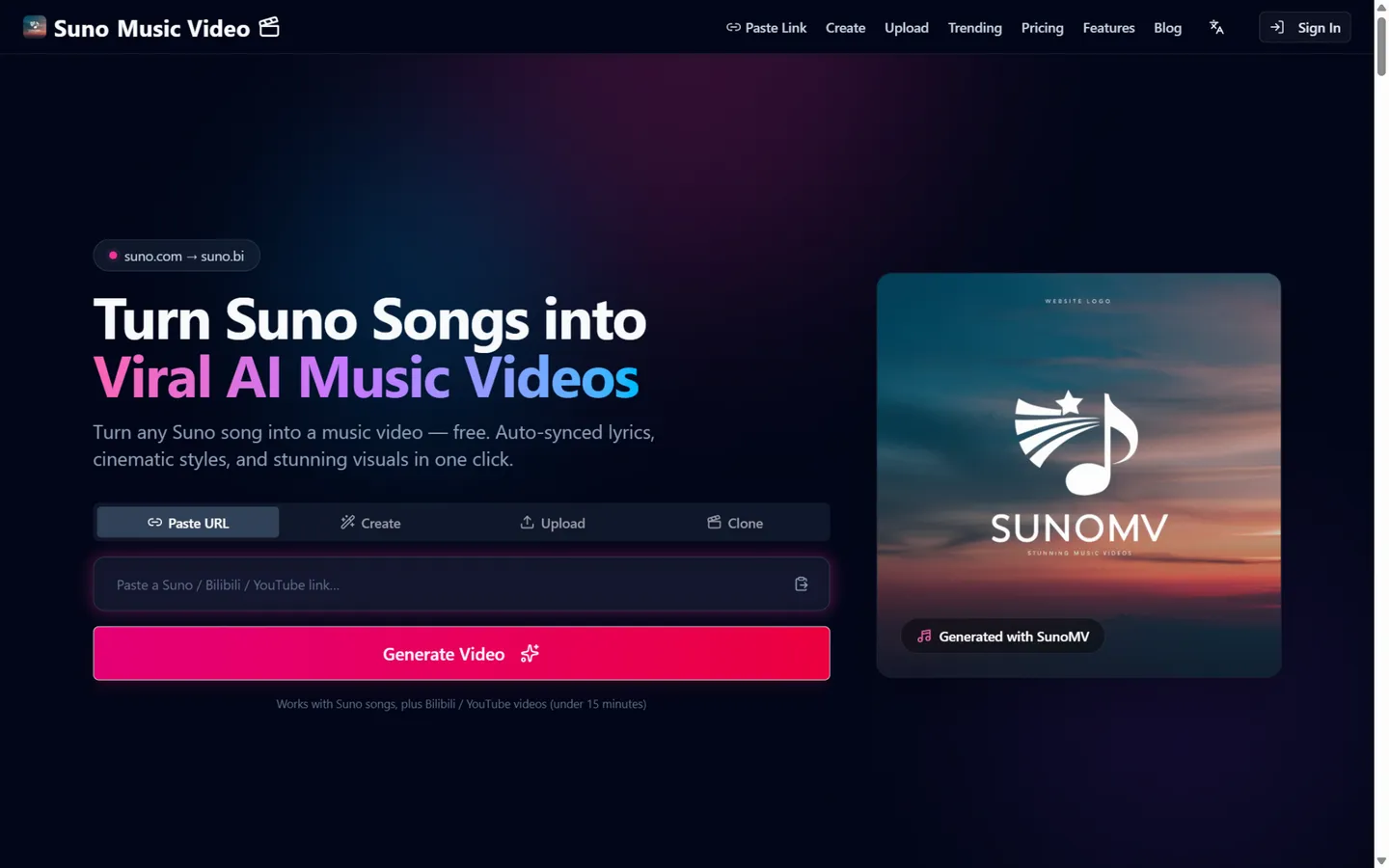
SunoMV (at suno.bi — it is not affiliated with Suno the company) is the most Suno-native tool on this list. Paste a Suno song URL and it reads the track's metadata for frame-level lyric sync, generates a matching image for every line, and assembles a video in your pick of 36 art styles and 24 caption/PV styles. One-sentence prompts produce full treatments, and a lip-sync mode (50 credits/shot) handles close-ups. For Suno-centric creators, nothing else gets from "song published" to "video rendered" faster.
It's also the most transparent about models and costs: each engine lists its per-second credit price, so you can preview cheaply on a light model and lock the final render on a premium one. The independent developer behind it (Jimmy Lv) ships 30+ free companion tools — BPM detection, MP3-to-MP4, cover art — that make the site a useful bookmark even if you never subscribe.
Supported AI models. Video: Seedance 2.0/2.5 (1080p lock), Grok Imagine 1.5 Lite, Veo 3.1 Lite, Kling v2.5 Turbo, MiniMax H3/H3 Max, Wan 3.0, HeyGen. Images: GPT Image 2. Music-side (if you also generate songs): Suno V5.5/V6, Lyria 3.5, MiniMax Music 3.0, ElevenLabs Music.
Pricing (checked October 2026):
- Free Preview — $0, 3 link imports/day, lyric sync and storyboard preview only — no export
- Pro Creator — $39.90/month, 5,000 credits, 1080p no watermark, commercial rights
- Studio Scale — $129.90/month, 20,000 credits, 2K/4K export, batch rendering
- Credit packs from $20 (2,000 credits); credits don't expire while subscribed
Pros
- Deepest Suno integration available — metadata-driven frame-level sync
- Every model's credit cost is published; preview cheap, render premium
- Free preview works without an account
- Honest, granular pricing math on the site
Cons
- The free tier can't export anything — the real entry price is $39.90/month, above most rivals
- Clips run 5–15 seconds; lip sync applies to videos ≤15 seconds
- Solo-developer product: no company footprint, and the name invites confusion with Suno official
Best for: creators whose entire catalog lives in Suno and who want the shortest possible path from song link to synced video.
6. Plazmapunk — Best for Spotify Canvas and Scene-Level Editing
Visit: plazmapunk.com
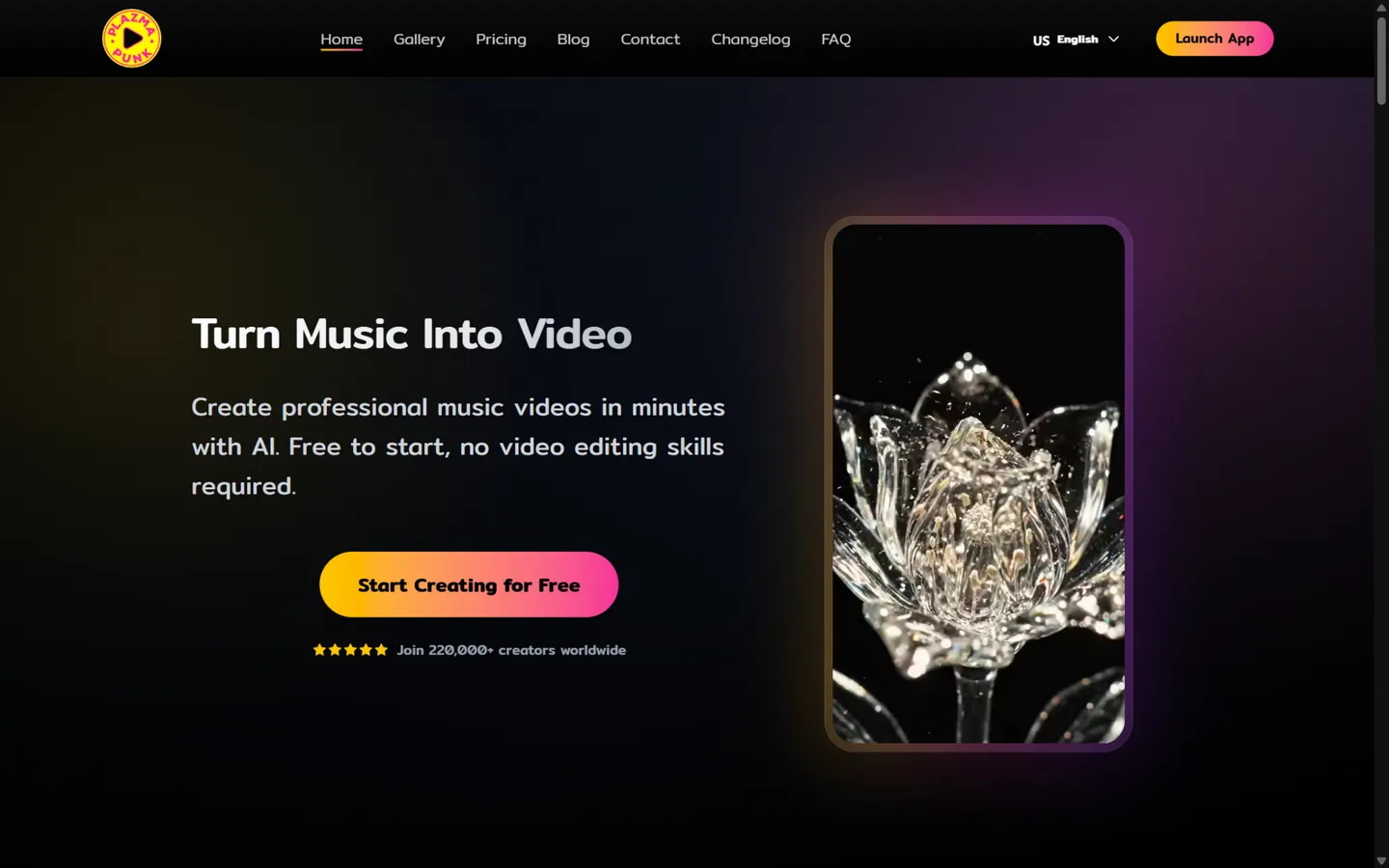
Plazmapunk (built by Germany's ADALAB AI) splits its product into three workflows that map neatly to what musicians actually need. Quick Video turns one prompt into a 15–30 second beat-synced clip in about two minutes. Scene Editor is the serious mode: it lays your track on a waveform and lets you write a prompt per scene — up to 50 clips for full-length videos of four-plus minutes — with an "AI Director" suggesting the shots.
Spotify Canvas generates the 3–8 second vertical loops that Spotify for Artists requires, which almost no competitor handles as a first-class format. Style presets lean cinematic (16mm film, anime, cyberpunk, claymation, vaporwave), a "Magic Enhance" expands thin prompts, and exports cover 16:9, 9:16, 1:1, and 4:3.
Supported AI models. In-house LTX 2.5 for standard clips (720p/1080p), Google Veo 3.1 for premium 4–8 second shots, ZImageTurbo and Stable Diffusion XL for stills, and Gemini assistance that upgrades to Gemini Pro on higher tiers.
Pricing (checked October 2026; euro-denominated, monthly only):
- Free — €0, 200 one-time credits, 4:3 only, no Scene Editor
- Punk — €9.99/month, 4,000 credits, all aspect ratios, Full HD upscale, no watermark, commercial license, credits roll over
- Professional — €29.99/month, 15,000 credits, Gemini Pro included
- Producer — €79.99/month, 50,000 credits, priority support
Pros
- Cheapest serious paid tier here (~€10 with watermark removal and commercial rights)
- Scene Editor's per-scene waveform control is real editing, not slot-machine generation
- Spotify Canvas as a dedicated output — a genuine niche need, well served
- Claims 220,000+ creators — self-reported and unverified, but the largest usage figure among the mid-size tools
Cons
- Free tier is the most hobbled on this list: 4:3-only, no Scene Editor, one-time credits
- "Full HD" is achieved by upscaling rather than native 1080p generation
- Euro pricing with no annual option adds friction for US users
- Almost no independent reviews to corroborate the marketing numbers
Best for: artists pushing tracks to Spotify who need Canvas loops plus a scrappy scene editor at an unbeatable price.
7. BeatViz.ai — Best All-in-One: AI Music + AI Music Video
Visit: beatviz.ai
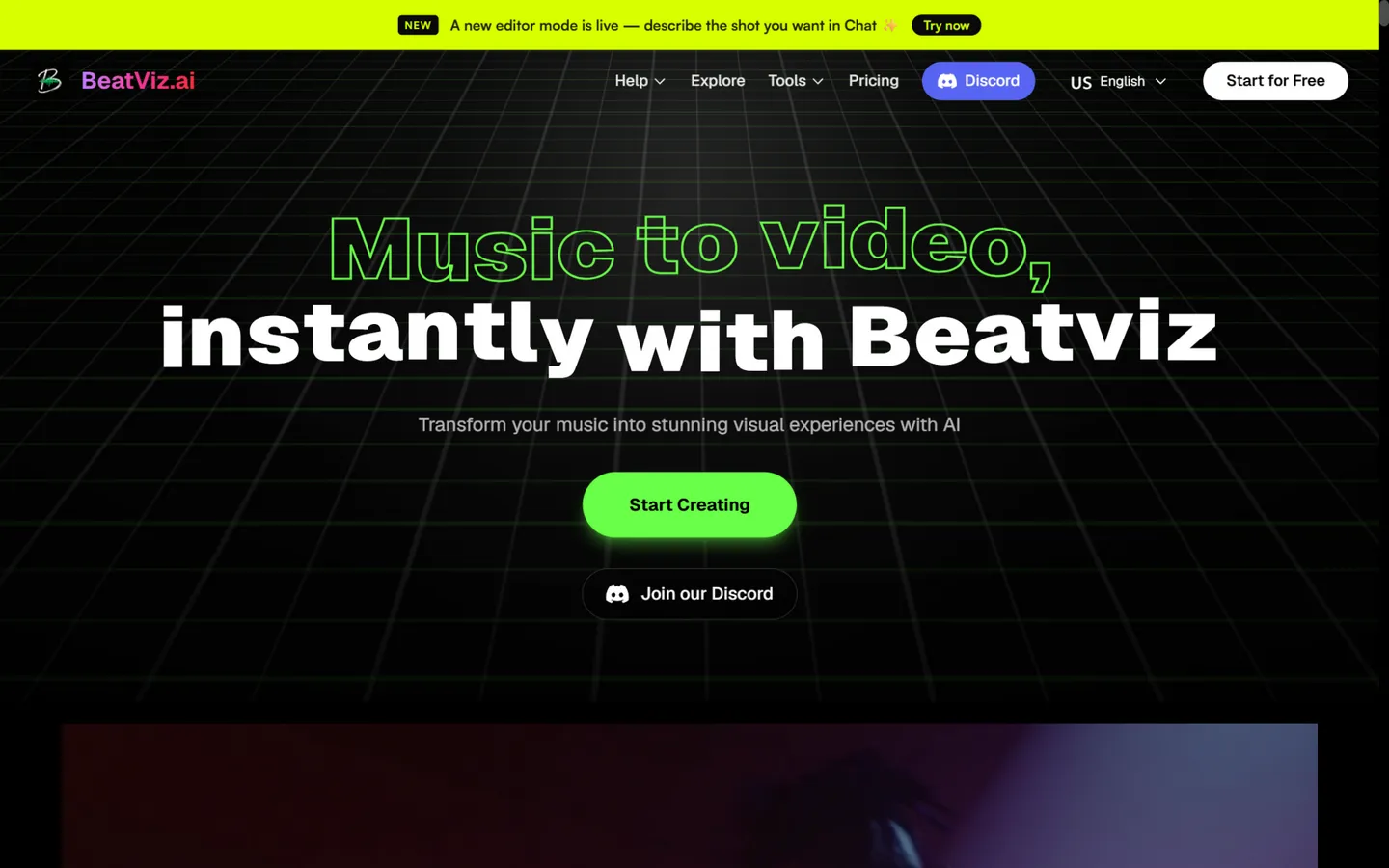
BeatViz markets itself as an AI music video director, and its distinguishing structure is three parallel workflows: Chat (describe what you want; the agent produces a beat-synced full video), Workflow (a guided step-by-step pipeline for newcomers), and Editor (a timeline for per-scene regeneration and polish). Uniquely on this list, it also generates music — compose, extend, cover, or add stems — so you can start with nothing and end with a song plus video. A BPM analyzer drives beat sync, and start/end-frame controls give you cinematographic bookends for each shot.
The tier design is unusually simple: every paid plan includes 1080p, no watermark, and full commercial rights — nothing is held hostage at the top tier. Credits never expire, and the site advertises a 7-day pro-rata refund policy.
Supported AI models. The homepage logo wall shows Veo, Sora, Kling, Nano Banana, Seedance, and GPT Image 2; copy mentions Google Veo 3.1, Luma, Pika, and Kling. What it doesn't publish is the version-to-credit mapping — you can't tell which model a credit buys.
Pricing (checked October 2026; first-anniversary promotion — ~20% off annual billing, +50% bonus credits):
- Basic — $25.90/month ($20.70 annual), 1,800 credits
- Starter — $49.90/month ($39.90 annual), 4,000 credits — most popular
- Pro — $89.90/month ($71.90 annual), 7,900 credits
- Creator — $159.90/month ($127.90 annual), 14,900 credits
- Credit packs from $20; free tier exists but its limits are not published (third parties report ~100 signup credits)
Pros
- Feature-complete at every paid tier — 1080p, watermark-free, commercial use from the bottom plan
- Chat → Workflow → Editor covers every skill level without switching tools
- Credits never expire; refund policy is unusually friendly
- Strong creator buzz — a "500K+ artists" claim (unverified) plus visible YouTube reviewer coverage
Cons
- The "regular" prices are a permanent-looking promo; judge it by the annual cost
- Free-tier terms are needlessly opaque
- Paid tiers differ mainly by support response time, not capability
- Model list has no versions or credit pricing — budgeting per video is guesswork
Best for: solo creators who want song generation and video generation under one roof, priced for volume.
8. OpenArt — Best Multi-Model Playground with Audio-Driven Editing
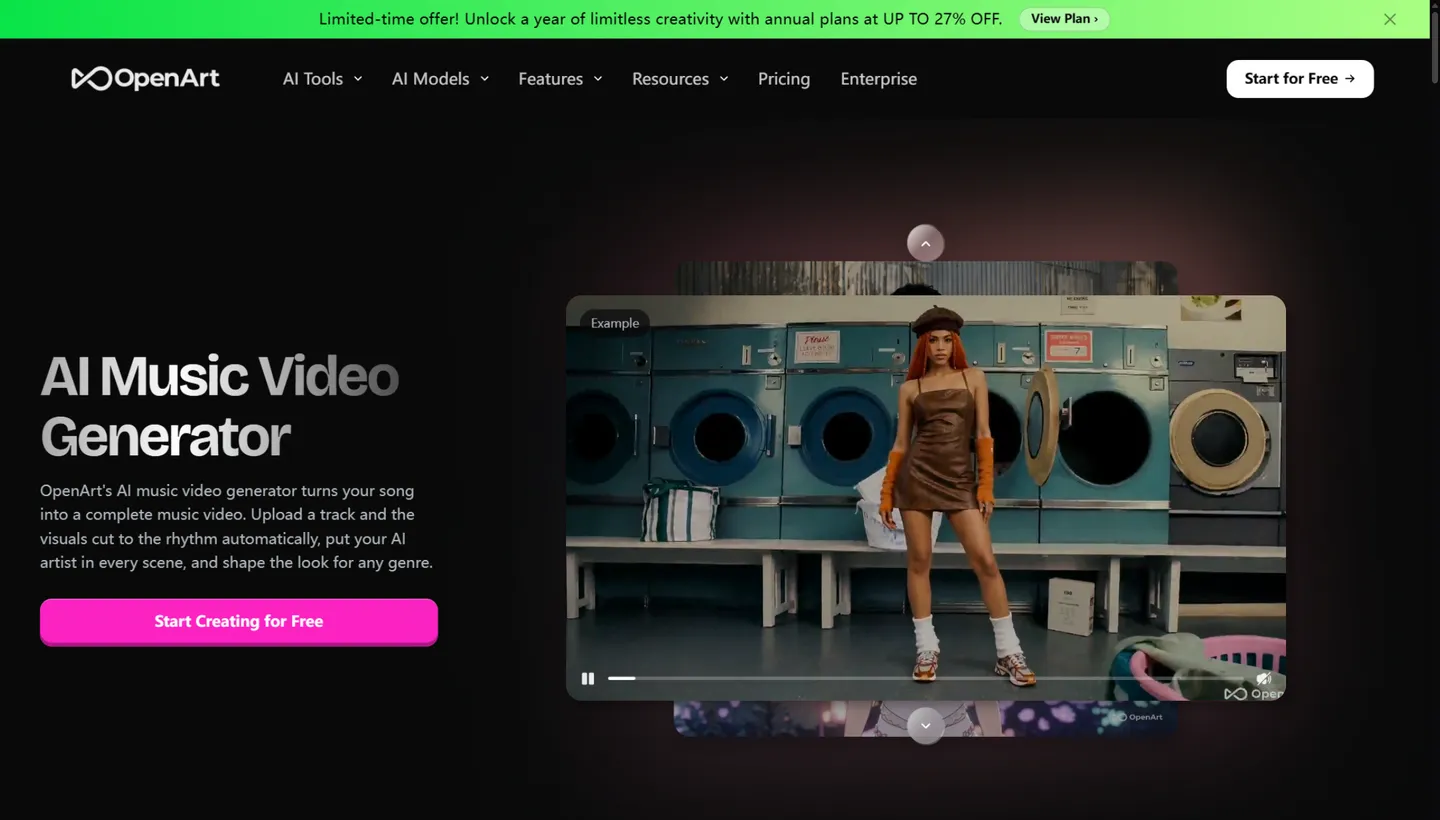
Visit: openart.ai
OpenArt is best known as a hundred-model AI art aggregator, and its music video feature borrows the same philosophy: bring any song, and the built-in Director cuts a complete video that reacts to drops, builds, and choruses automatically. Character consistency is a first-class feature — define a cast once (from a reference image or the characters library) and they persist across scenes and aspect ratios. Lyric lip sync works line by line in multiple languages, and genre-aware visual modes span hip-hop, lo-fi, metal, EDM, and abstract audio-visualization styles.
The pitch to musicians: you get OpenArt's whole model catalog — Sora 2, Kling 3.0, Seedance 2.5, WAN, LTX, Pixverse, plus image engines like GPT Image 2.5 and Nano Banana 2 — under one subscription, with a Scenes/Timeline review flow for approval and annotation before export.
Supported AI models. The music video pipeline officially pairs GPT Image 2 (stills) with Seedance 2.0 (motion); the wider platform lists 100+ models including Seedance 2.5, Kling 3.0, Sora 2, SwitchX, WAN 2.7, LTX-2.3, Pixverse, Gemini Omni Flash, Grok Imagine, Qwen Image 3, Nano Banana 2, and Seedream 5.0 Pro.
Pricing (checked October 2026; per seat, annual billing discounted):
- Starter — $14/month, 4,000 credits (~50 videos) — Director not included
- Plus — $34/month, 12,000 credits (~150 videos), commercial rights
- Pro — $56/month, 24,000 credits (~300 videos), Seedance discounts
- Wonder — $240/month, 106,000 credits (~1,300 videos)
- Credit add-on: $15/month per 5,000; no formal free tier (small trial credits)
Pros
- Real audio-driven auto-editing — the rare tool that cuts to your track's structure out of the box
- Best-in-class character consistency across scenes and aspect ratios
- The widest model catalog on this list, one subscription
- No watermarks on paid plans
Cons
- The feature that justifies the subscription (Director) is locked out of the cheapest tier
- The MV pipeline binds you to Seedance + GPT Image 2 rather than your model of choice
- Credits burn fast (~80 per video), and output resolution/duration are unpublished
- Free tier is effectively a trial
Best for: creators already living in OpenArt's ecosystem who want music videos as one more output of a general-purpose studio.
9. InVideo — Best Prompt-to-Video Tool with a Massive Stock Library
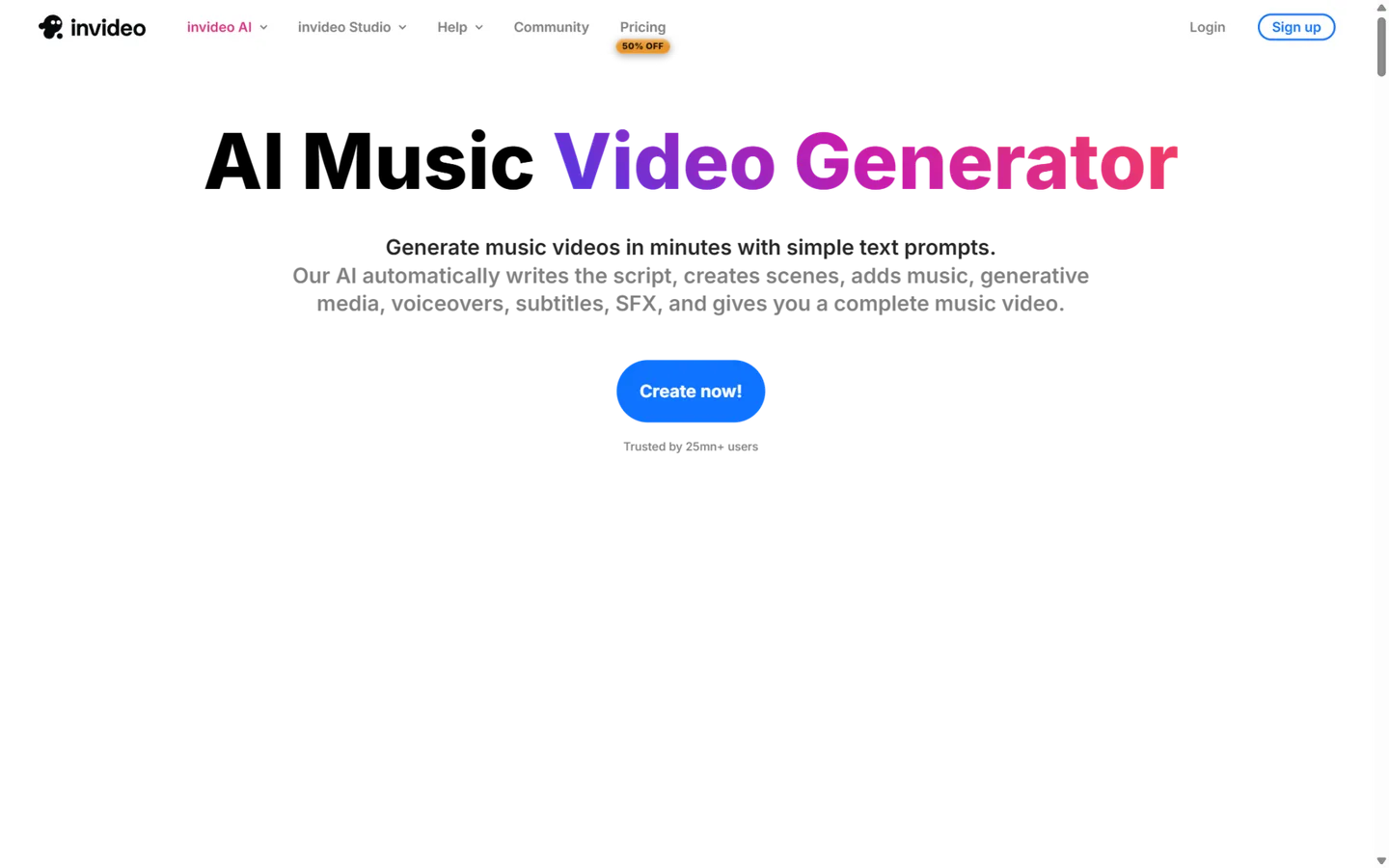
Visit: invideo.io
InVideo is the giant of this list — 25 million users by its own count, 4.8 stars on both G2 and Capterra — and the only one that isn't music-first. You write a prompt ("a neon-soaked lyric video for a synthwave track, 60 seconds, vertical"), and invideo AI generates the full video: script, scenes, stock footage, AI voiceover, subtitles, and a music bed. The Magic Box lets you edit by instruction ("delete the third scene," "change the music to lo-fi"), and a 16-million-item stock library backs it all up.
For musicians that cuts both ways. InVideo will happily produce a stylized lyric video, a promo, a canvas-style loop, or an animated template MV — and it is the fastest tool here for turning an idea into a watchable draft. But there is no beat detection, no audio analysis, no lyric timeline: the music track is an input you attach, not a signal the engine follows. Treat it as a general video generator that's capable of music videos, not a specialist.
Supported AI models. Veo, Sora 2, Pixverse, Hailuo, and Wan 2.7 for video; Nano Banana Pro, Ideogram, Seedream, and Flux Kontext for images; ElevenLabs and Minimax for voice. Generation costs are computed on Seedance 2.0 Fast/2.0/2.5.
Pricing (checked October 2026):
- Starter — $20/month, 400 credits (~15 videos at 720p; no Seedance 2.5)
- Plus — $60/month ($36 annual), 2,000 credits (~56 videos), Seedance 2.5 at 1080p and Seedance 2.0 at 4K
- Max — $150/month ($75 annual), 5,000 credits, all models
- Free plan — watermark, 720p, ~10 minutes/week of AI generation (third-party documented; InVideo's own pages are vague)
- Credits expire at month's end — no rollover
Pros
- Strongest company and trust profile on this list (25M+ users, 4.8/5 on G2 and Capterra)
- Fastest idea-to-draft pipeline; Magic Box text editing is genuinely magic
- Enormous stock library fills gaps AI footage can't
- Free plan for real testing
Cons
- No beat sync or audio awareness — the core gap for music videos
- Free tier watermarks at 720p; credits don't roll over
- Official pricing pages hide watermark and duration policies (we had to verify via third parties)
- Monthly-to-annual price gaps are extreme (Plus: $60 → $36)
Best for: musicians who also need promos, visualizers, and social content — and who value speed and stock footage over beat-perfect editing.
10. MusVideo — Cheapest Music-First Pipeline (If You Can Get In)
Visit: musvideo.ai
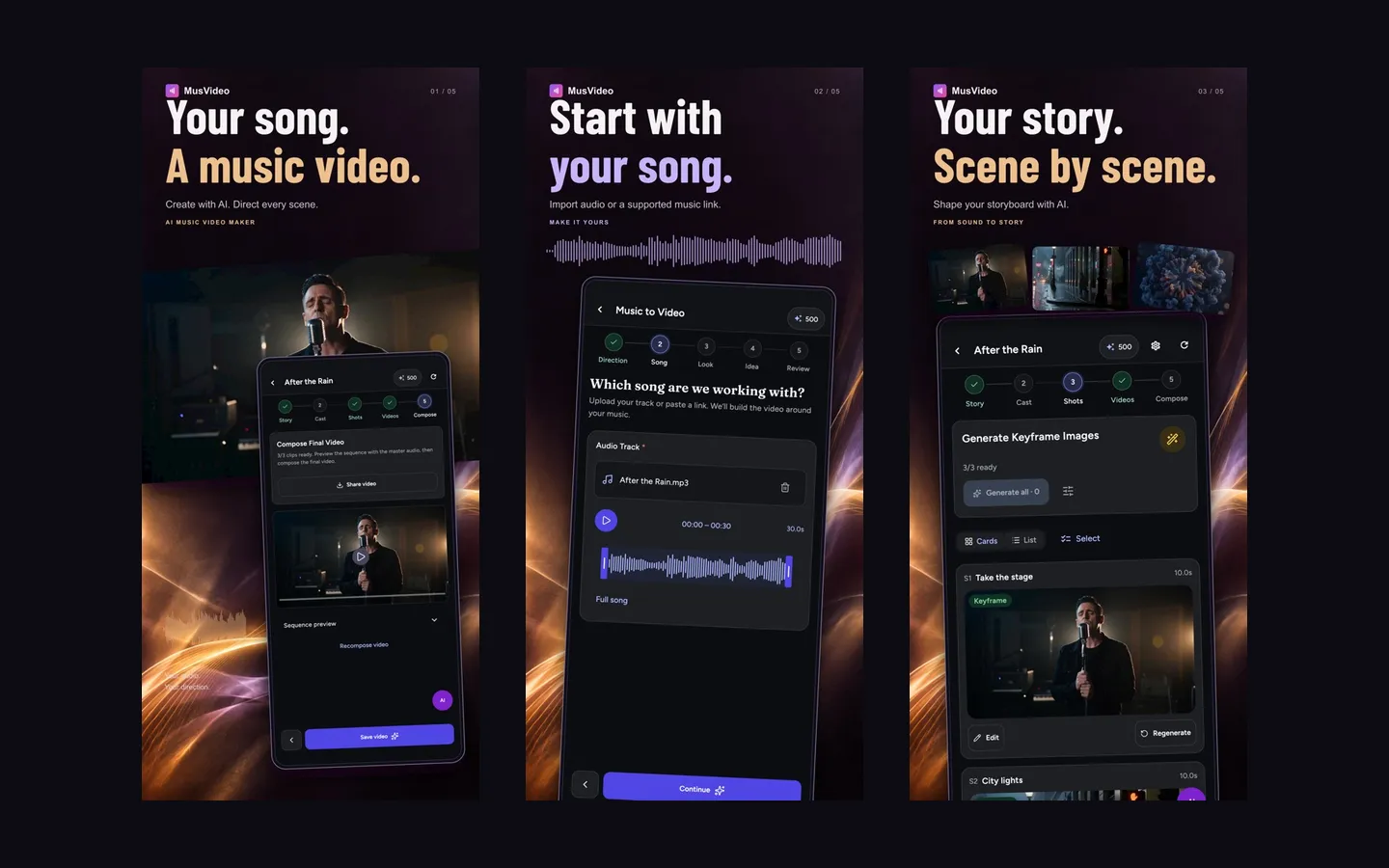
MusVideo closes the list with the most music-native pipeline design of the budget tools: upload audio (MP3/WAV/M4A/AAC, up to 50MB) or paste a Suno link, and the engine analyzes rhythm and mood, drafts a reviewable storyboard, then generates each scene beat by beat. Lyric videos with embedded captions and optional lip sync, up to six reference images for character consistency, and one-click exports formatted for TikTok, Reels, Shorts, YouTube, and Spotify Canvas complete the feature set.
Two honest caveats. First, trust signals are thin: no public user counts, no third-party reviews, and during our testing the website repeatedly returned HTTP 500 errors (the screenshot above is from the developer's official App Store listing for the iOS companion app). Second, the underlying video models are undisclosed. If either of those improves, MusVideo's price-to-feature ratio jumps a tier — at $14.99 it undercuts nearly every music-first competitor while including 1080p, watermark-free exports, and commercial rights.
Supported AI models. Not disclosed; the site notes only that "credit use varies by model." Suno link import is explicitly supported.
Pricing (checked October 2026 on our last successful page load — the site has been intermittent):
- Free — $0, 50 signup credits — enough to test audio analysis and storyboards
- Basic — $14.99/month, 12,000 credits (~24–48 minutes of finished MV per month), 1080p, 16:9 + 9:16
- Pro — $22.49/month, 20,000 credits (~40–80 minutes), adds 1:1 and priority rendering
- Credits roll over month to month; paid tiers are watermark-free with commercial rights
Pros
- Music-first workflow with an editable, reviewable storyboard before you spend credits
- Cheapest credible paid tier among music-first tools ($14.99)
- Free 50 credits with no watermark games on paid tiers; credits roll over
- Suno link import and Spotify Canvas export built in
Cons
- Reliability is a real concern — the site 500-ed repeatedly during our October 2026 testing
- No model transparency, no public reviews, young brand
- 1080p ceiling; no 4K
- Watermark policy is described inconsistently across its own pages
Best for: budget-conscious Suno artists willing to tolerate a young platform in exchange for the cheapest storyboard-driven pipeline around.
From Suno Link to Finished Video: The Generic Workflow
Every Suno-capable tool above follows the same four steps, so here's what to expect before you pick one:
- Copy your Suno song link. In Suno, open the track and grab the share URL (or download the MP3/WAV if the tool prefers a file — Dimly, Solmi, and MusVideo all accept direct uploads up to 48kHz/200MB).
- Paste it in and pick a style. Each tool offers style presets — cinematic, anime, performance, lyric-video — plus an aspect ratio. Choose 9:16 here if the video is for Shorts, Reels, or TikTok; re-cropping later always looks worse.
- Review the treatment or storyboard. The music-first tools (Dimly, Solmi, MusVideo, Plazmapunk's Scene Editor) show you a scene plan before rendering. This is the cheapest place to fix pacing problems — regenerating a finished video costs credits; editing the plan usually doesn't.
- Render, then cut a vertical short. Export the full-length master, and use the tool's clip or "Chorus Cut" features (Dimly, Freebeat, SunoMV) to pull a 15-second vertical for socials.
Budget one render cycle for testing and one for the final — credit-based plans make the first pass on a cheap model or preview mode where available (SunoMV, Freebeat).
How to Choose an AI Music Video Generator
Still torn? Match your situation to a tool:
- "I released a song on Suno and need a video today." Freebeat for one-click speed, or Dimly AI if you want the full song directed properly rather than clipped. SunoMV if frame-level lyric sync is the priority.
- "Vocals lead my track — the mouths need to move right." Solmi.ai's word-level lip sync leads; OpenArt's line-by-line lyric sync is the multi-model alternative. If you only need words on screen, a dedicated lyric video generator (Solmi's standalone tool, or freebeat's lyric mode) costs a fraction of a full MV.
- "I want to art-direct every frame." Neural Frames, and nothing else, at 4K.
- "I need Spotify Canvas loops." Plazmapunk owns this niche.
- "Budget is the constraint." Plazmapunk at €9.99 or MusVideo at $14.99; Dimly's $5.99 weekly pass for one-off releases.
- "I also want AI to make the music." BeatViz is the only all-in-one here.
- "My label ships volume." Dimly Creator (32,000 credits) or freebeat Creator (95,000 credits) for assembly-line throughput.
One more decision that matters more than the tool: choose your aspect ratio before you generate. A 16:9 YouTube master re-cropped to 9:16 always looks worse than a native vertical render — every tool above handles verticals better when you ask for them up front. For a deeper bench of options beyond music-video specialists, browse our AI video generator category and AI music generator category.
FAQ: AI Music Video Generators
What is an AI music video generator?
An AI music video generator turns an audio track into a video automatically. Music-first tools analyze the waveform, beats, song structure, and lyrics, then generate or select visuals that sync to the music — handling everything from shot planning to final edit. General-purpose AI video tools can also make music videos, but without audio analysis the edits don't land on the beat — which is why 8 of the 10 tools below are music-first by design.
Can I use AI music videos commercially?
With every tool in this list, commercial rights depend on your plan tier, not the technology — free tiers are usually watermarked and personal-use only, while paid tiers grant commercial rights (typically $10–40/month). The bigger legal question is the music itself: you must own or have licensed the track. AI-generated songs from Suno or Udio are covered by those platforms' commercial terms on paid plans; cover versions and sampled material need separate clearance.
Is there a truly free AI music video generator?
There are free tiers, but no serious free product. Freebeat (watermarked, 720p), Solmi (480p, watermark), Plazmapunk (200 one-time credits, 4:3 only), and MusVideo (50 credits) let you generate something at no cost. SunoMV's free plan previews but won't export. Neural Frames has no free plan at all. Expect to pay at least €/$10–15/month for clean, monetizable output.
Which AI music video generator works best with Suno?
Dimly AI, SunoMV, Freebeat, and MusVideo all accept Suno links directly. SunoMV goes deepest (it reads Suno metadata for frame-level lyric sync); Dimly AI produces the most complete full-song music video; Freebeat is the fastest link-to-video route.
How do I turn a Suno song into a music video?
Copy your Suno song link, paste it into a generator that accepts Suno URLs — Freebeat, SunoMV, MusVideo, or Dimly AI — and pick a visual style. The tool reads the track's audio and lyrics, syncs visuals to the beat, and renders a finished video. Solmi renders a typical track in 3–10 minutes; one-click tools like Freebeat are often faster, while full-song director pipelines like Dimly run longer.
How much does an AI music video cost?
Budget by the minute. On credit-based plans, a one-minute 1080p music video typically consumes $1.50–6 worth of credits — BeatViz's own published math works out to $1.30–2.90/minute, and director-style pipelines like Dimly's or premium models like Seedance 2.5 can run higher. Subscriptions from $15–40/month therefore cover several to dozens of finished videos — far below the $500–5,000 a produced live-action MV costs.
Do any of these tools do lip sync?
Yes. Solmi.ai offers word-level lip sync (the most precise we tested), OpenArt syncs lyrics line by line in multiple languages, SunoMV charges 50 credits per lip-synced shot, and Freebeat lists lip sync among its core features. Dimly handles lyric timing automatically from its song analysis and pairs with models strong at mouth movement.
1080p or 4K — does resolution actually matter?
For YouTube and Spotify Canvas, 1080p is fine; viewers on phones (where most music discovery happens) can't tell the difference. 4K matters for artists projection-mapping shows, licensing footage, or future-proofing catalogs. On this list, 4K export ships only on Neural Frames, SunoMV's Studio tier, and InVideo's Plus tier and up — Freebeat lists a 4K Seedance variant, but every one of its plans caps at 1080p.
Final Verdict: The Best AI Music Video Generator in 2026
There's no single winner — there's a right tool per job:
- Best overall director: Dimly AI — the only tool that treats your song as a screenplay, section by section, and hands back a release-ready cut. Start with the $5.99 weekly pass.
- Best one-click volume play: Freebeat.ai — unbeatable link-to-video speed, if you watch the billing.
- Best craft tool: Neural Frames — pay the learning tax once and own your visuals at 4K.
- Best budget pick: Plazmapunk — €9.99 with commercial rights and a real scene editor.
Whichever you pick, generate a 15–30 second test on your actual song before committing to a monthly plan — every tool here sounds great in a demo reel, and only your own chorus will tell you whether its cuts land where the music does. Pick one from the verdict, run that test tonight, and keep only the subscription that survives it.
Prices and features verified from official pricing pages in October 2026. We re-check this comparison quarterly — if a tool has changed its plans, leave a comment and we'll verify and update it; reader reports get folded in faster than our quarterly re-check.